

Book & belong
Reserveo for customers
Discover shops, book ahead, join a live queue, follow barbers on social, shop the marketplace, and manage your account — in one customer shell.
What you get
3 capabilities
Guided flow
5 clear steps
Built for
Customers
Walkthrough
How reserveo for customers works in Reserveo
Follow the real app flow — from the first tap to the result on the floor.
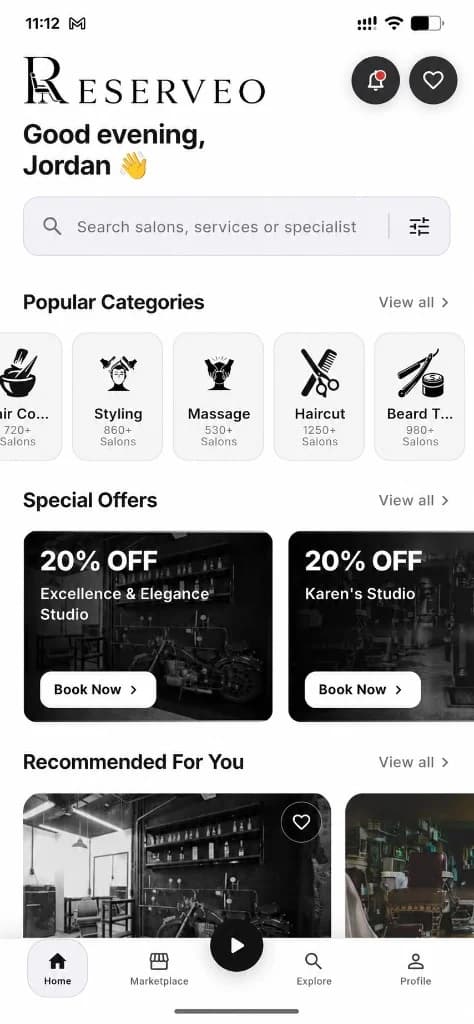
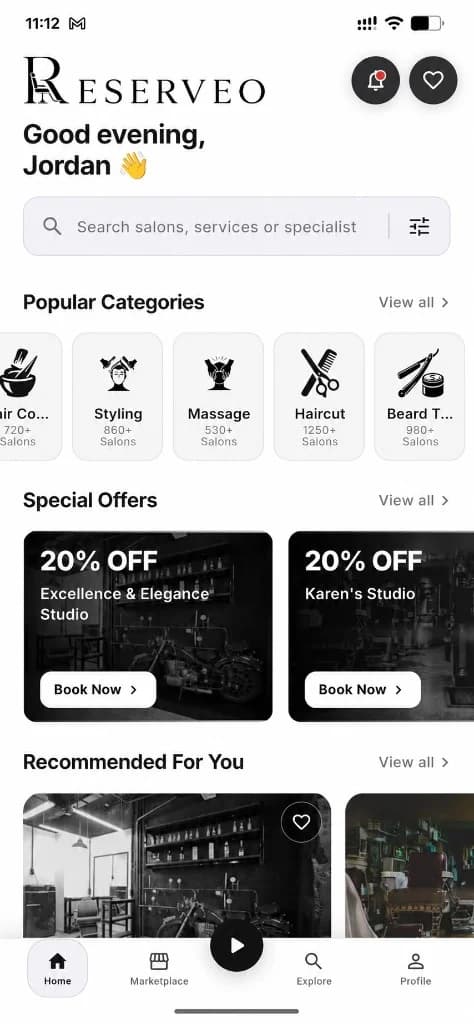
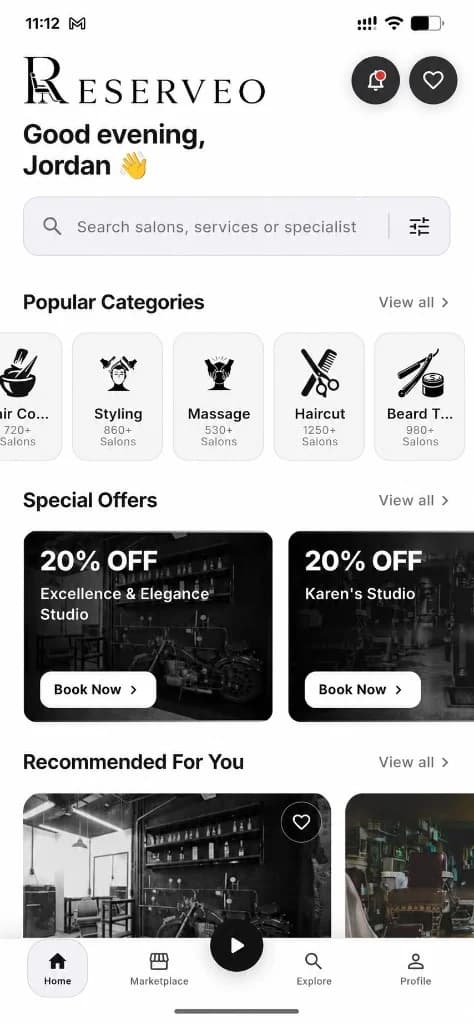
Home tab: shops, offers, categories.
Home
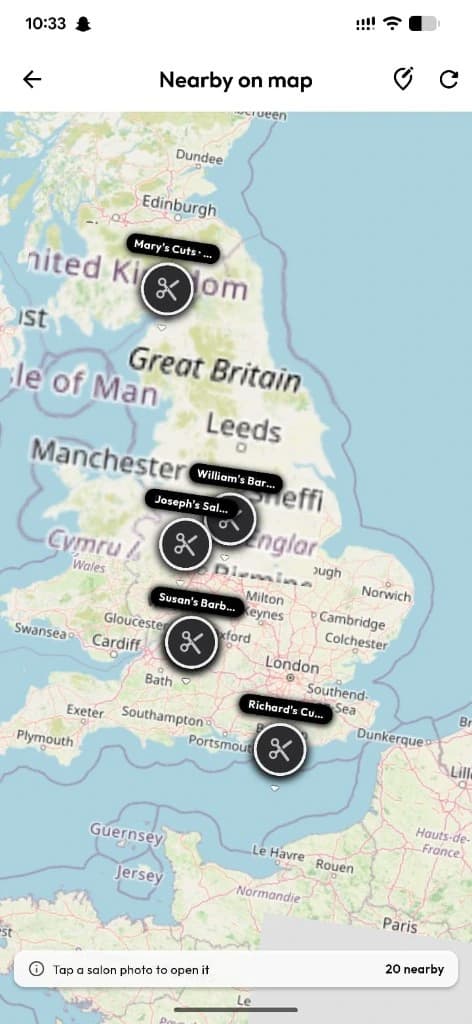
Shops, offers, categories, map preview, booking entry.
Next step ↓
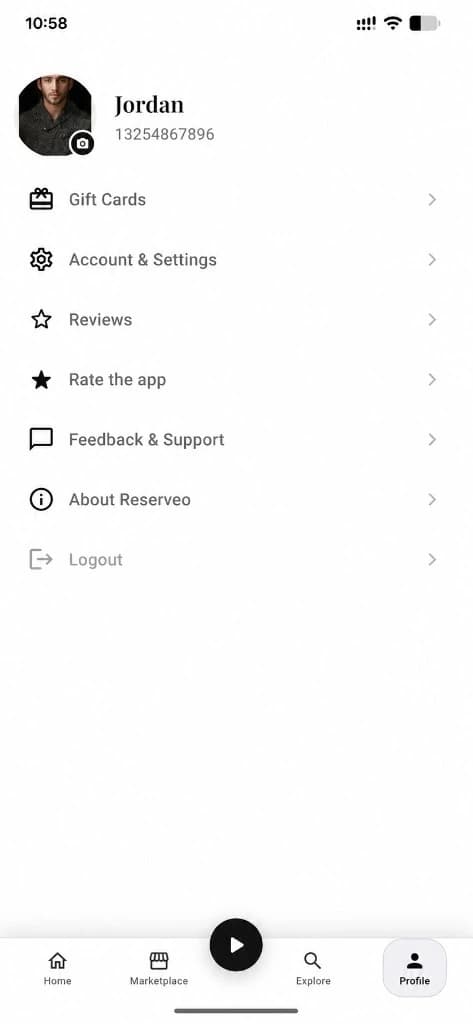
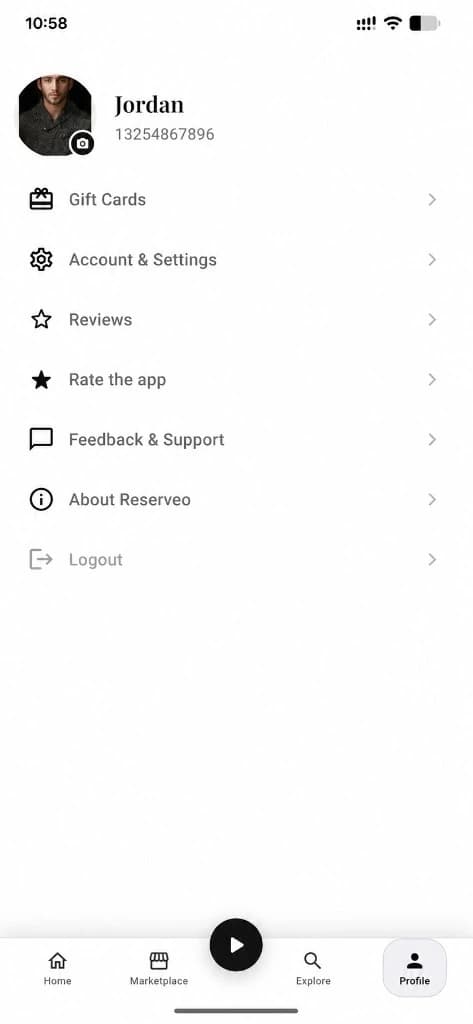
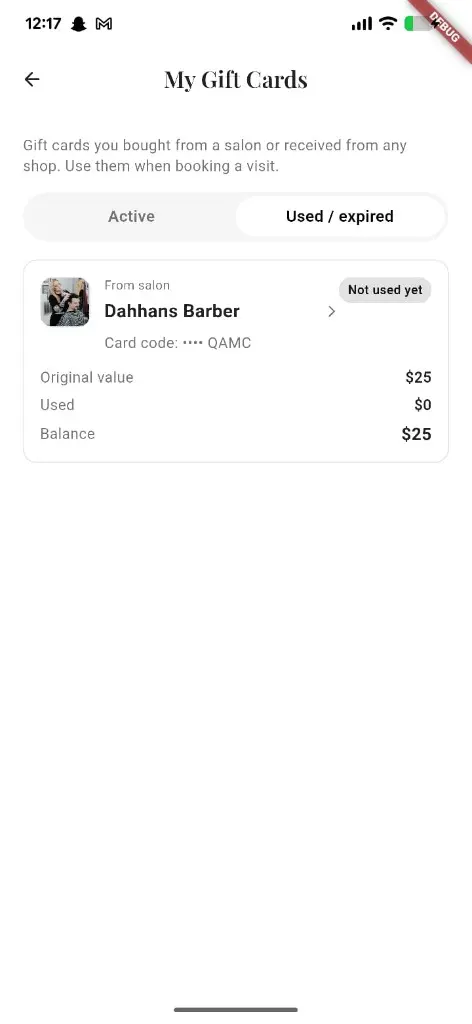
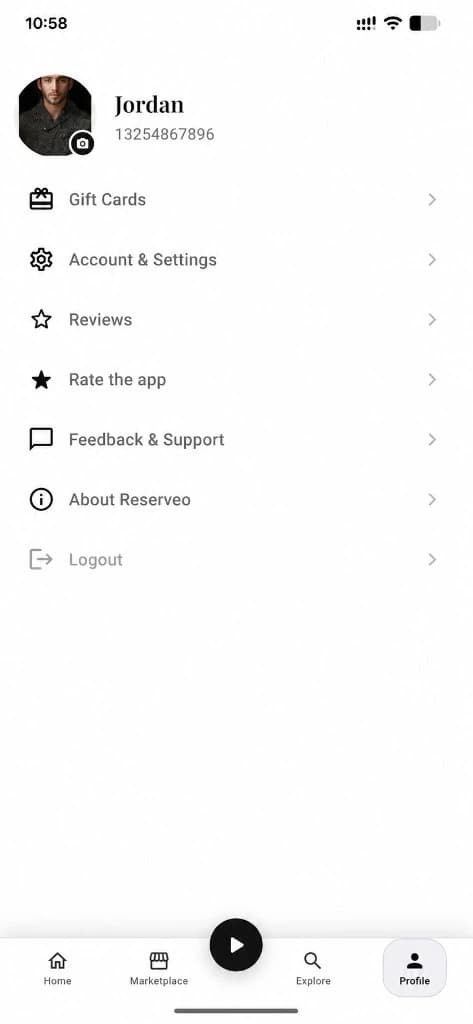
Profile tab — gifts, settings, support, and account.
Marketplace
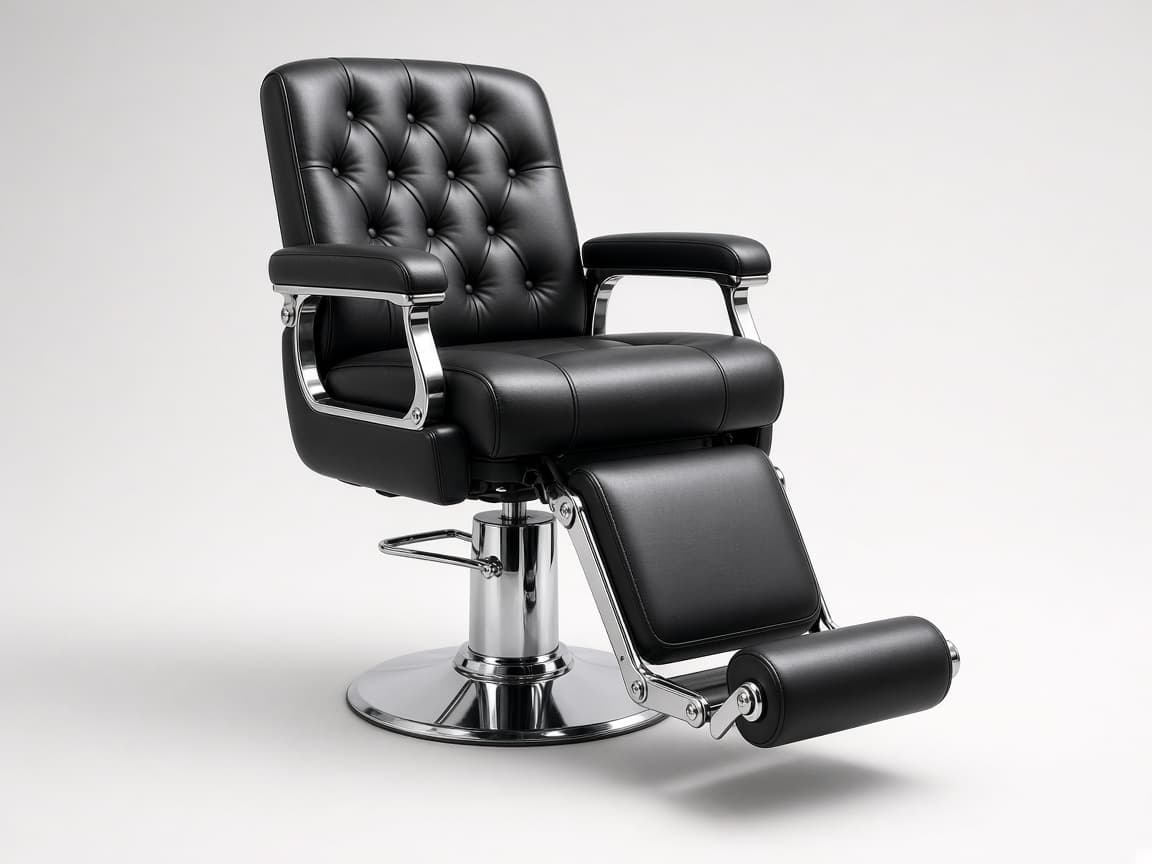
Browse equipment listings.
Next step ↓
Profile tab — gifts, settings, support, and account.
Discover
Center Instagram-style social / reels feed.
Next step ↓
Profile tab — gifts, settings, support, and account.
Explore
Search and browse artists / salons.
Next step ↓
Profile tab — gifts, settings, support, and account.
Profile
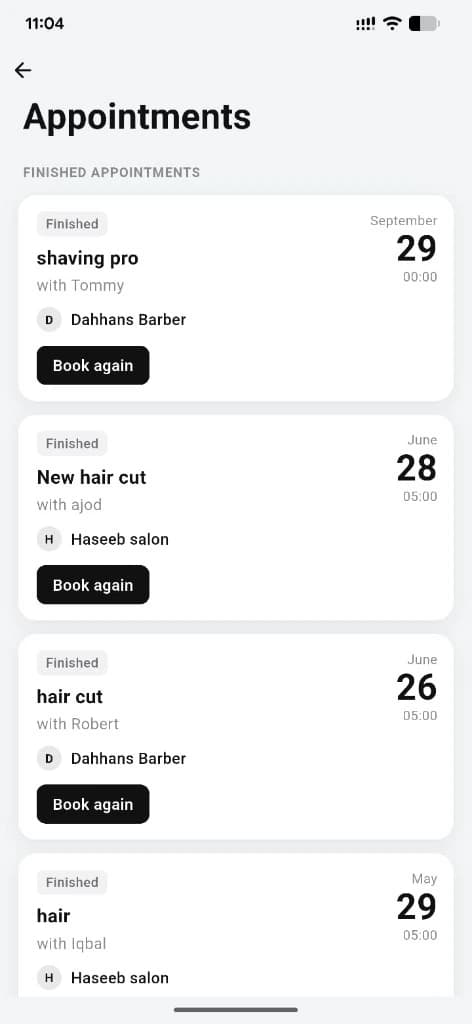
Account, bookings, gifts, settings, support.
Done — you’re live
In the app
Screens that make the feature feel real
Deep capabilities
Everything packed into this feature
Booking + queue
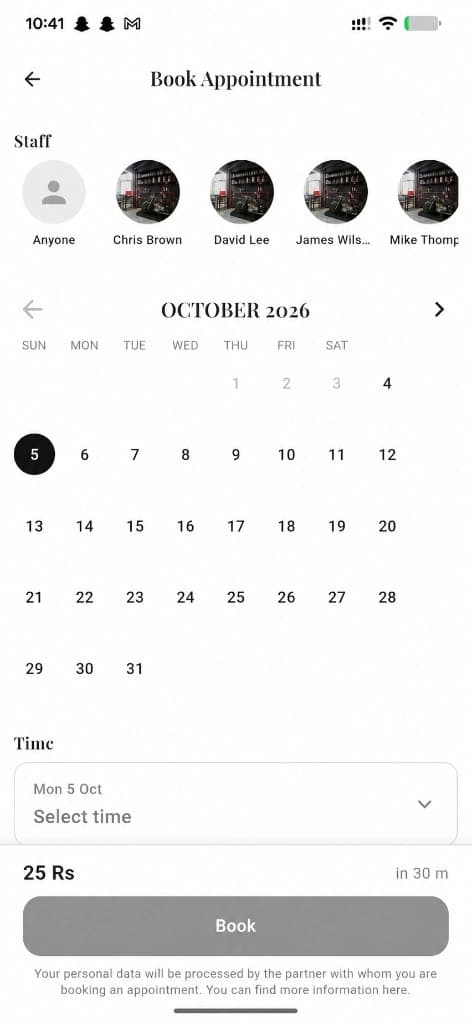
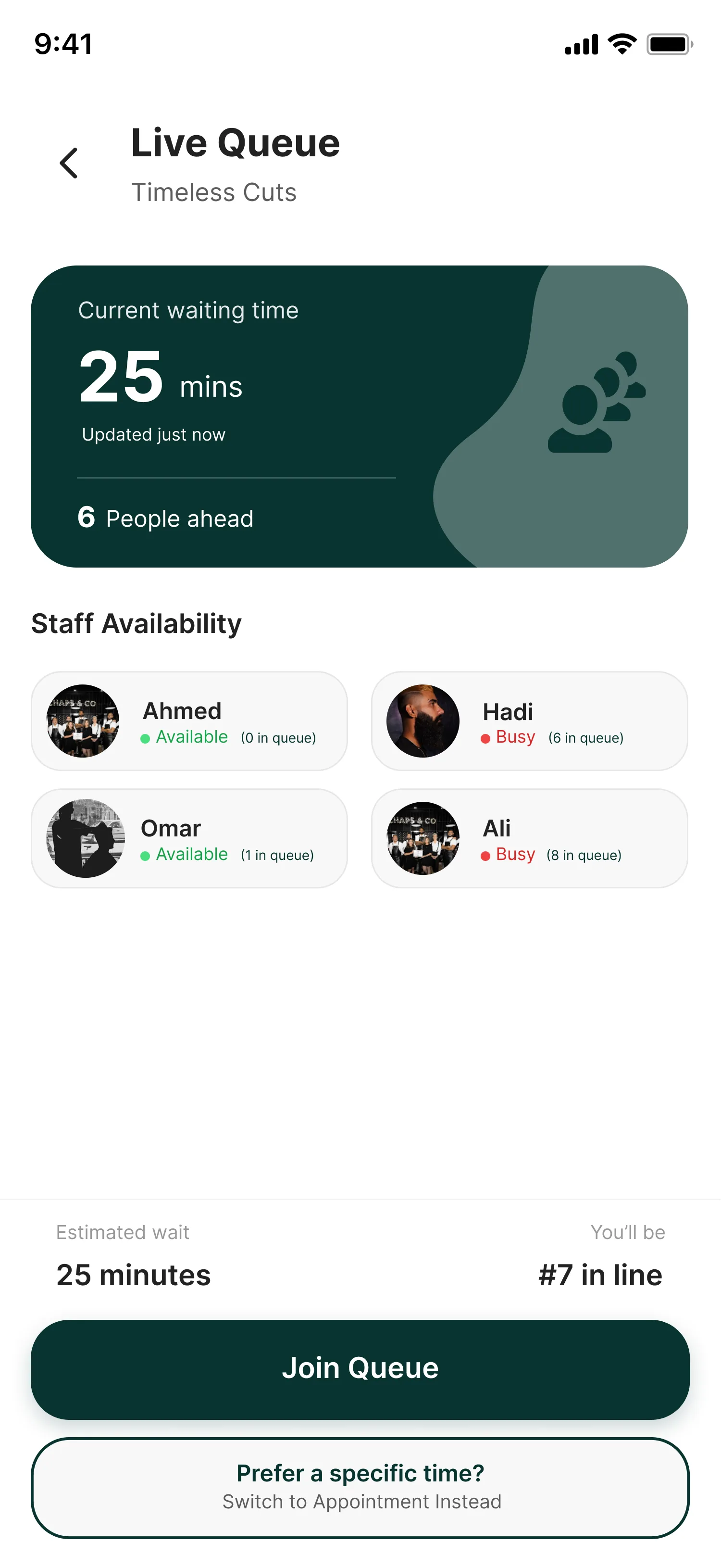
Plan ahead or walk in.
Social + news
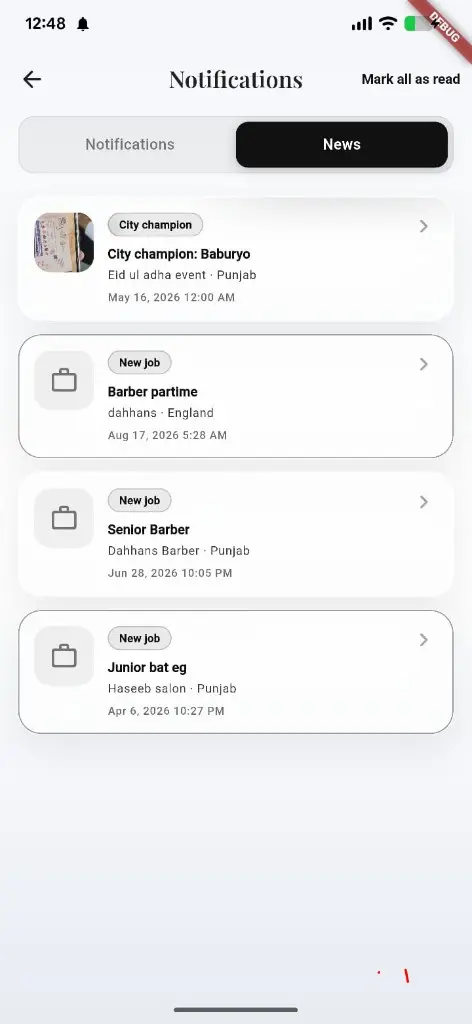
Follow craft and platform updates.
Local currency
Prices follow GPS country.
Audience
Who it’s for
Anyone who wants a sharper cut or beauty service without the phone tag.
Pro tips
Use it like a pro
- 1
Start on Home for offers; use Discover when you want inspiration.
- 2
Map View is fastest when you’re already in the neighborhood.
Keep exploring
Features that connect with reserveo for customers.
Put reserveo for customers to work in your shop
Free for barbers for the first 3 months. Apps coming soon — contact us for early access.