

Get paid
Payments & Checkout
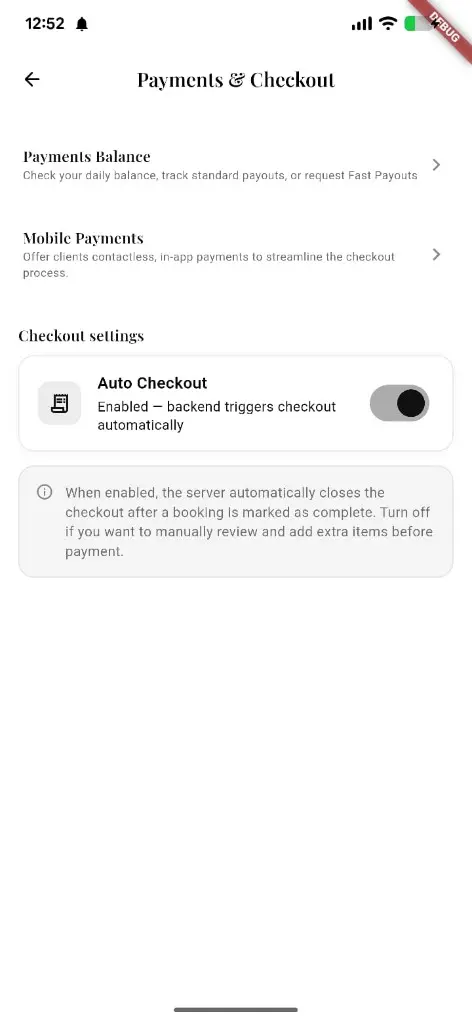
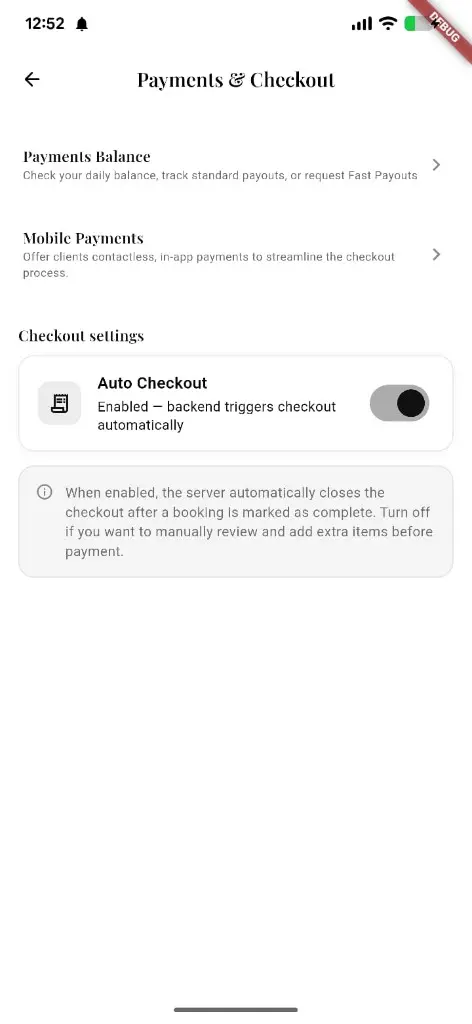
Payments Balance, Mobile Payments, and Checkout settings in one place — including Auto Checkout so completed bookings can close tickets automatically.
What you get
4 capabilities
Guided flow
4 clear steps
Built for
Owners · Staff / barbers
Walkthrough
How payments & checkout works in Reserveo
Follow the real app flow — from the first tap to the result on the floor.
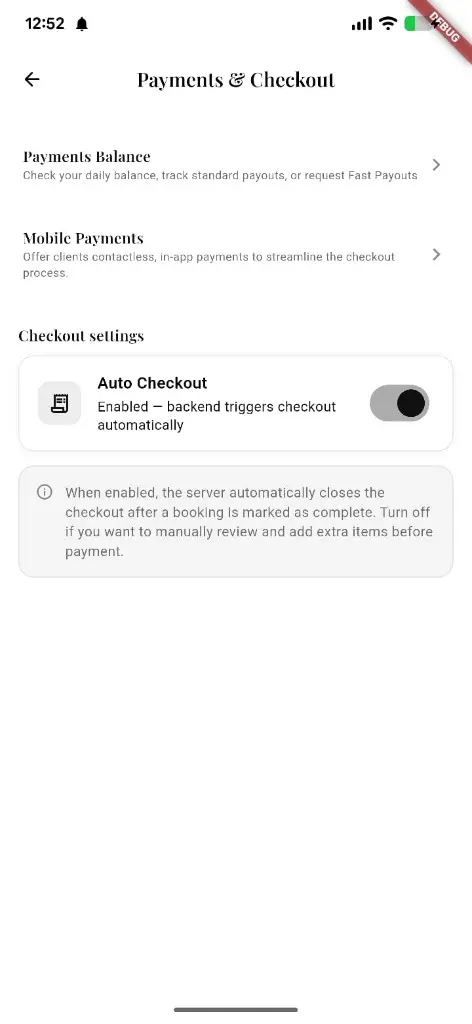
Balance, mobile payments, and Auto Checkout from owner settings.
Open Payments & Checkout
From owner settings when you’re ready to configure how the shop gets paid.
Next step ↓
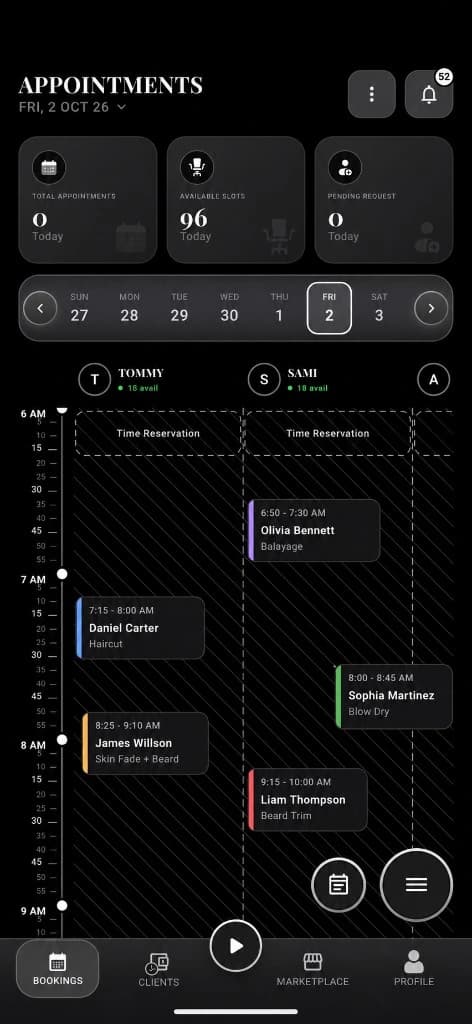
Open checkout from a visit on the day calendar.
Check Payments Balance
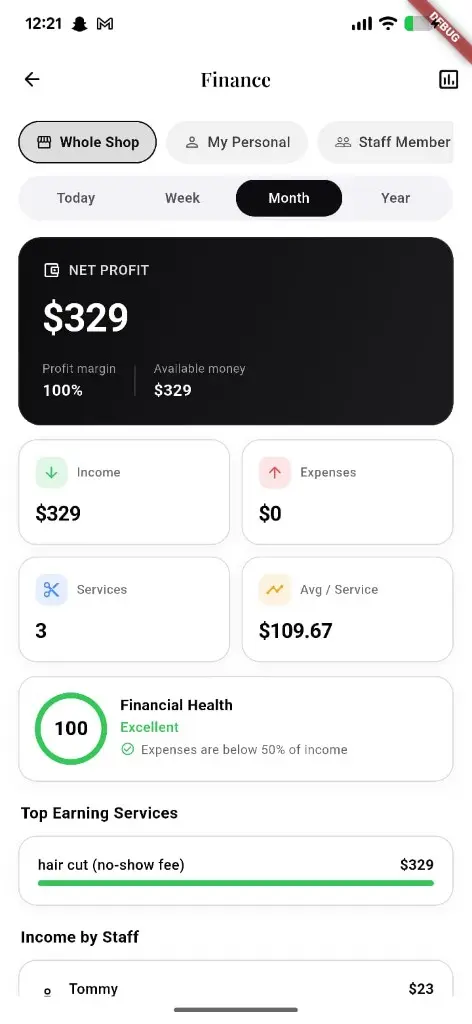
See daily balance, standard payouts, or request Fast Payouts.
Next step ↓
Open checkout from a visit on the day calendar.
Enable Mobile Payments
Offer clients contactless, in-app payments at checkout.
Next step ↓
Open checkout from a visit on the day calendar.
Tune Auto Checkout
When on, the server closes checkout after a booking is marked complete — turn off to review and add items first.
Done — you’re live
In the app
Screens that make the feature feel real
Deep capabilities
Everything packed into this feature
Payments Balance
Daily balance, payouts, and Fast Payout requests.
Mobile Payments
Contactless in-app payment option for clients.
Auto Checkout
Backend can close checkout automatically when a visit completes.
Manual review mode
Disable Auto Checkout to add extras before payment.
Audience
Who it’s for
Anyone taking money at the chair — owners and staff with checkout permission.
Pro tips
Use it like a pro
- 1
Leave Auto Checkout on for busy days; turn it off when you often add retail mid-ticket.
- 2
Use Payments Balance to track payouts without leaving the app.
Keep exploring
Features that connect with payments & checkout.
Put payments & checkout to work in your shop
Free for barbers for the first 3 months. Apps coming soon — contact us for early access.