
Getting started
Getting started is easy
Three steps to open the book — then deeper flows for customers and shop teams.
1
Set up your profile
Create the shop: logo, hours, services, staff, and optional charity. You’ll be ready to share a booking presence without building a separate website.
2
Share your booking presence
Point clients to your Reserveo shop page. They see services, staff, gallery, and can book or join the live queue.
3
Start getting booked
Appointments land on the owner calendar. Walk-ins join the queue. Checkout closes the visit — same day.
For customers
Find a chair, book or queue
Discover nearby
Home, categories, offers, search, and map pins show shops in your area with local currency.
Open the shop page
Gallery, services, staff, reviews — then Book appointment or Join live queue.
Manage your account
Bookings, gift cards, family members, language, and notifications in one profile hub.
For business
Run the floor and grow
Run the day
Calendar for appointments and walk-ins, checkout to close tickets, clients CRM for regulars.
Grow the brand
Social feed, special offers, gift cards, and Battle Arena to stay visible beyond the booking link.
Hire & trade
Jobs board for talent; marketplace for chairs, kits, and gear between pros.
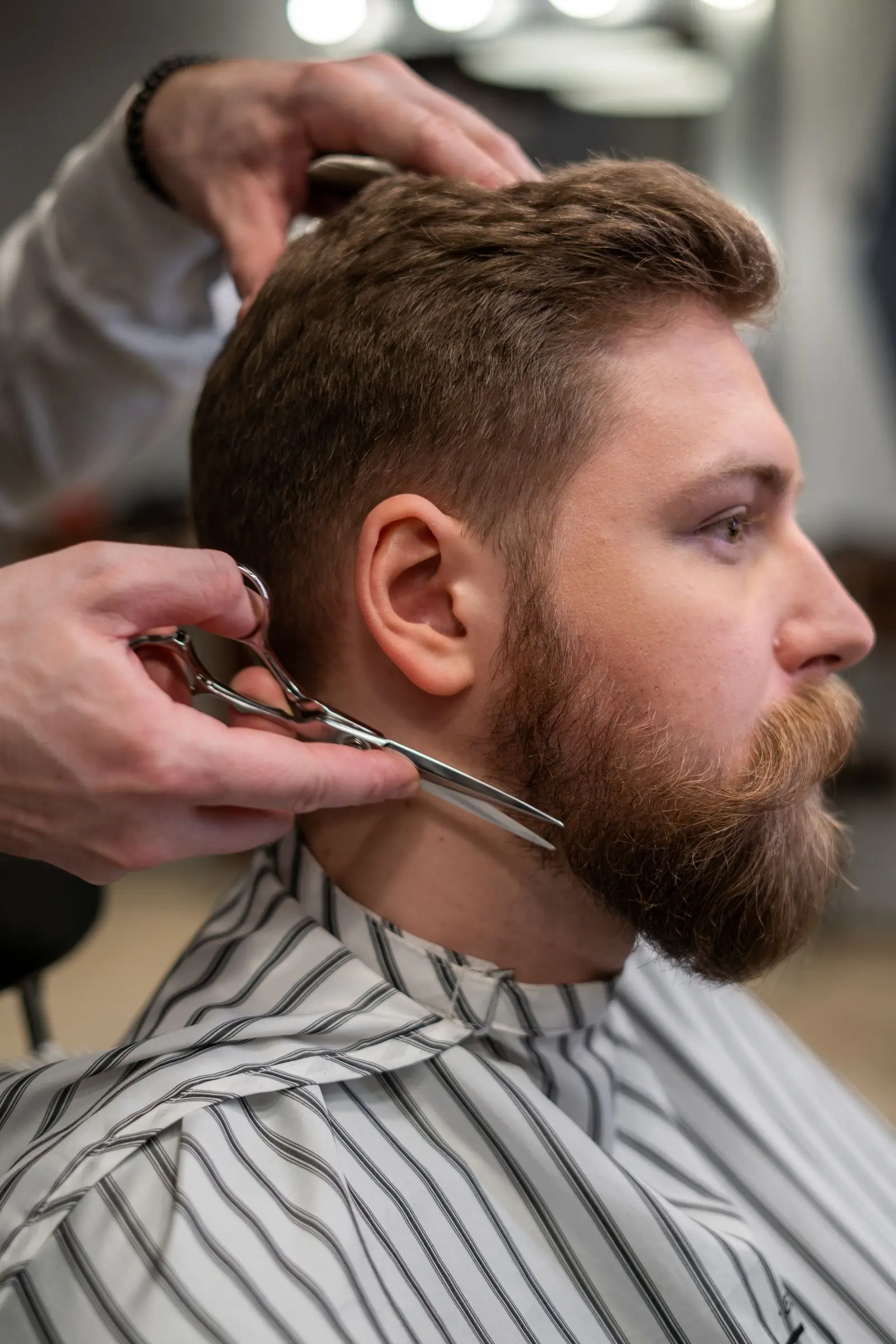
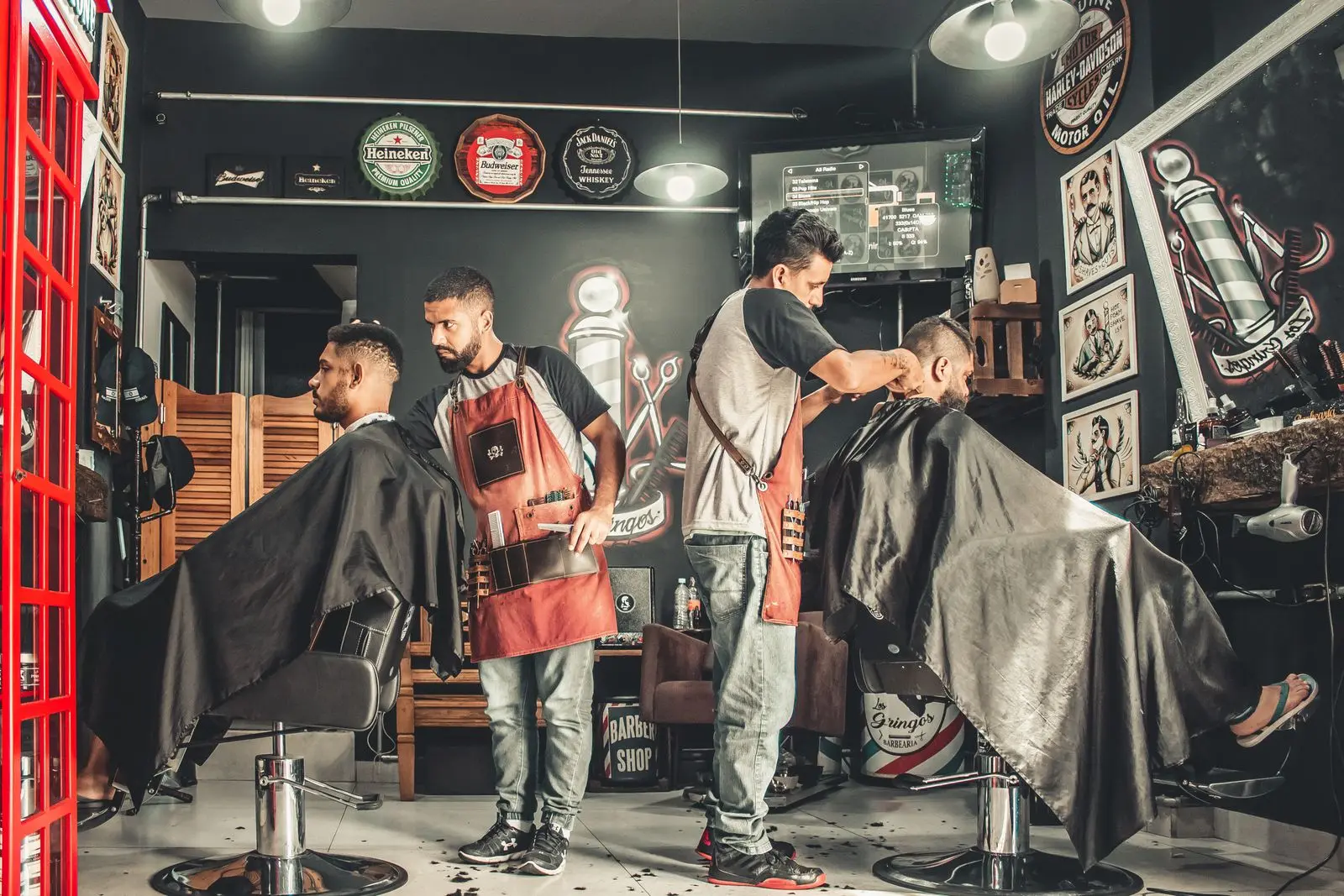
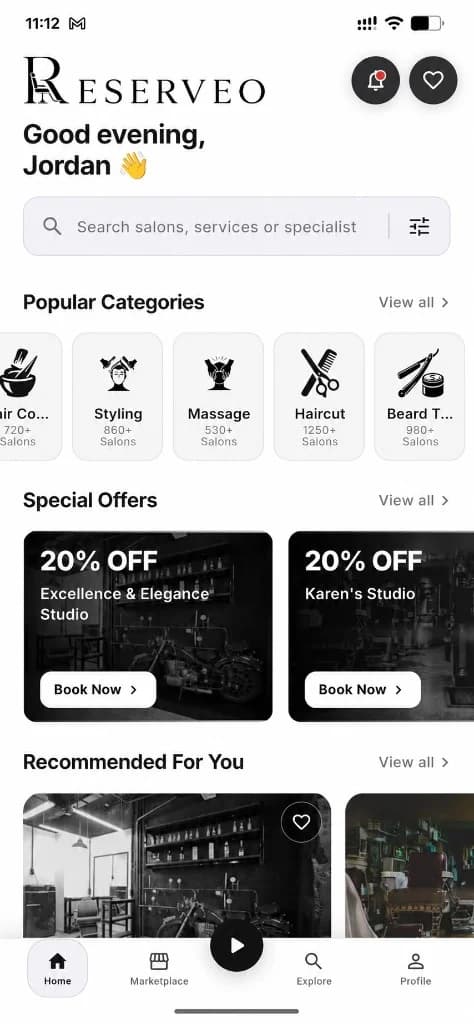
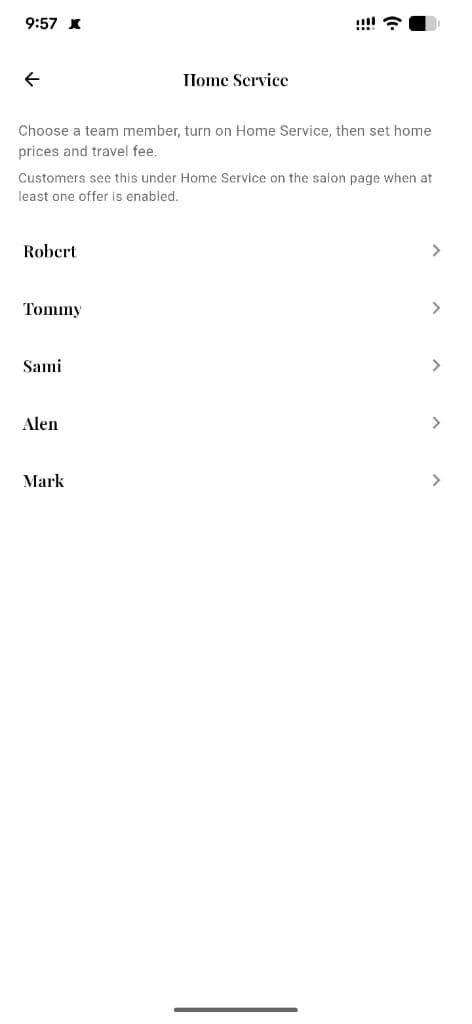
Visual gallery
From discovery to checkout — in pictures
Masonry gallery of real app screens and shop moments. Tap any tile to learn more.
Prefer a deep dive?
Under the hood
Every moving part, explained
The short version is above. This is what each system actually handles once your shop is running.

See what Reserveo can do for your business
Barbers get Reserveo free for the first 3 months. Apps are coming soon — contact us for early access.