

Flagship pillar · Home service
Home service visits
When a barber offers at-home visits, customers book with home prices, a travel charge, and their address — while travel buffers protect the staff calendar.
What you get
3 capabilities
Guided flow
5 clear steps
Built for
Customers · Staff / barbers · Owners
Explore the other flagship pillars
Walkthrough
How home service visits works in Reserveo
Follow the real app flow — from the first tap to the result on the floor.
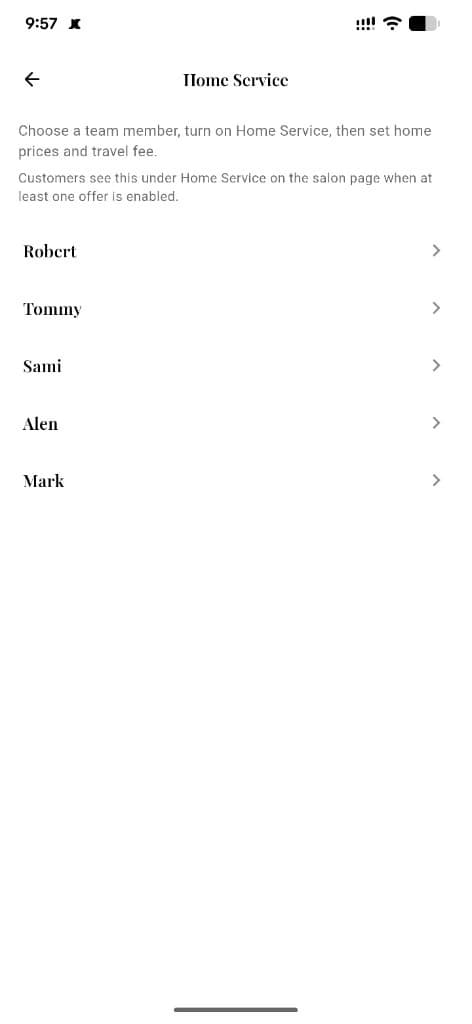
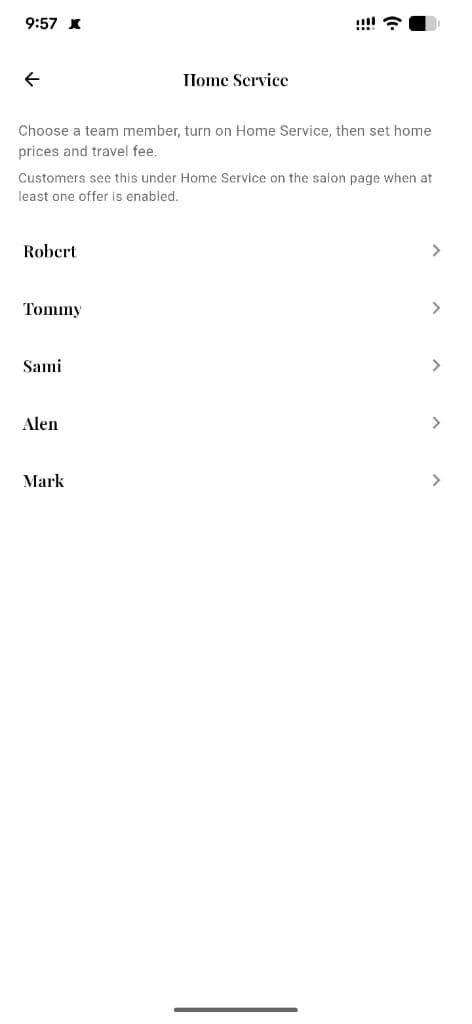
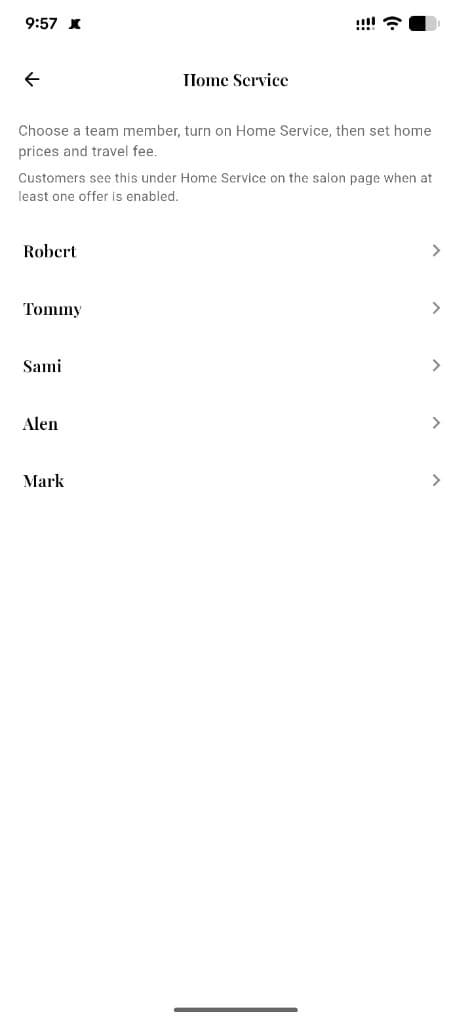
Choose a team member, turn on Home Service, then set home prices and travel fee.
Shop shows Home Service
Only if at least one staff member has home visits enabled.
Next step ↓
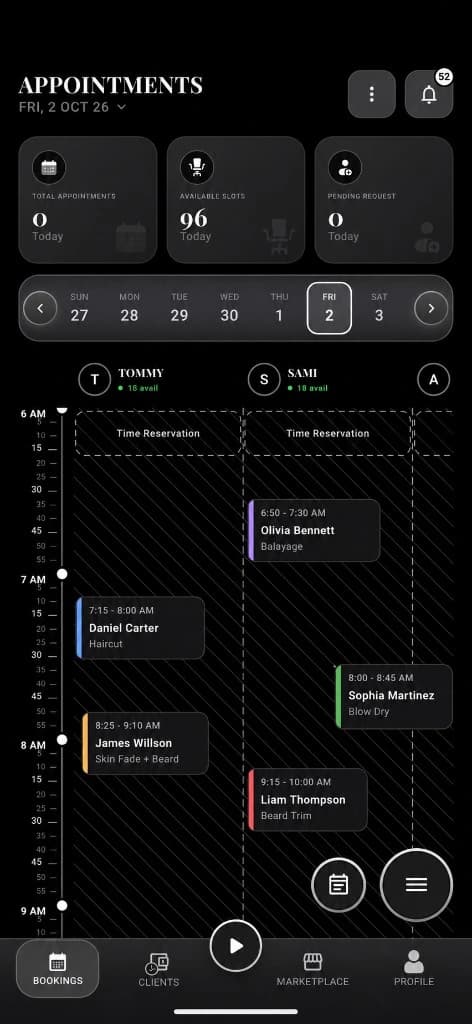
Travel buffer minutes block time around the visit.
Pick a home offer
See home prices plus travel charge for enabled services.
Next step ↓
Travel buffer minutes block time around the visit.
Enter address
Provide the visit location for the barber.
Next step ↓
Travel buffer minutes block time around the visit.
Book the slot
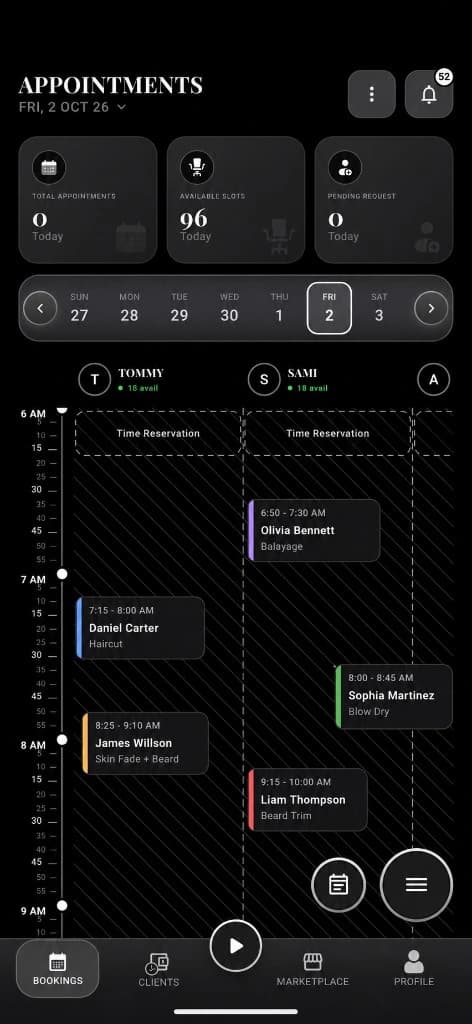
Confirm like a normal appointment; calendar reserves duration + travel buffer.
Next step ↓
Travel buffer minutes block time around the visit.
Staff config
Owners/staff set home prices, travel charge, buffer, service area, and on/off toggle.
Done — you’re live
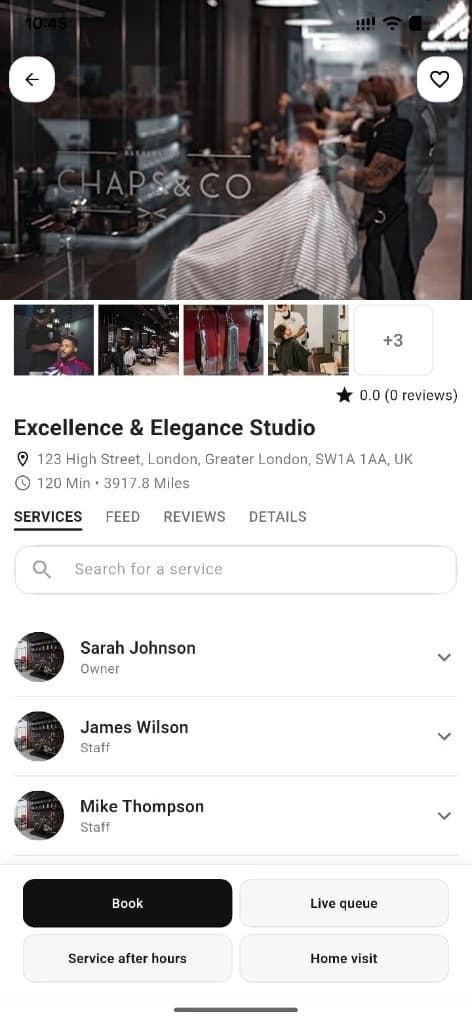
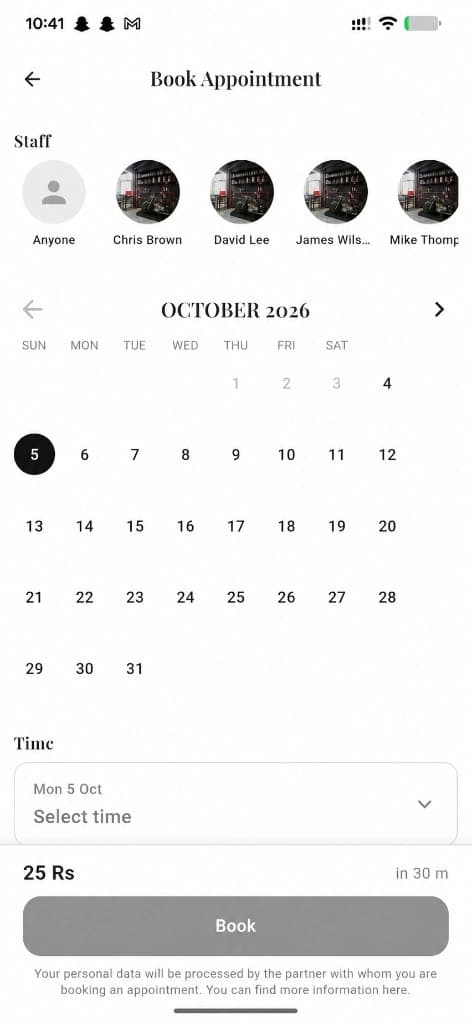
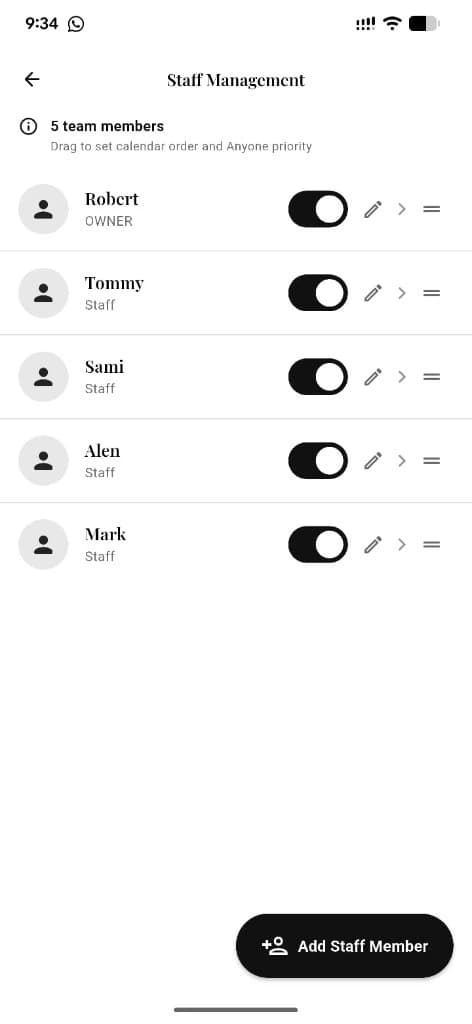
In the app
Screens that make the feature feel real
Deep capabilities
Everything packed into this feature
Travel charge
Flat travel fee added per booking.
Travel buffer
Extra calendar minutes so home visits don’t collide with shop bookings.
Mutual exclusion
Home and shop appointments share the same staff timeline.
Audience
Who it’s for
Clients who want service at home; barbers who offer mobile / house-call work.
Pro tips
Use it like a pro
- 1
Confirm the travel charge before you submit.
- 2
Staff: set a realistic buffer so you never double-book travel time.
- 3
Service area matters — keep it accurate in staff home-service settings.
Keep exploring
Features that connect with home service visits.
Put home service visits to work in your shop
Free for barbers for the first 3 months. Apps coming soon — contact us for early access.