

Money clarity
Owner finance hub
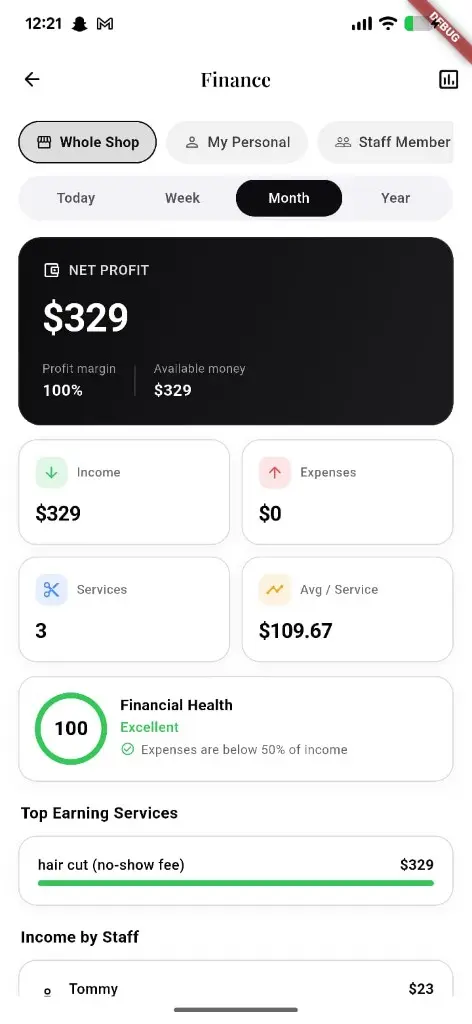
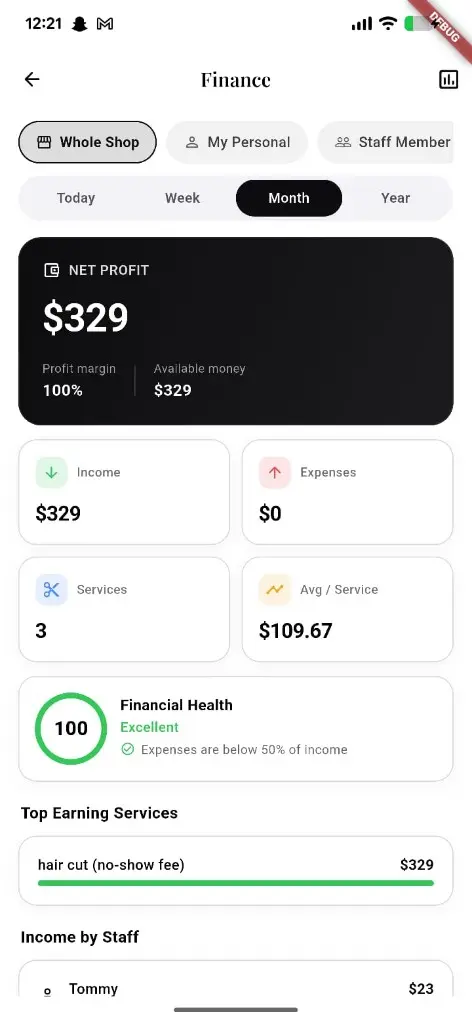
Dashboard for income, expenses, goals, reports, forecasts, and tax estimates — scoped to shop or personal / per-staff views for owners.
What you get
2 capabilities
Guided flow
5 clear steps
Built for
Owners
Walkthrough
How owner finance hub works in Reserveo
Follow the real app flow — from the first tap to the result on the floor.
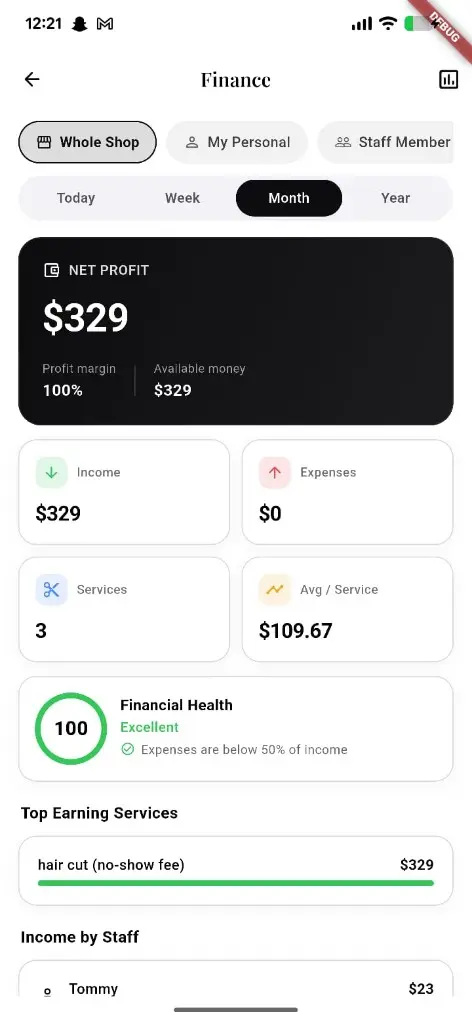
Net profit, income, expenses, and health for the whole shop or personal view.
Open Finance overview
See income, expenses, and health at a glance.
Next step ↓
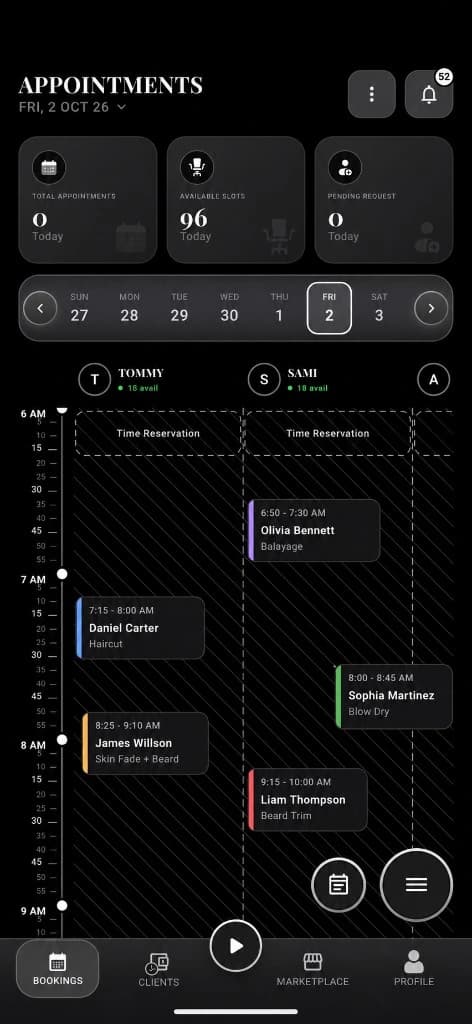
Schedule volume shows up in income trends.
Log money movement
Add income entries and expenses by category.
Next step ↓
Schedule volume shows up in income trends.
Set goals
Savings or revenue goals with contributions.
Next step ↓
Schedule volume shows up in income trends.
Read reports
Summaries, forecasts, tax estimate, and insights as the API provides.
Next step ↓
Schedule volume shows up in income trends.
Tune settings
Finance preferences for the shop or user.
Done — you’re live
In the app
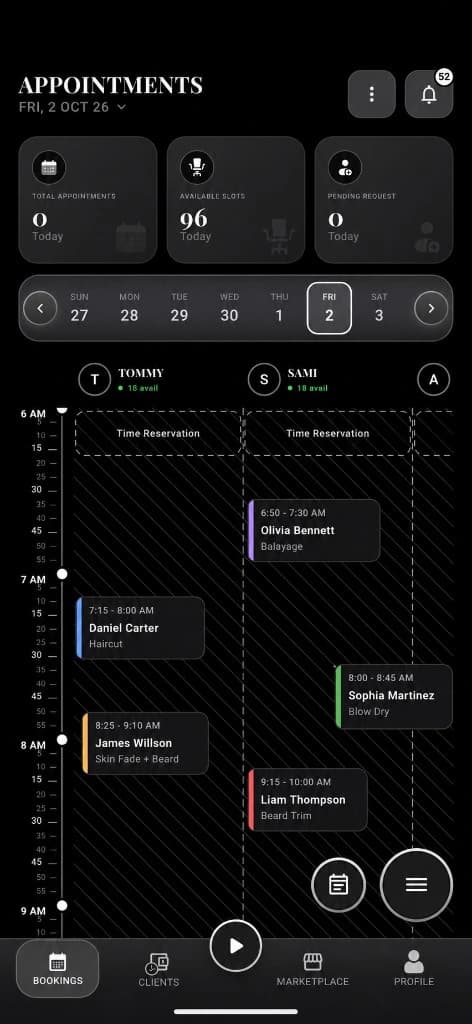
Screens that make the feature feel real
Deep capabilities
Everything packed into this feature
Scoped views
Shop-wide or personal / per-staff scopes for owners.
Expense categories
Track and edit spending cleanly.
Audience
Who it’s for
Owners who want more than a booking list — real shop financial steering.
Pro tips
Use it like a pro
- 1
Enter expenses weekly so reports stay honest.
- 2
Use goals to turn busy calendars into savings targets.
Keep exploring
Features that connect with owner finance hub.
Put owner finance hub to work in your shop
Free for barbers for the first 3 months. Apps coming soon — contact us for early access.