

Flagship pillar · Booking
Booking & appointments
Multi-step booking: service → staff → date/time → review & confirm. Manage upcoming visits, pay no-show fees, and respect shop cancellation rules.
What you get
3 capabilities
Guided flow
6 clear steps
Built for
Customers · Owners
Explore the other flagship pillars
Walkthrough
How booking & appointments works in Reserveo
Follow the real app flow — from the first tap to the result on the floor.
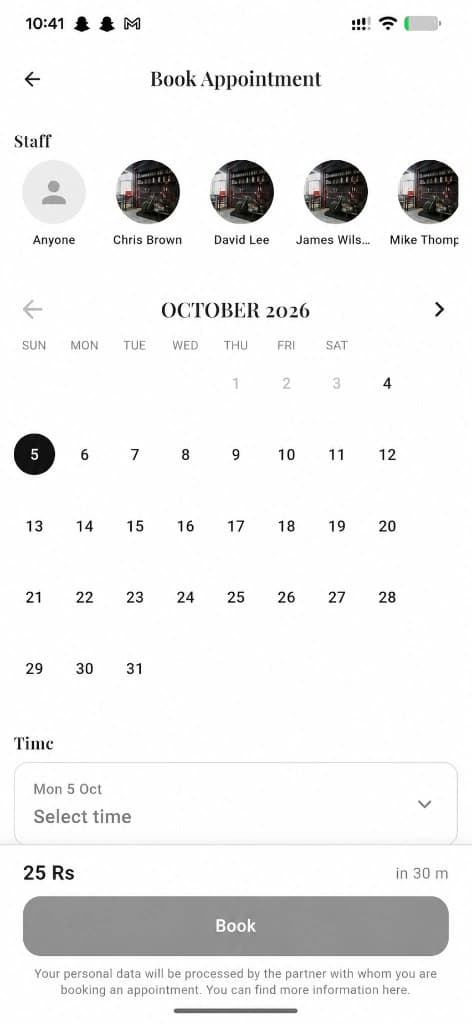
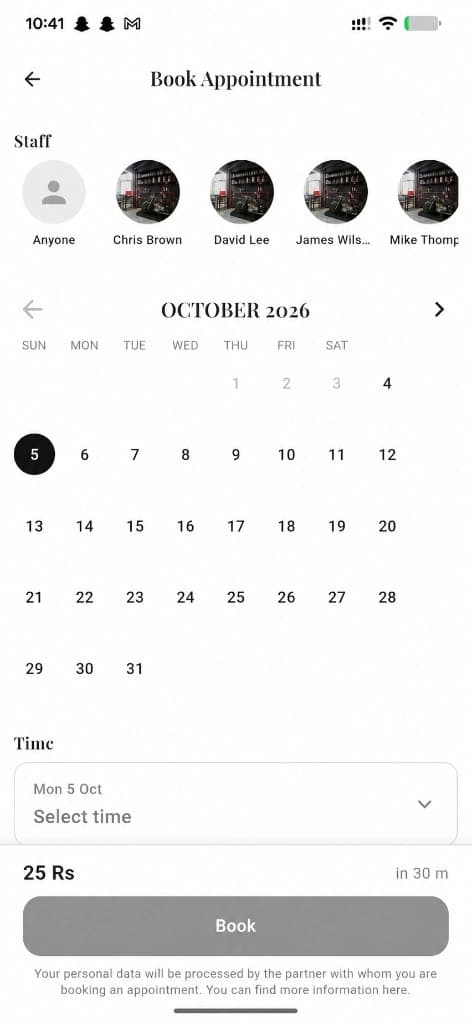
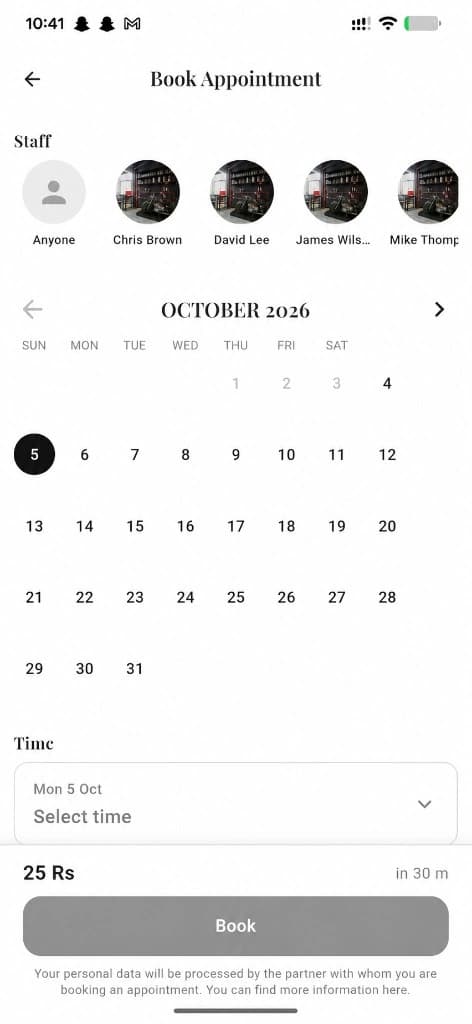
Pick staff, date, time, and book.
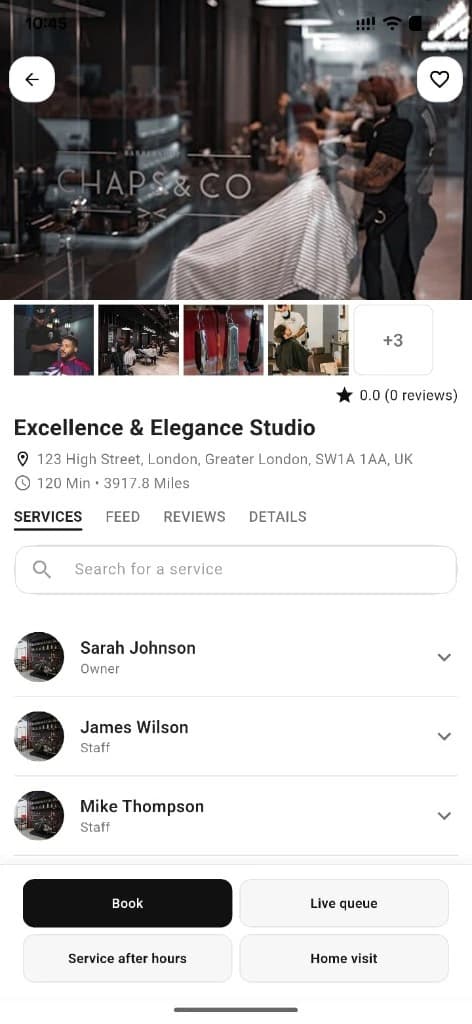
Tap Book Appointment
From business detail or a staff profile CTA.
Next step ↓
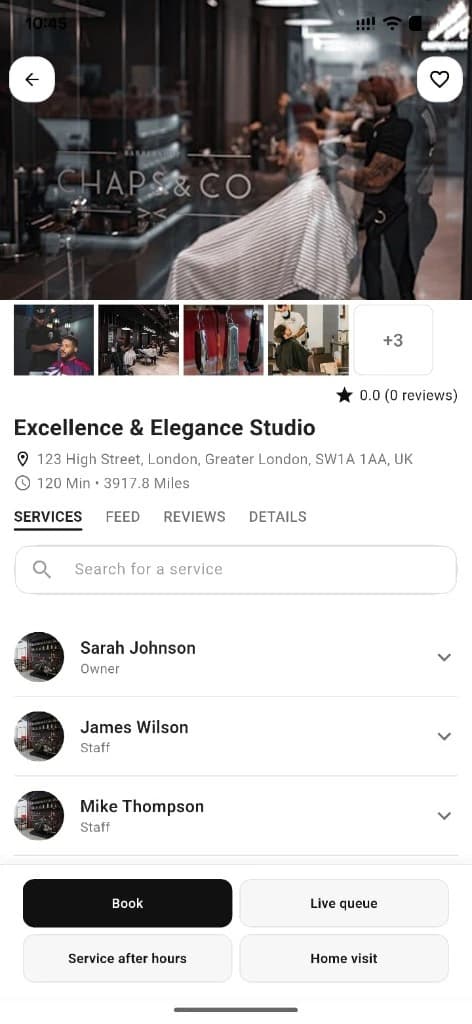
Start from Book Appointment on the shop page.
Choose service & staff
Pick what you need and who should deliver it.
Next step ↓
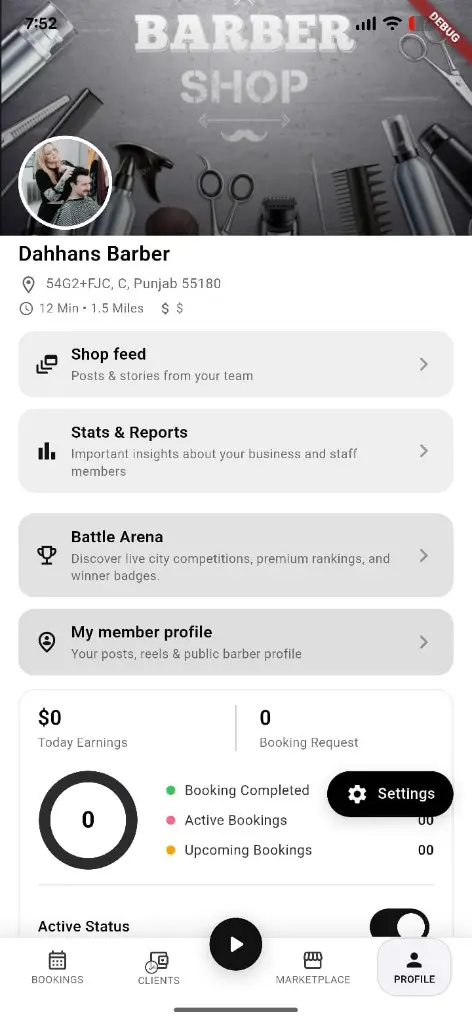
Shops see confirmed appointments on the business side.
Pick date & time
Only open slots for that staff appear.
Next step ↓
Shops see confirmed appointments on the business side.
Review & confirm
Check price, duration, staff, and time — then submit.
Next step ↓
Shops see confirmed appointments on the business side.
Confirmed
Success screen with option to add the visit to the device calendar.
Next step ↓
Shops see confirmed appointments on the business side.
Manage later
Open My Bookings → booking detail to rate, revisit the salon, or handle fees.
Done — you’re live
In the app
Screens that make the feature feel real
Deep capabilities
Everything packed into this feature
No-show / outstanding charges
Unpaid no-show fees can block new bookings until settled.
Cancellation policy
Surfaces shop fee/cancel rules when the API provides them.
Owner-created bookings
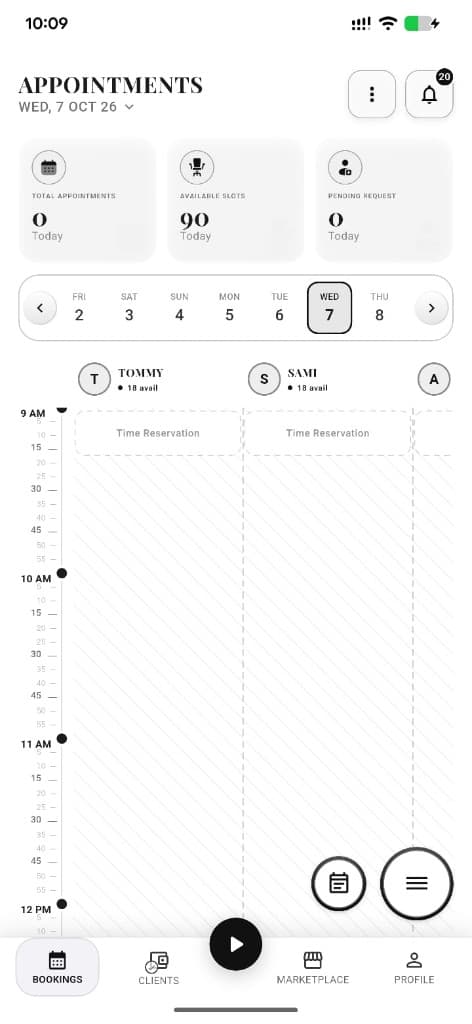
Owners can also create appointments for clients from the calendar.
Audience
Who it’s for
Clients who want a guaranteed chair time; shops that want a full calendar without phone tag.
Pro tips
Use it like a pro
- 1
Settle outstanding no-show fees before trying to book again.
- 2
Add the visit to your phone calendar from the confirmation screen.
- 3
If the day is full, join the waiting list instead of giving up.
Keep exploring
Features that connect with booking & appointments.
Put booking & appointments to work in your shop
Free for barbers for the first 3 months. Apps coming soon — contact us for early access.