

Run the day
Calendar, schedule & bookings
Owner day/week schedule for appointments, walk-ins, live queue cards, events, time off, confirmations, reschedules, and checkout FABs.
What you get
4 capabilities
Guided flow
5 clear steps
Built for
Owners · Staff / barbers
Walkthrough
How calendar, schedule & bookings works in Reserveo
Follow the real app flow — from the first tap to the result on the floor.
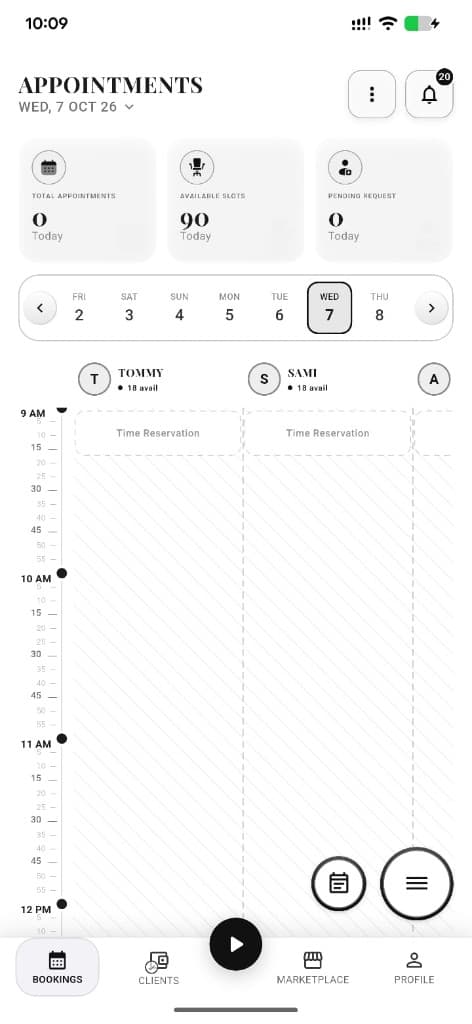
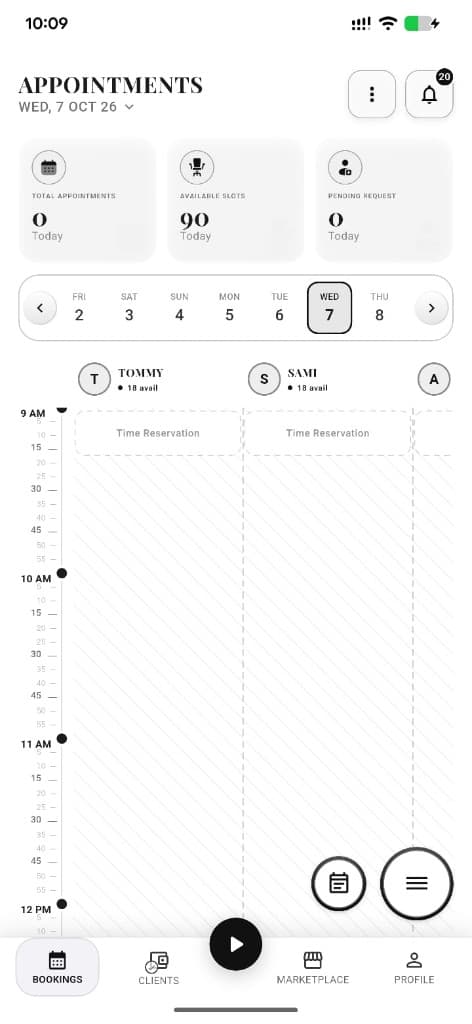
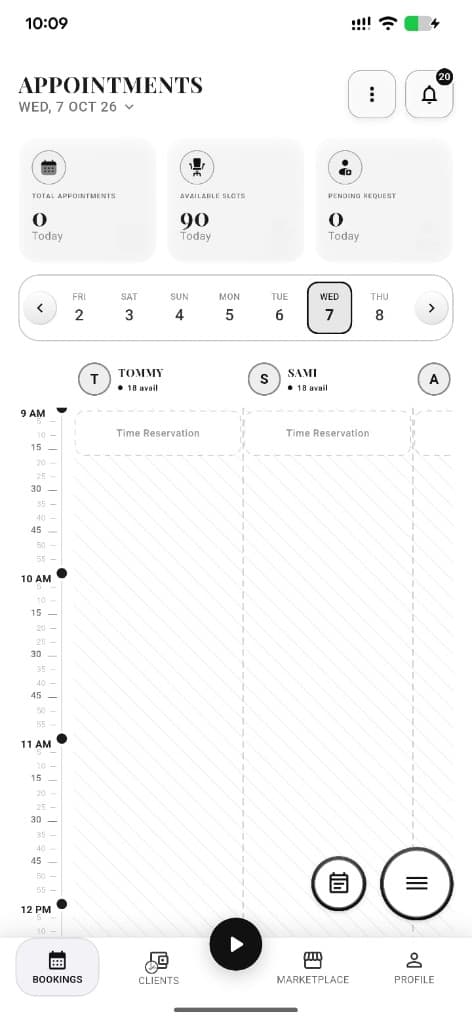
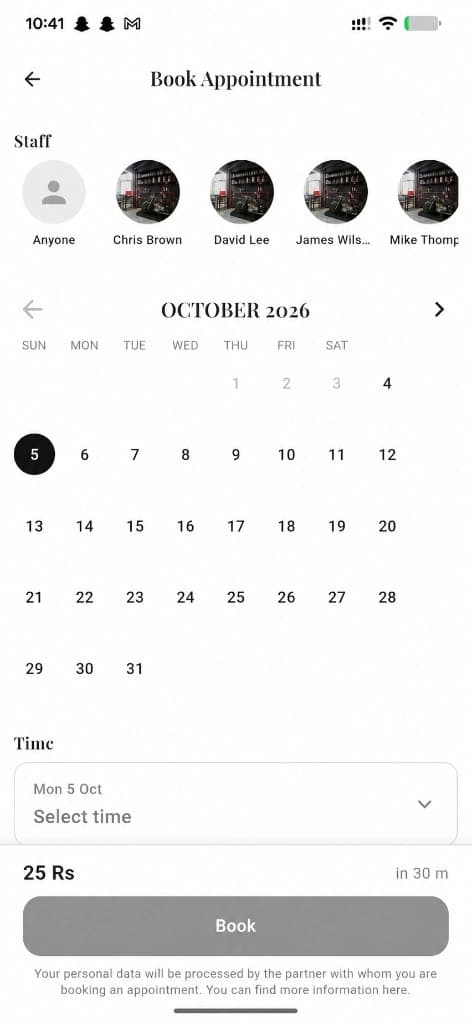
Day schedule with staff columns, slots, available times, and Time Reservation blocks.
Open Bookings tab
See today’s appointments, walk-ins, and queue cards.
Next step ↓
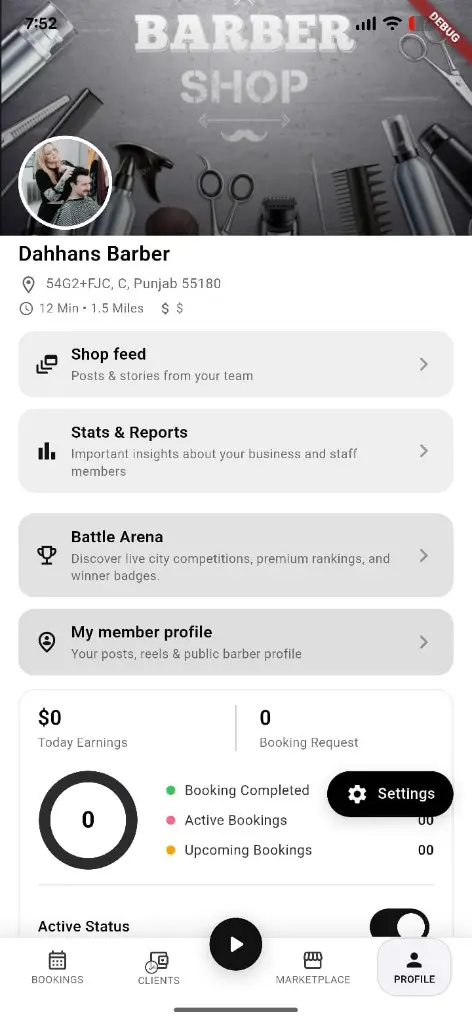
List and manage visits.
Create work
New appointment, new walk-in, or new event (blocked time).
Next step ↓
List and manage visits.
Manage a visit
Open appointment details to confirm, complete, reschedule, or add notes.
Next step ↓
List and manage visits.
Control availability
Opening calendar, schedule management, online booking controls, time off.
Next step ↓
List and manage visits.
Checkout when done
Use checkout FABs to close the ticket after the chair work.
Done — you’re live
In the app
Screens that make the feature feel real
Deep capabilities
Everything packed into this feature
Walk-in approve / reject
Handle pending queue requests from the schedule.
Choose service
Pick services while creating an appointment.
Owner notes
Appointment and client notes for the team.
Role-aware access
Owner vs manager vs staff see different tools.
Audience
Who it’s for
Shop owners, managers, and staff running the floor in real time.
Pro tips
Use it like a pro
- 1
Keep opening hours accurate — they drive online booking slots.
- 2
Use events to block breaks without deleting staff hours.
- 3
Approve walk-ins quickly so the live queue stays trustworthy.
Keep exploring
Features that connect with calendar, schedule & bookings.
Put calendar, schedule & bookings to work in your shop
Free for barbers for the first 3 months. Apps coming soon — contact us for early access.