

Flagship pillar · Marketplace
Equipment marketplace
Buy, sell, and request interest on equipment, chairs, and gear between pros — exposed as a primary tab for both customers and owners.
What you get
2 capabilities
Guided flow
4 clear steps
Built for
Everyone
Explore the other flagship pillars
Walkthrough
How equipment marketplace works in Reserveo
Follow the real app flow — from the first tap to the result on the floor.
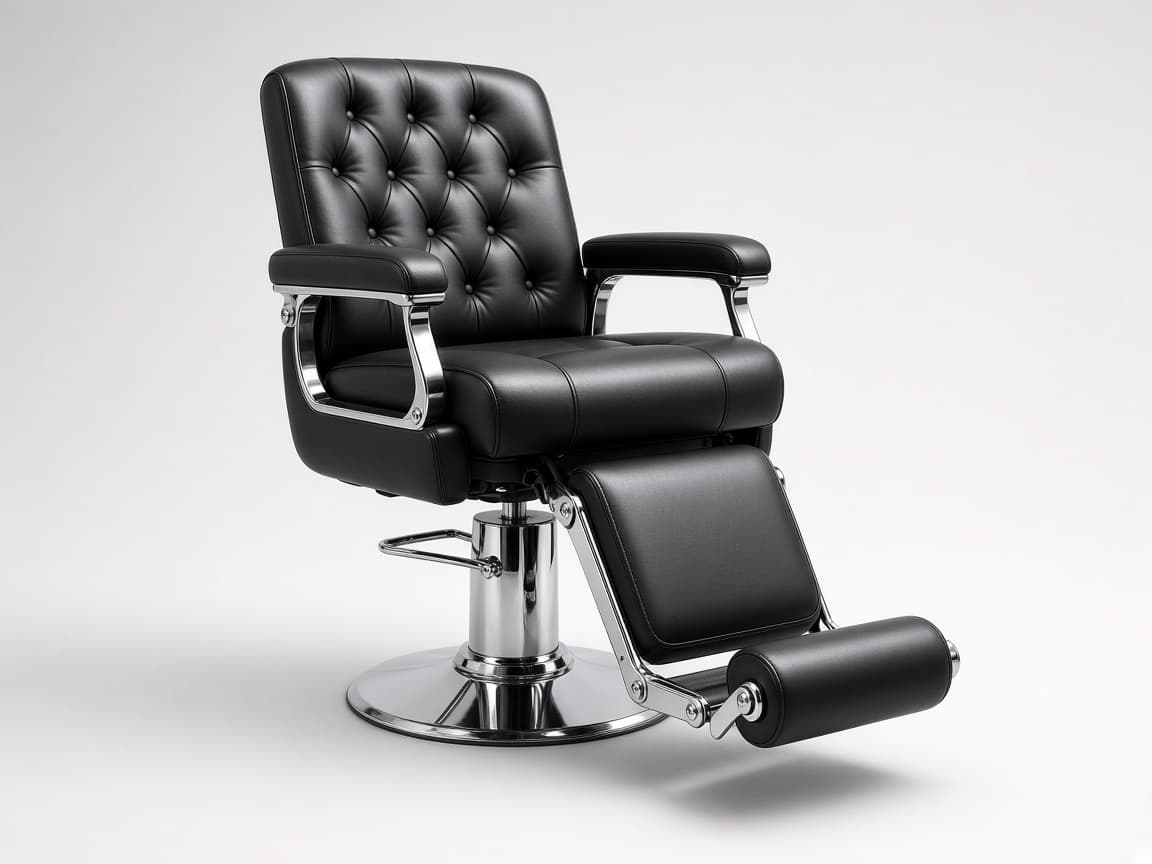
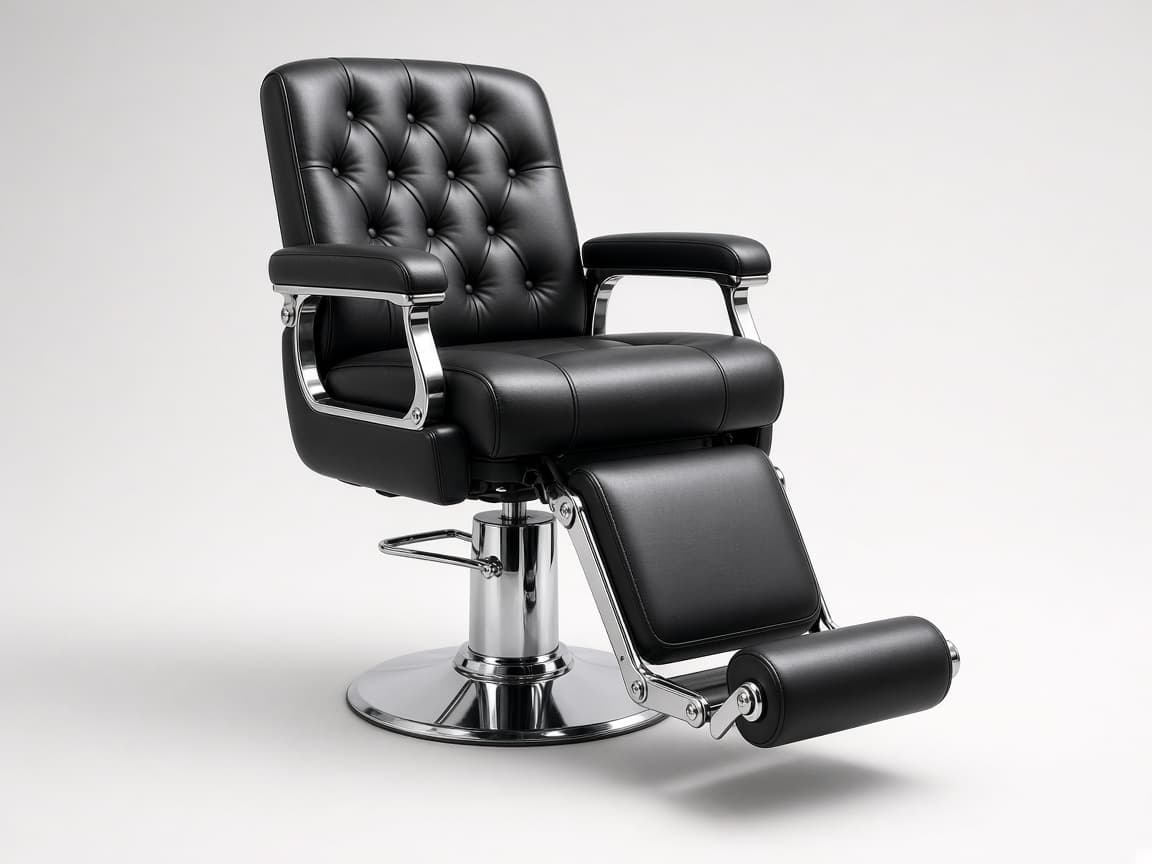
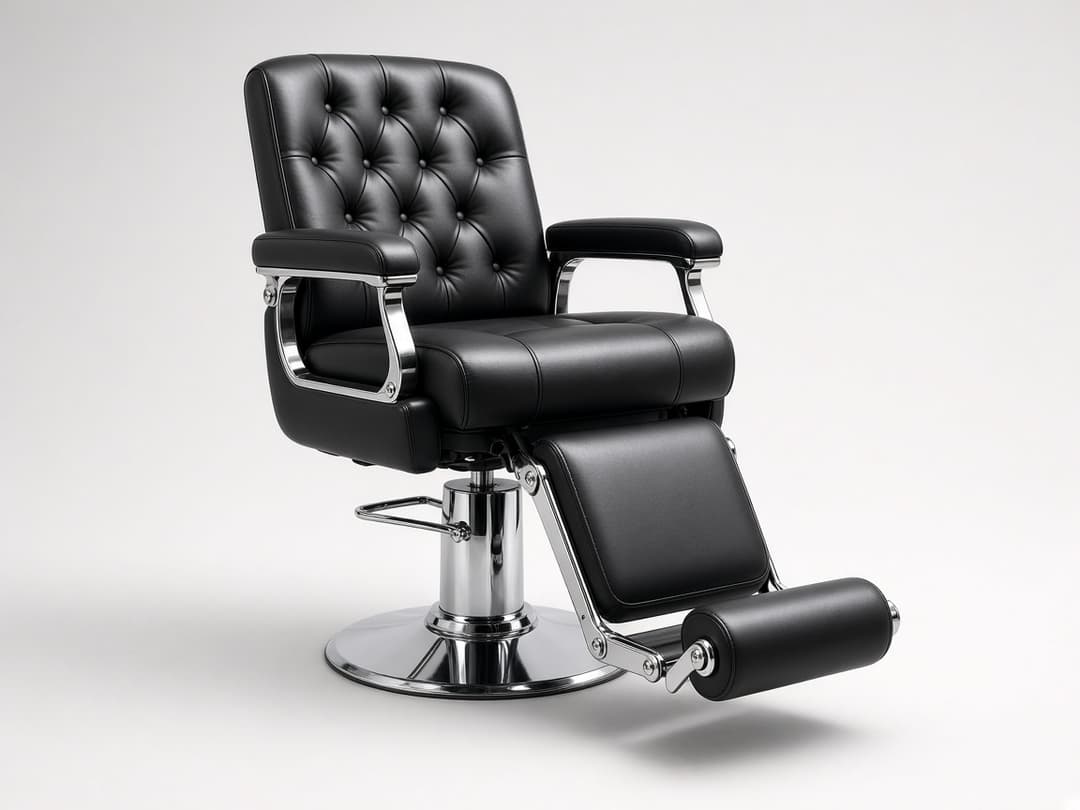
Hydraulic Reclining Barber Chair — heavy-duty station chair for daily shop use.
Browse marketplace
Scroll listings for sale/trade.
Next step ↓
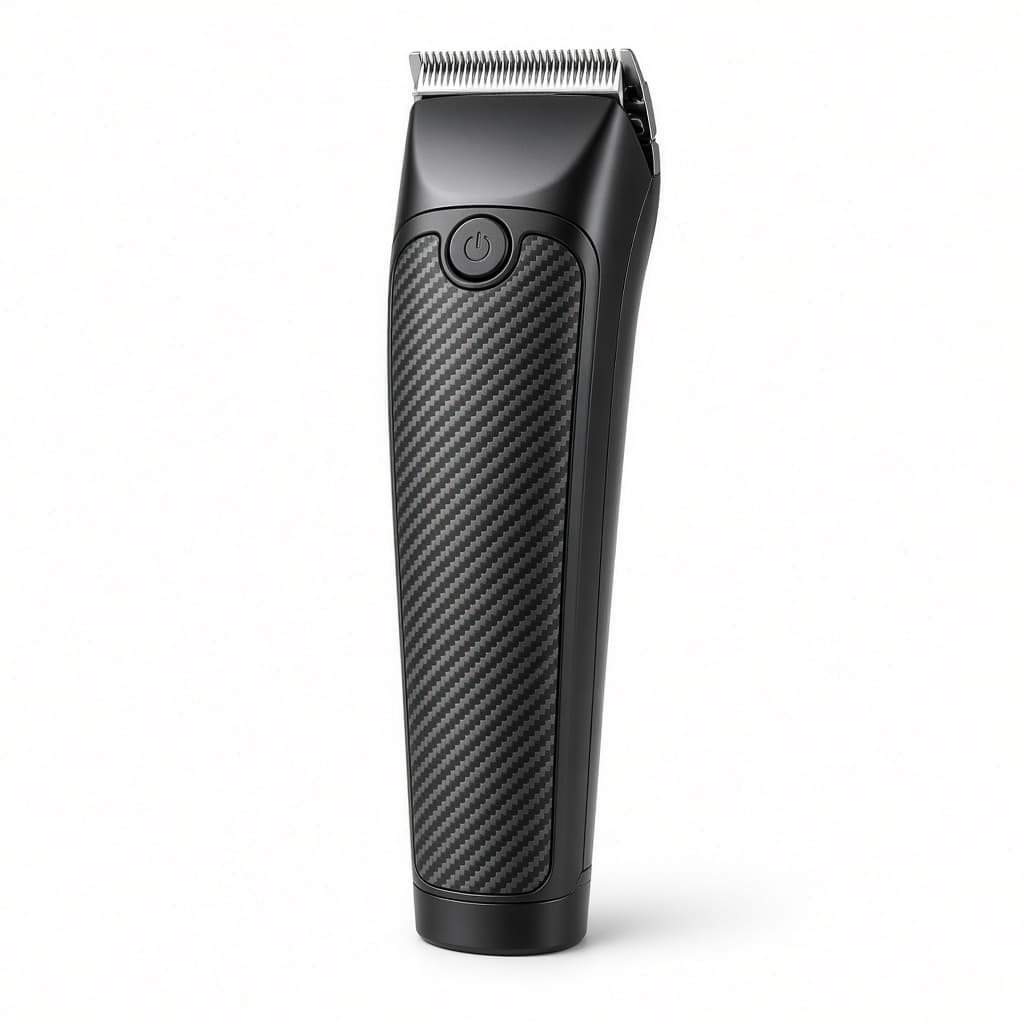
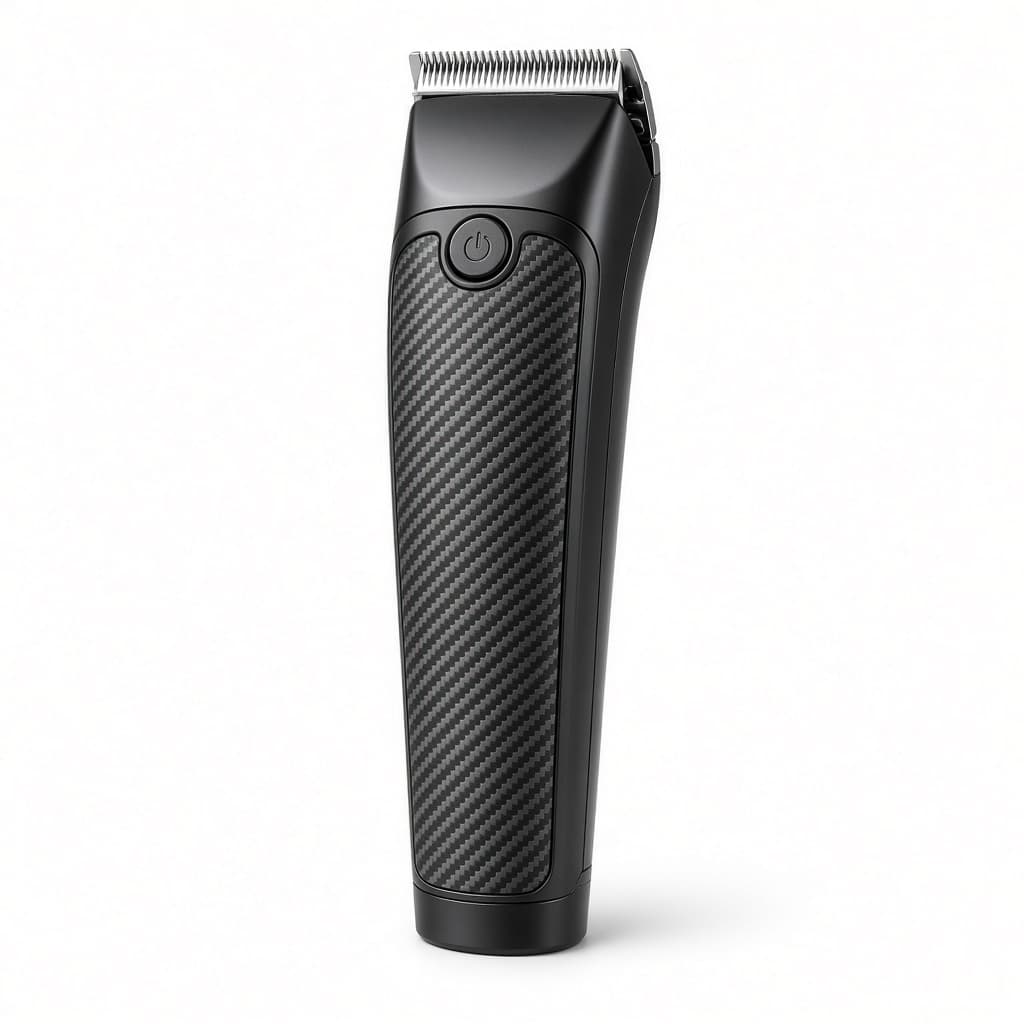
Professional Cordless Barber Clipper — high-torque cordless clipper for fades and station work.
Open listing detail
Photos, price, description, seller.
Next step ↓
Professional Cordless Barber Clipper — high-torque cordless clipper for fades and station work.
Create a listing
Post something you’re selling.
Next step ↓
Professional Cordless Barber Clipper — high-torque cordless clipper for fades and station work.
Manage My listings
Edit your posts and review incoming buy/interest requests.
Done — you’re live
In the app
Screens that make the feature feel real
Deep capabilities
Everything packed into this feature
Incoming requests
See interest on your listings.
Dual nav access
Primary tab for customer and owner shells.
Audience
Who it’s for
Pros upgrading kits, selling chairs, or sourcing gear without leaving Reserveo.
Pro tips
Use it like a pro
- 1
Use clear photos and honest condition notes.
- 2
Respond to incoming requests quickly — hot listings move fast.
Keep exploring
Features that connect with equipment marketplace.
Put equipment marketplace to work in your shop
Free for barbers for the first 3 months. Apps coming soon — contact us for early access.