

Flagship pillar · Live queue
Live walk-in queue
Join a shop’s live walk-in queue, see status updates, and get served without a pre-booked slot — while the owner manages queue cards on the same day schedule.
What you get
3 capabilities
Guided flow
5 clear steps
Built for
Customers · Owners
Explore the other flagship pillars
Walkthrough
How live walk-in queue works in Reserveo
Follow the real app flow — from the first tap to the result on the floor.
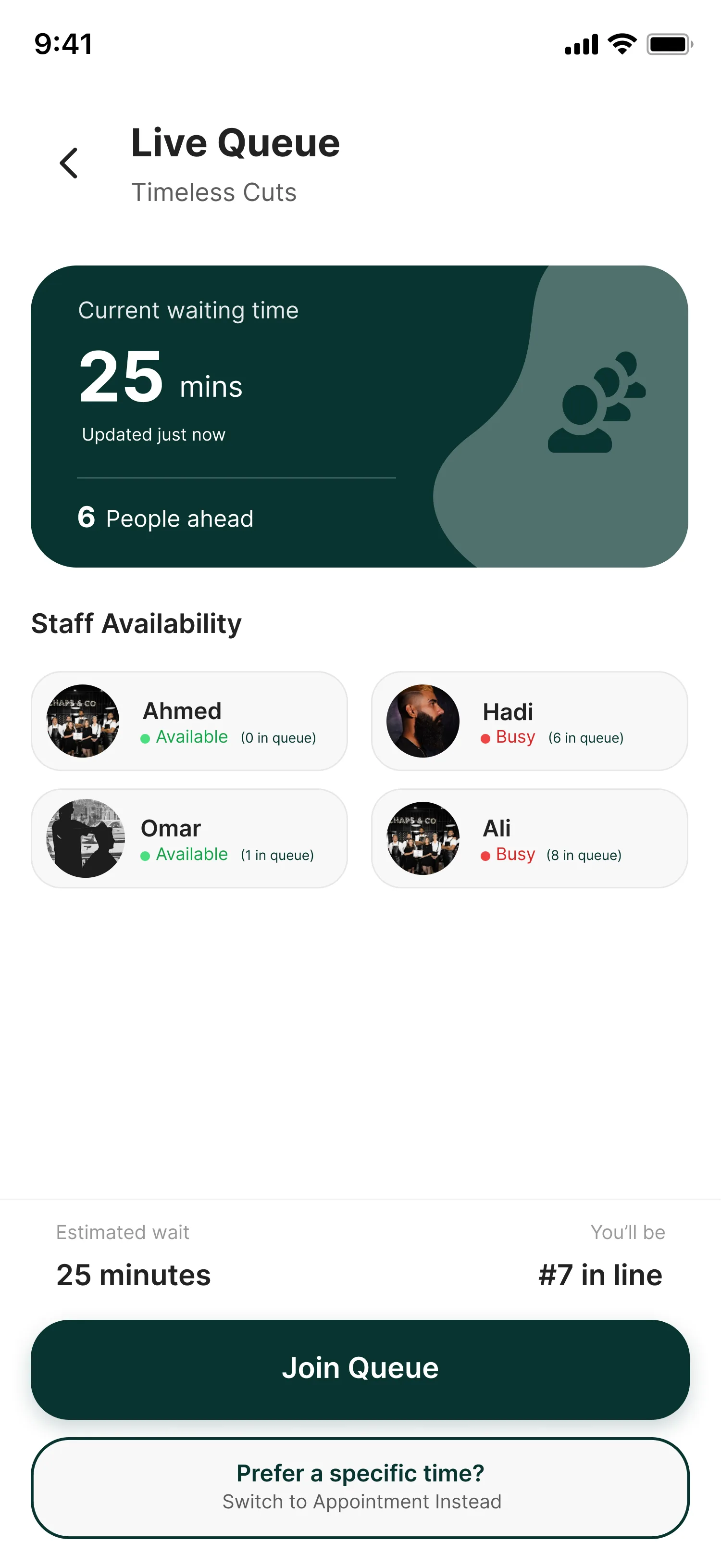
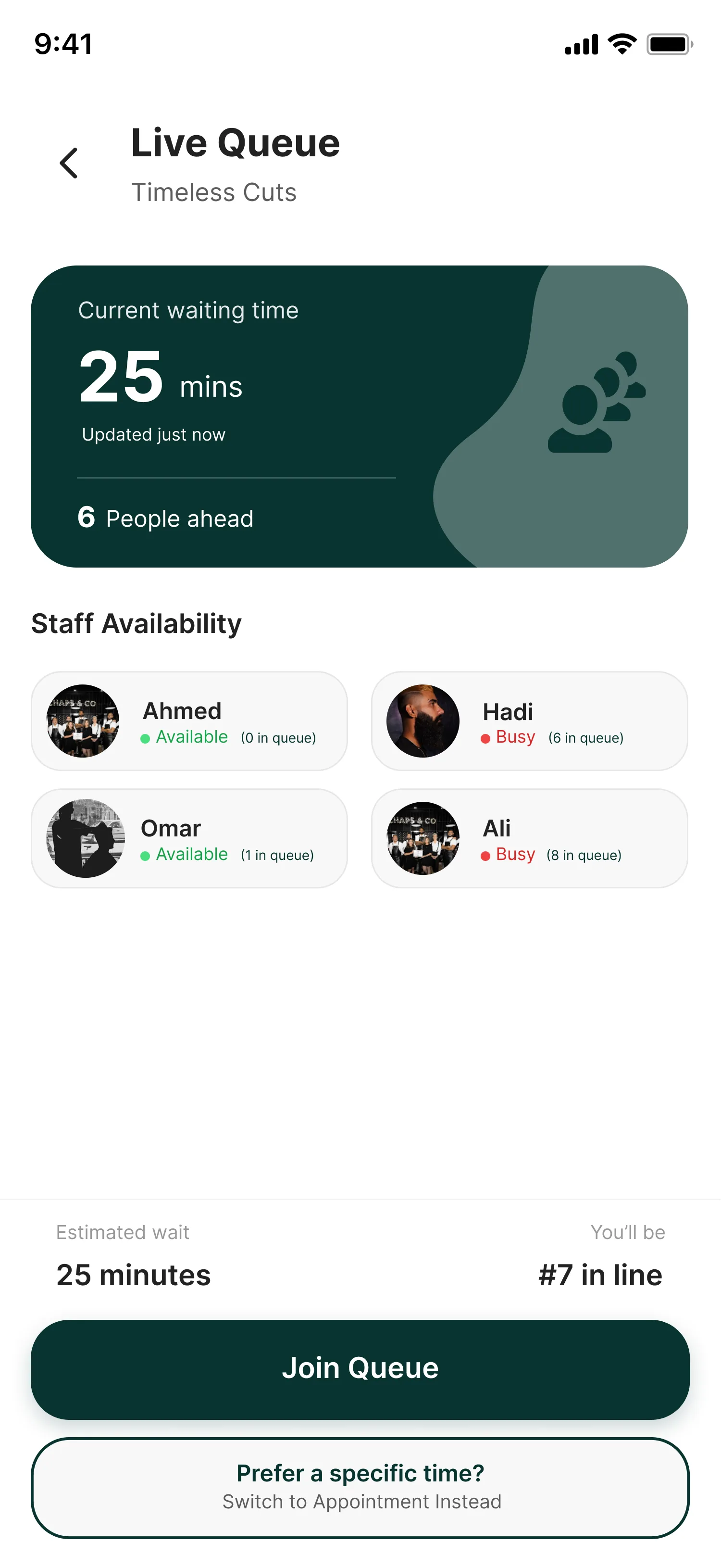
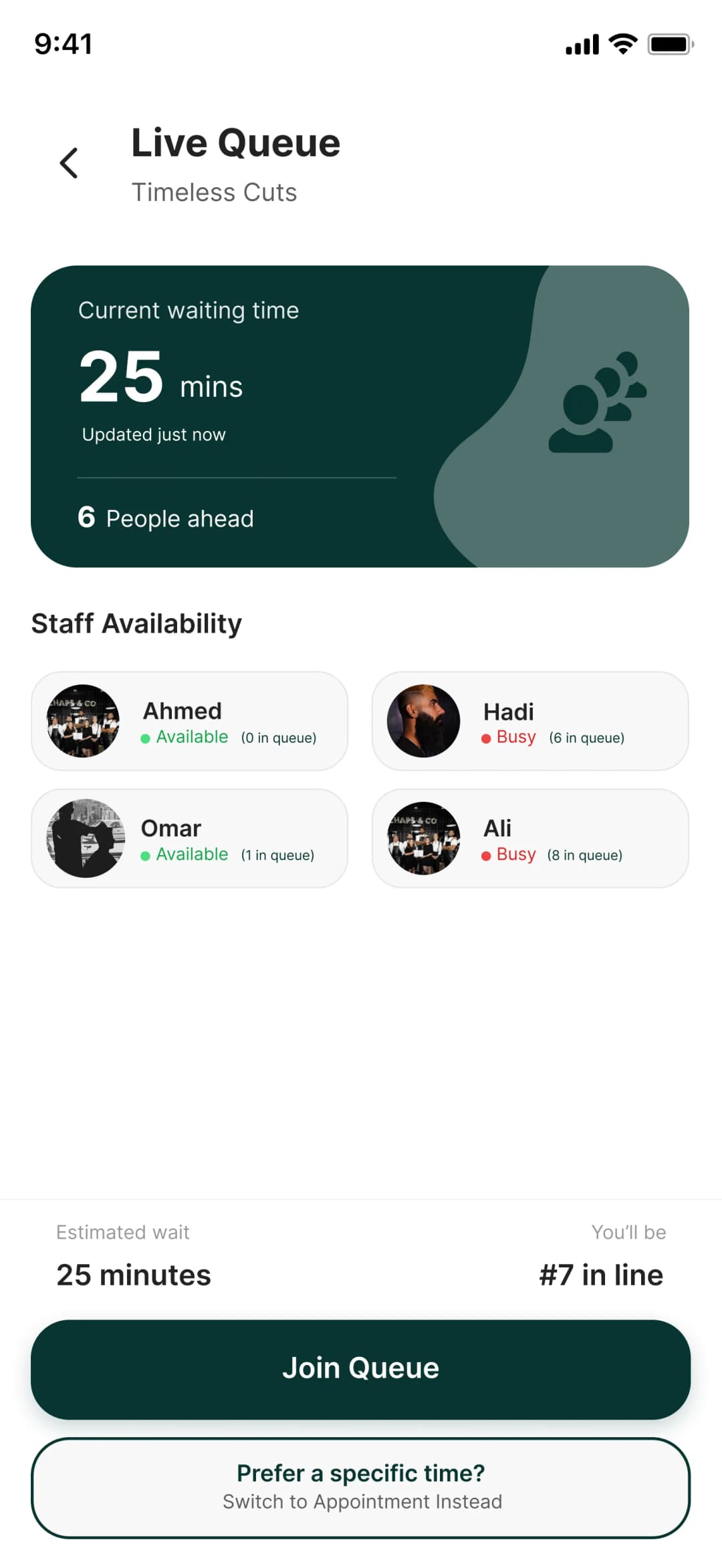
Waiting time, staff availability, and Join Queue.
Open Live Queue
From business detail, tap Join Live Queue.
Next step ↓
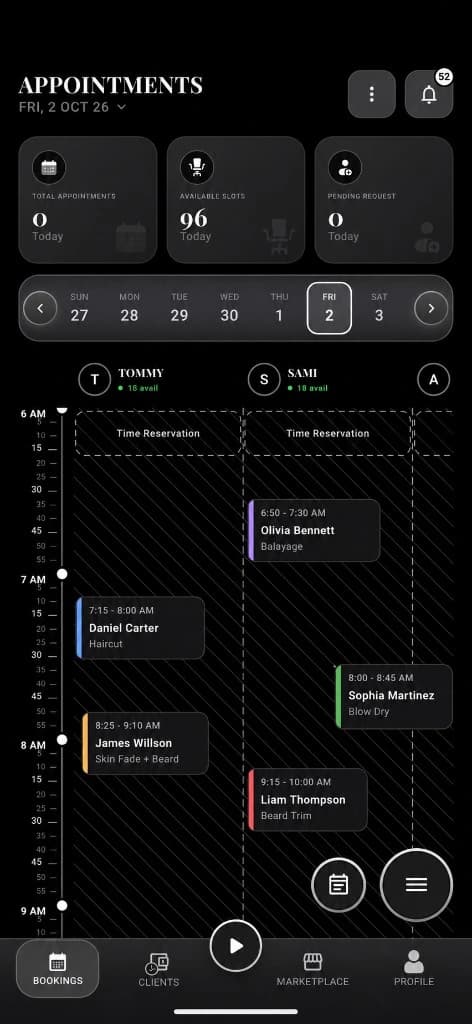
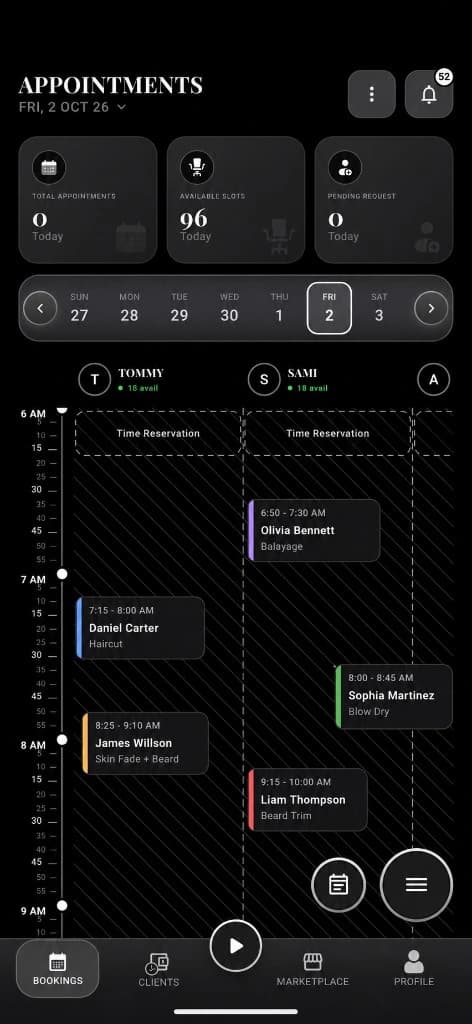
Owners see walk-ins and queue on the day schedule.
Select service / staff
Choose what’s required for that shop’s queue rules.
Next step ↓
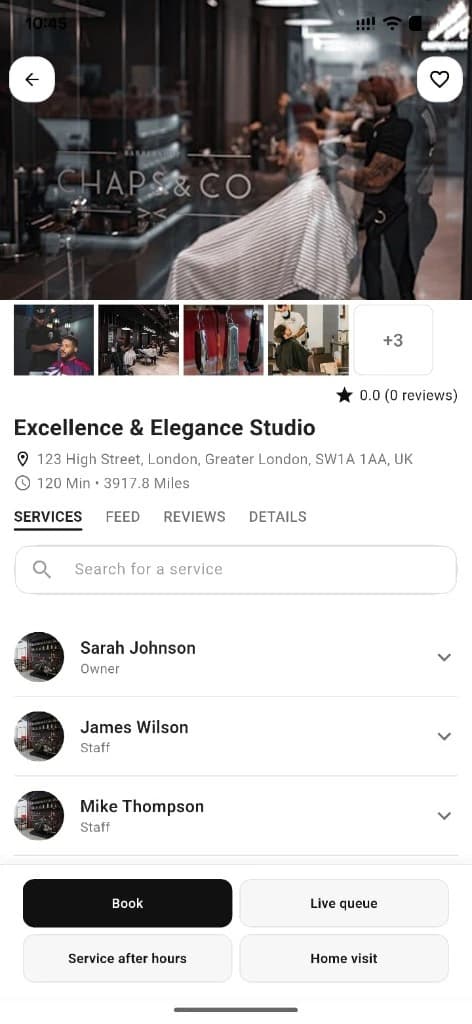
Customers start from Join Live Queue.
Join & confirm
Queue success confirms you’re in line.
Next step ↓
Customers start from Join Live Queue.
Watch status
Queue status shows live position / wait (API + sockets where wired).
Next step ↓
Customers start from Join Live Queue.
Owner side
Pending walk-ins appear on the owner schedule — approve/reject and checkout when ready.
Done — you’re live
In the app
Screens that make the feature feel real
Deep capabilities
Everything packed into this feature
Walk-in register
Owners can also register a walk-in client into today’s flow.
Live queue cards
Today’s waiting customers as schedule cards leading to checkout.
Realtime updates
Push/socket updates keep status fresh where implemented.
Audience
Who it’s for
Walk-in clients and busy shops that mix appointments with same-day traffic.
Pro tips
Use it like a pro
- 1
Use booking for planned visits; use queue when you’re already nearby.
- 2
Owners should keep queue approvals moving so wait times stay honest.
- 3
Watch for walk-in push notifications on the owner app.
Keep exploring
Features that connect with live walk-in queue.
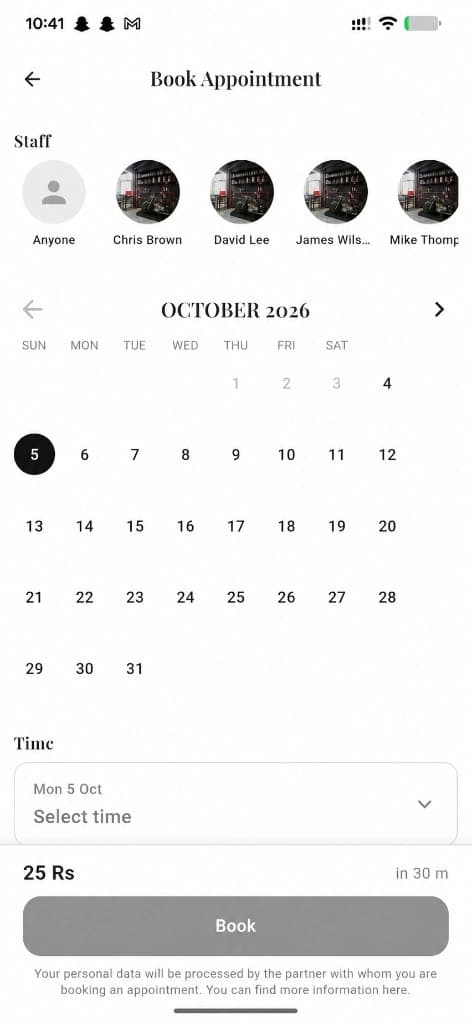
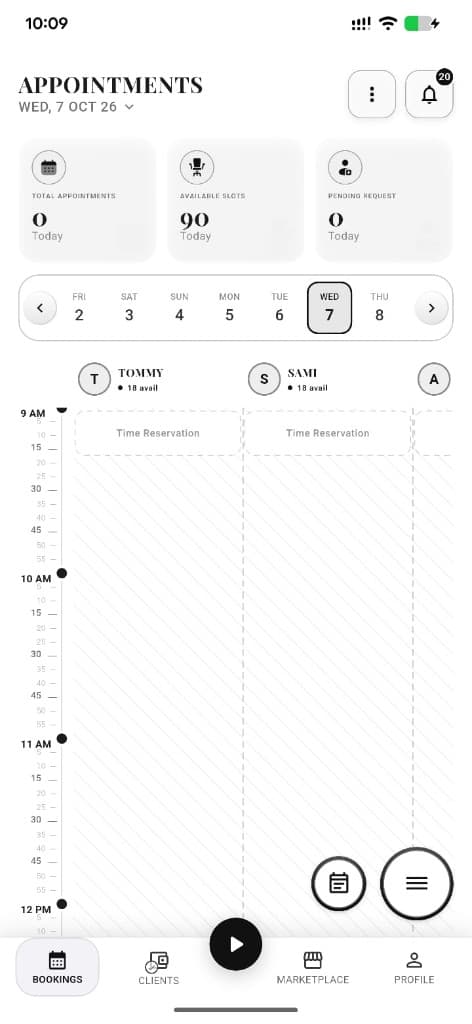
Put live walk-in queue to work in your shop
Free for barbers for the first 3 months. Apps coming soon — contact us for early access.