

In-app help
Customer support & AI help
Reserveo ships a full help stack inside the app: Feedback & Support hub, support tickets, 24 FAQs, AI chat assistant, and Rate Reserveo — for customers, barbers, and owners.
What you get
5 capabilities
Guided flow
5 clear steps
Built for
Everyone
Walkthrough
How customer support & ai help works in Reserveo
Follow the real app flow — from the first tap to the result on the floor.
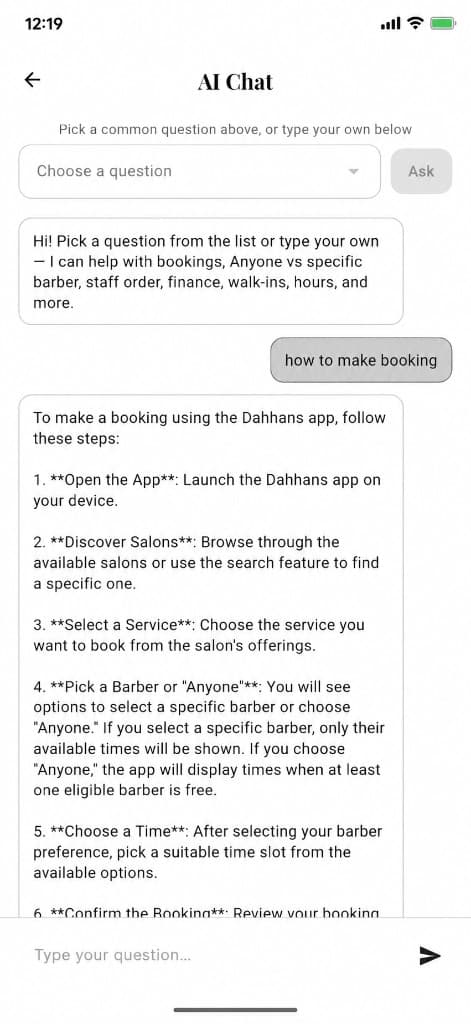
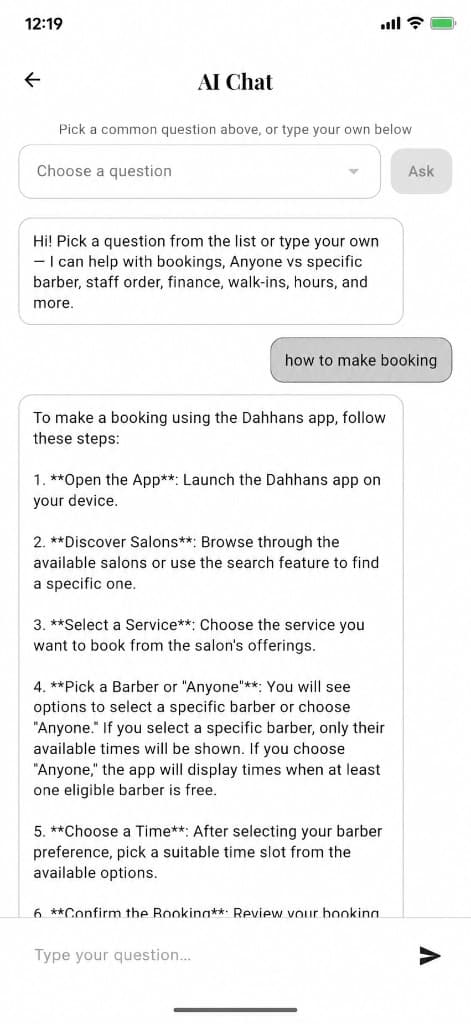
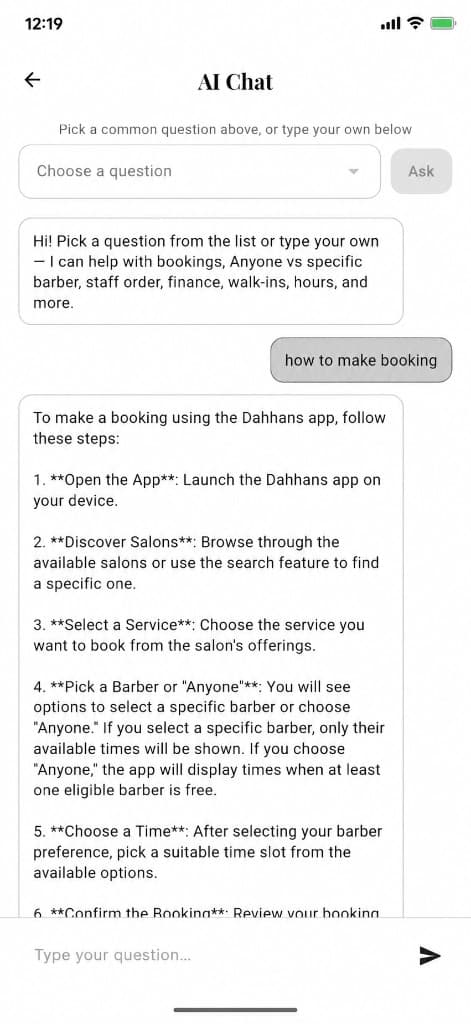
Ask how to book — step-by-step answers from in-app AI Chat.
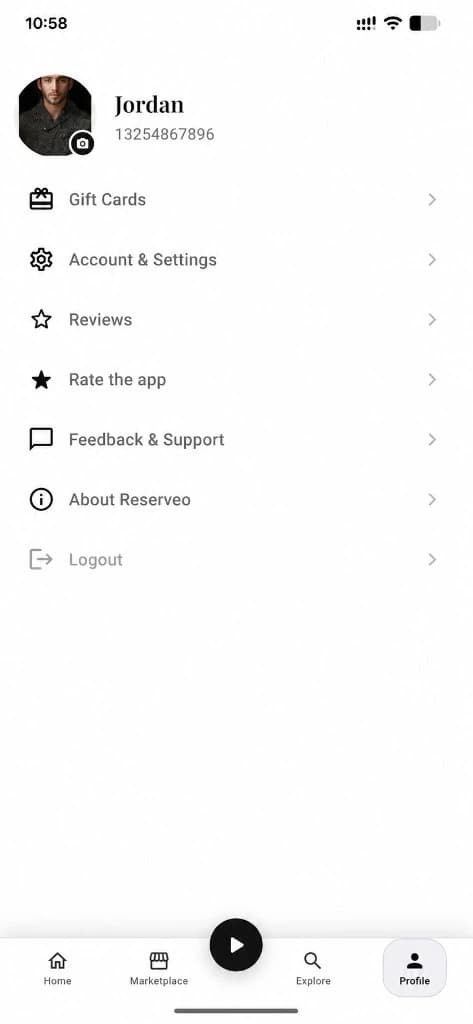
Open Feedback & Support
Customers open Profile → Feedback & Support. Owners and staff open Settings → Help & Support (or the staff profile sheet).
Next step ↓
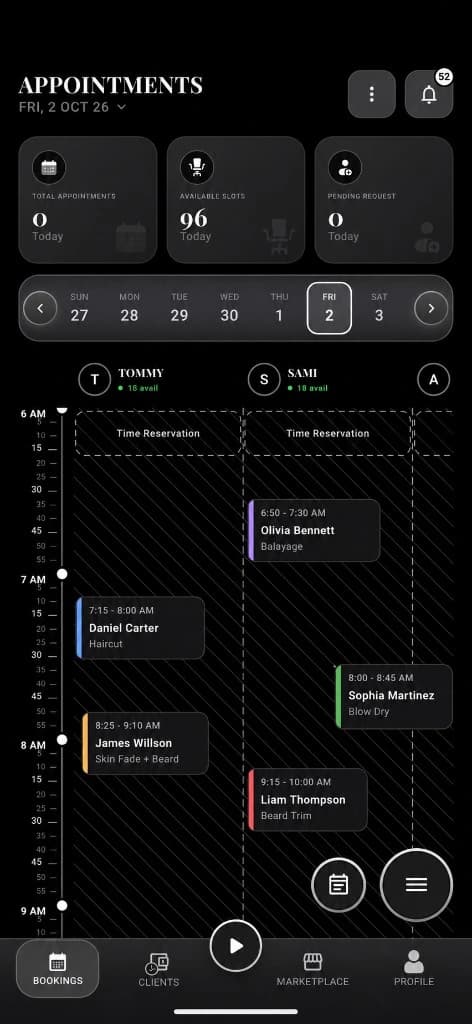
Owners & staff: Settings → Help & Support.
Submit a support ticket
Support Center form: Subject + Description + Email (prefilled). Sent to Reserveo support via the app API — report bugs, booking issues, or ask for help.
Next step ↓
Owners & staff: Settings → Help & Support.
Browse AI FAQ
From Support Center, open the AI panel: 24 searchable how-to answers (password reset, bookings, queue, staff, finance, language, and more).
Next step ↓
Owners & staff: Settings → Help & Support.
Chat with AI support
Pick a preset question or type your own. Quick answers for common topics; free-text uses the in-app AI assistant with Reserveo product knowledge. If unsure, it points you back to a ticket.
Next step ↓
Owners & staff: Settings → Help & Support.
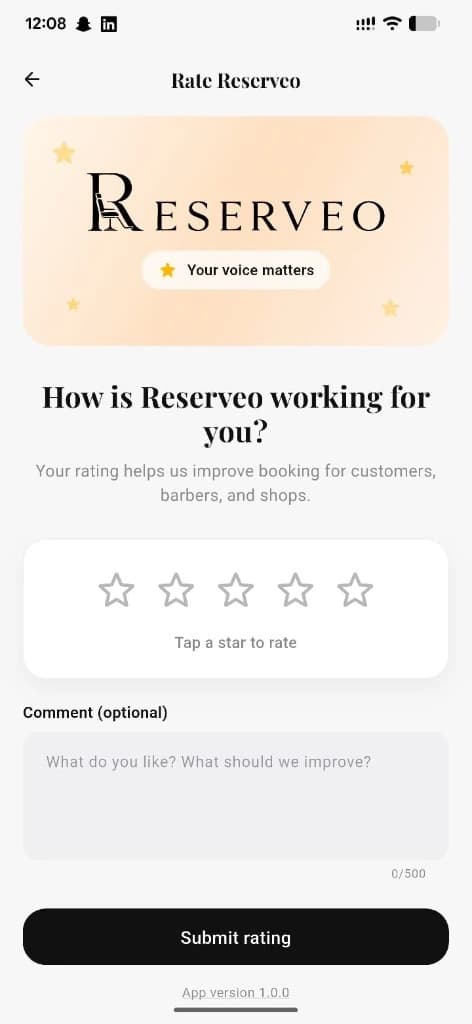
Rate Reserveo
1–5 stars + optional comment, submitted as an app rating. Available to customers, barbers, and owners. Update anytime.
Done — you’re live
In the app
Screens that make the feature feel real
Deep capabilities
Everything packed into this feature
Feedback & Support hub
Customer-only list: Rate the app, Support ticket, social/store shortcuts.
Shared Support Center
Same ticket + AI flow for customer, barber, and owner roles.
24 in-app FAQs
Localized Q&As covering booking, walk-ins, staff, hours, finance, theme, language, and contacting support.
AI chat presets
Common questions (password, Anyone booking, walk-ins, finance, hours, profile) with instant answers.
Website backup
riserveo.org Contact + FAQ for early access and partnerships while apps launch.
Audience
Who it’s for
Anyone using Reserveo who needs help — clients stuck on a booking, barbers on the floor, or owners configuring the shop.
Pro tips
Use it like a pro
- 1
Try the AI FAQ first for how-to questions — it’s faster than waiting on email.
- 2
Include your shop name and what screen you were on when you submit a ticket.
- 3
Rate Reserveo after a good week — ratings help us prioritize fixes.
Keep exploring
Features that connect with customer support & ai help.
Put customer support & ai help to work in your shop
Free for barbers for the first 3 months. Apps coming soon — contact us for early access.