

Run the shop
Reserveo for business
Owner shell for calendar, clients, social feed, marketplace, and a role-aware profile — plus finance, staff, services, and checkout under the hood.
What you get
3 capabilities
Guided flow
4 clear steps
Built for
Owners · Staff / barbers
Walkthrough
How reserveo for business works in Reserveo
Follow the real app flow — from the first tap to the result on the floor.
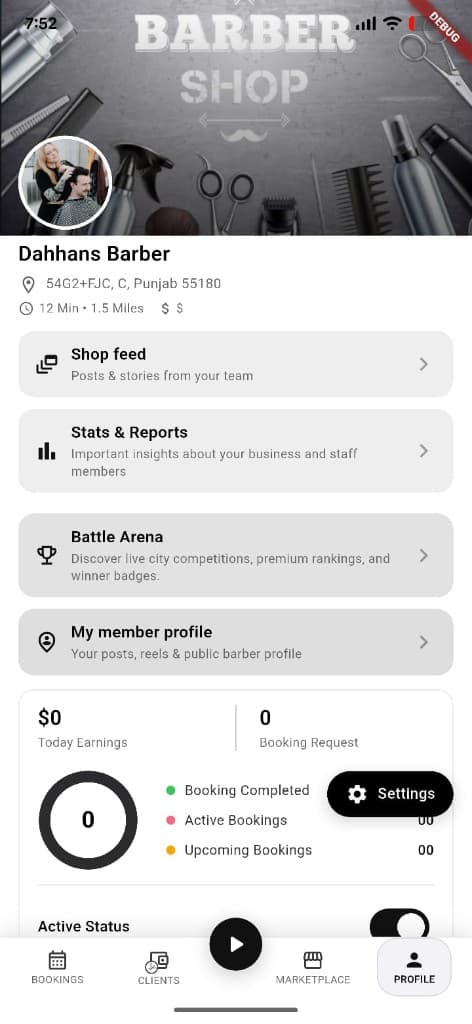
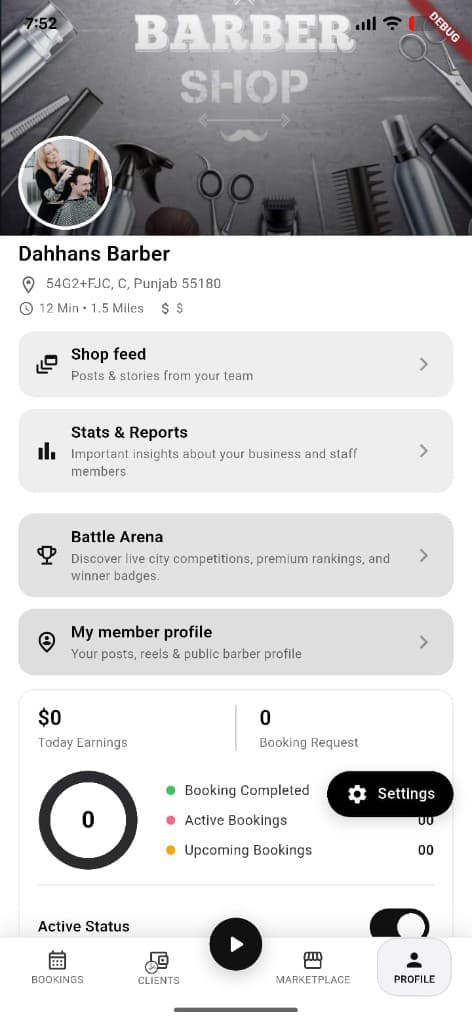
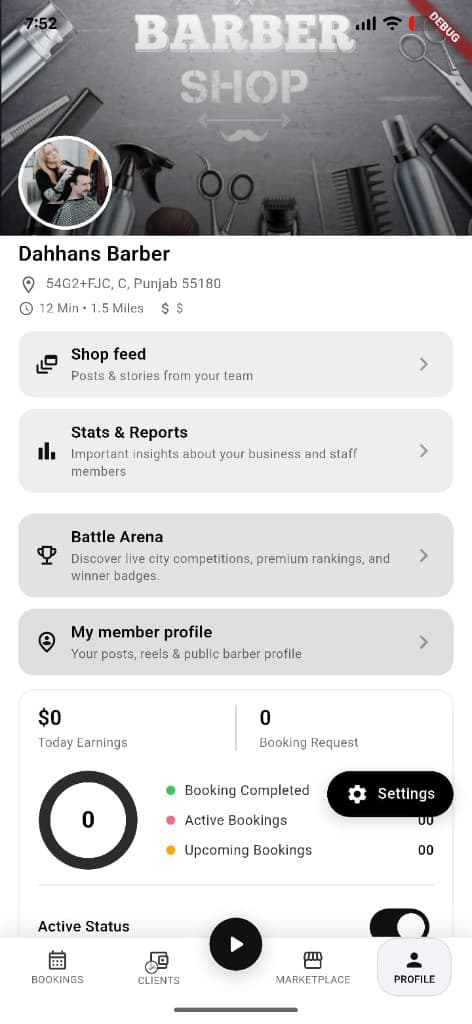
Shop profile — Battle Arena, stats, feed, settings, and earnings.
Bookings
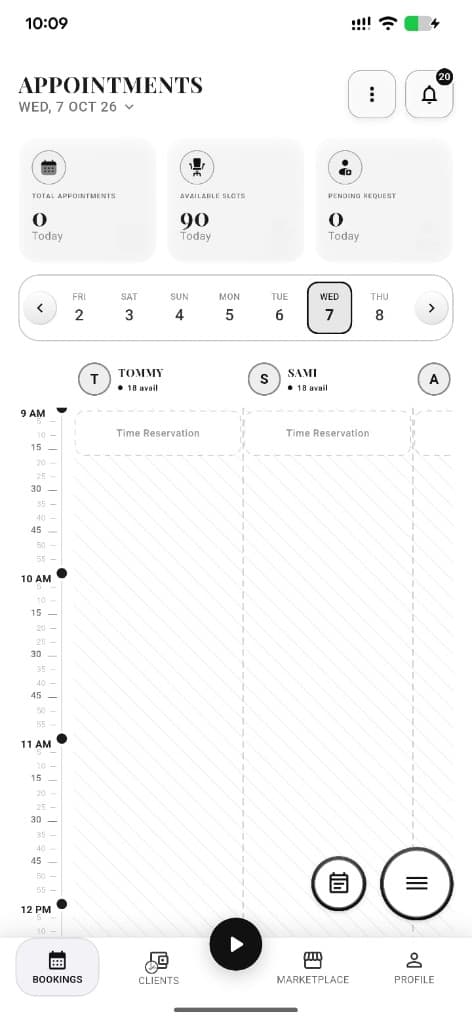
Calendar and day’s appointments / walk-ins / queue.
Next step ↓
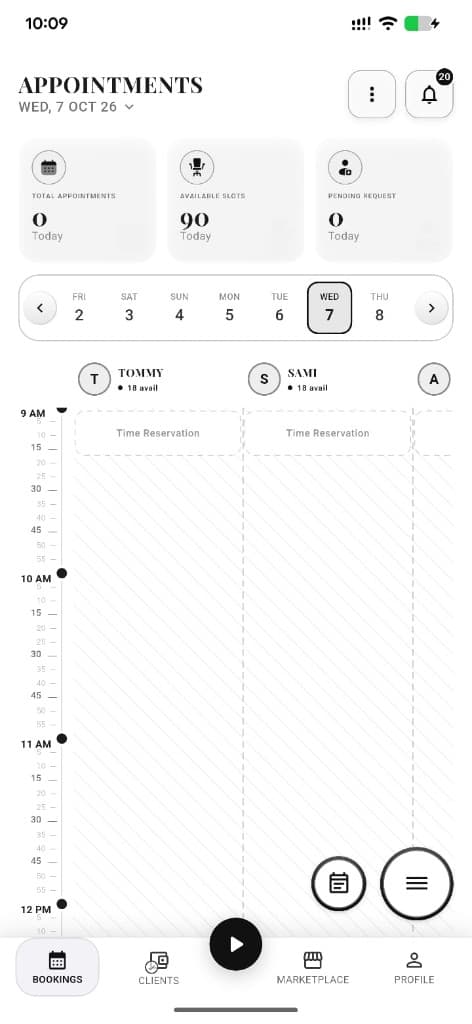
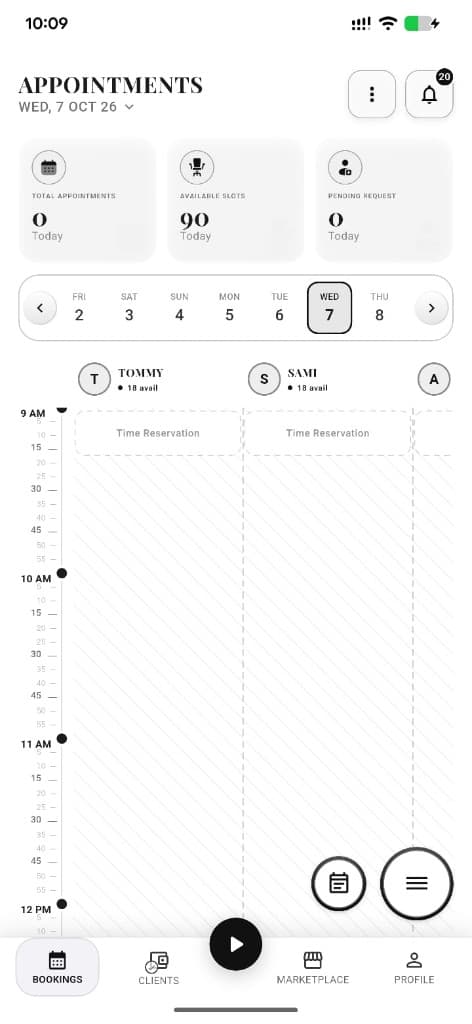
Appointments calendar with staff columns and available slots.
Feed
Staff social feed; FAB to create post/story.
Next step ↓
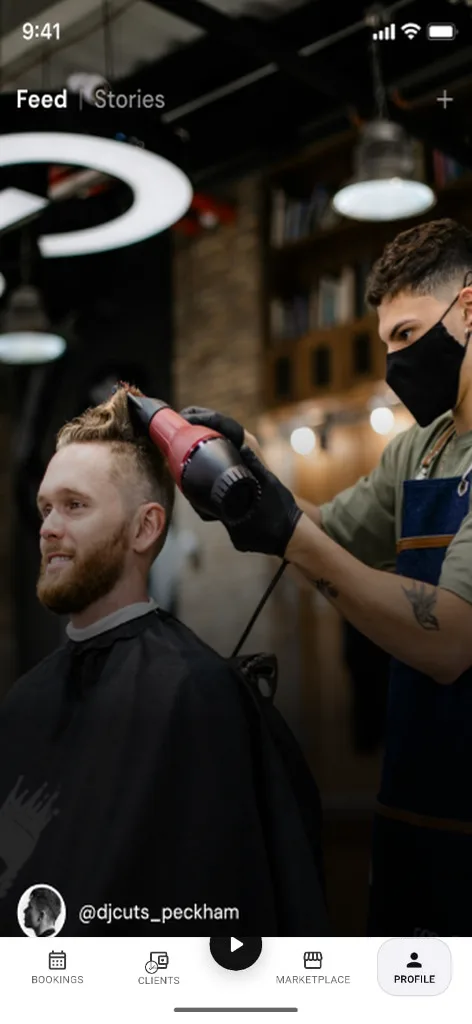
Feed tab — post, story, and reels from the shop shell.
Marketplace
Listings and interest requests.
Next step ↓
Feed tab — post, story, and reels from the shop shell.
Profile
Shop admin profile or barber staff social profile (role-aware).
Done — you’re live
In the app
Screens that make the feature feel real
Deep capabilities
Everything packed into this feature
Full ops suite
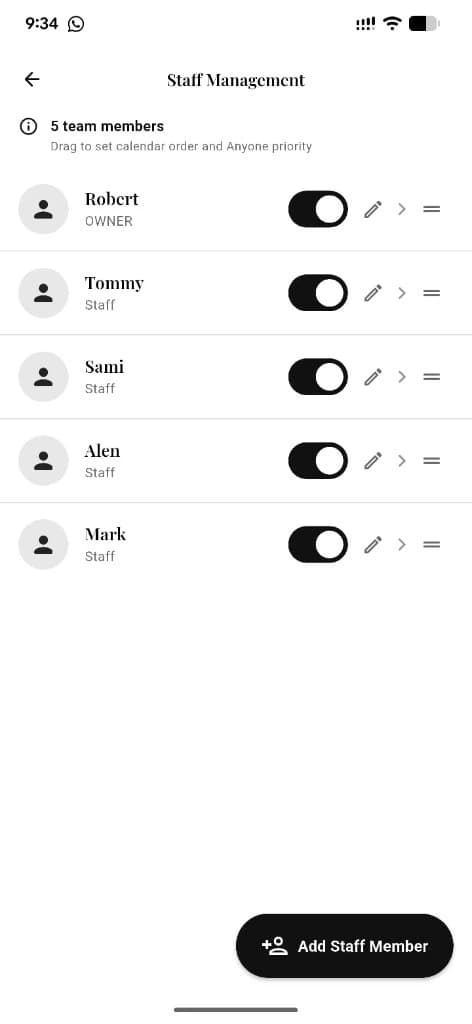
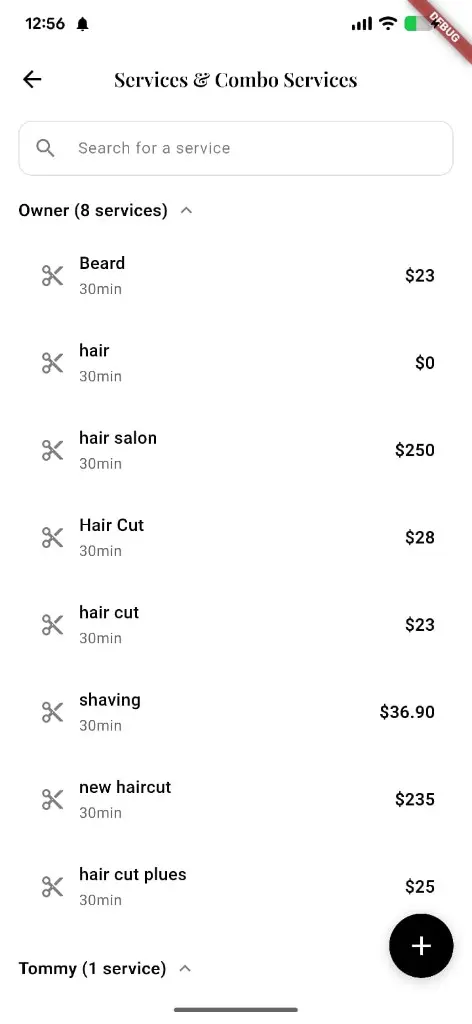
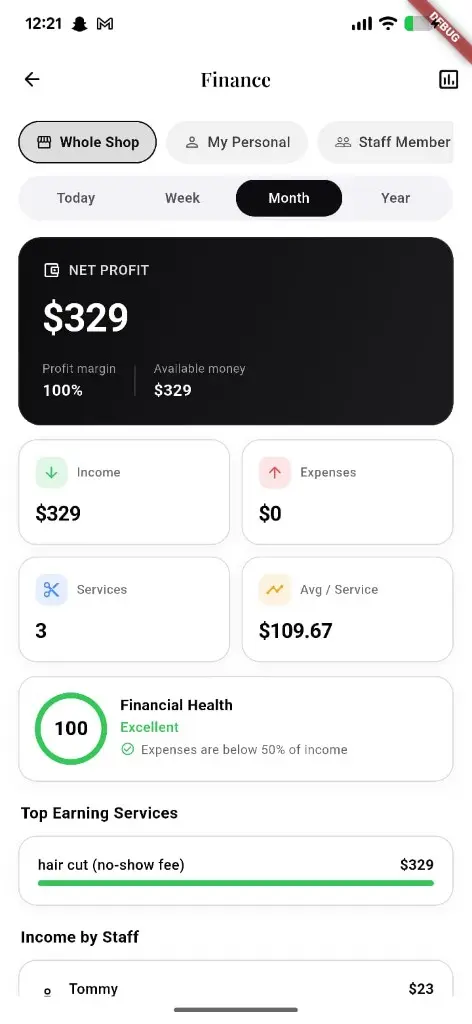
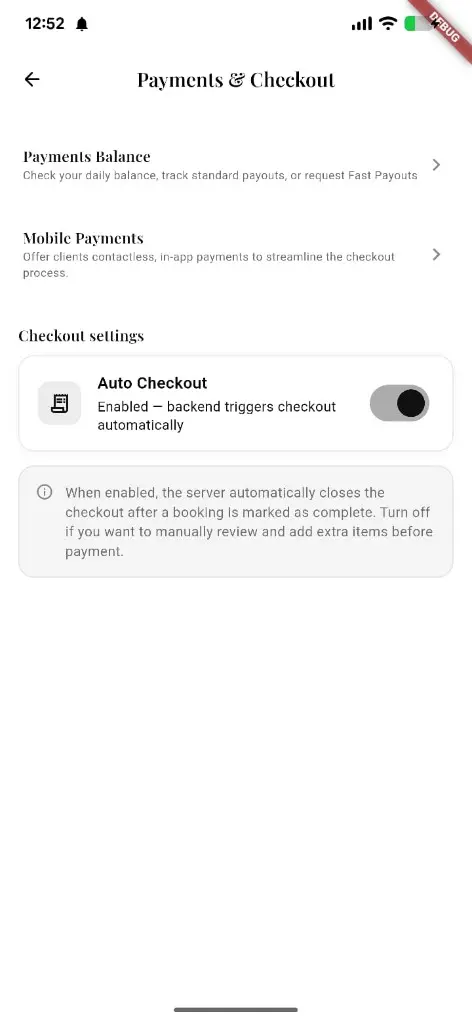
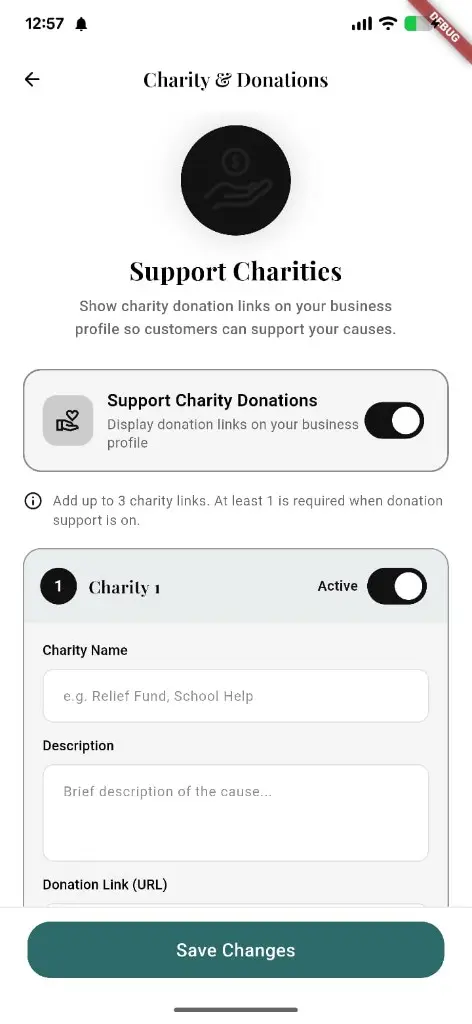
Staff, services, finance, checkout, marketing entry, charity.
Growth loops
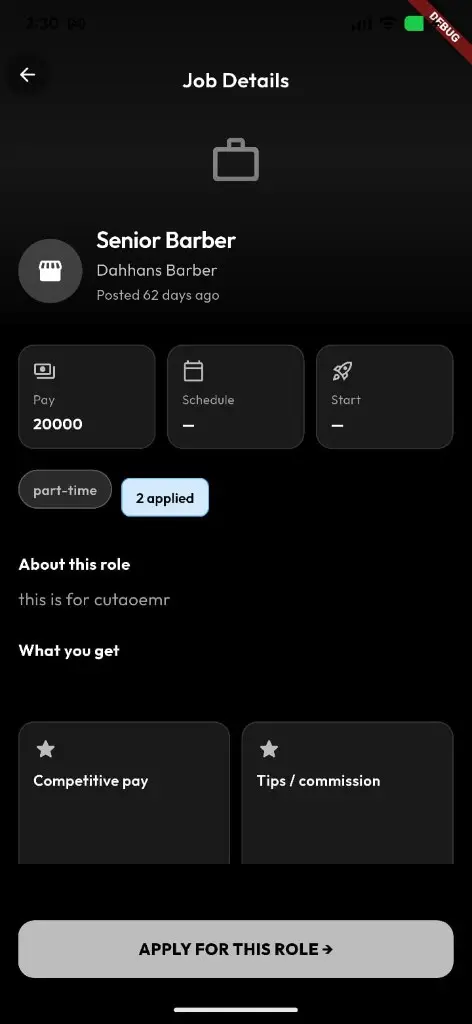
Battle Arena, jobs, social — beyond the booking link.
Free start
Barbers get Reserveo free for the first 3 months.
Audience
Who it’s for
Solo barbers, multi-chair shops, and managers running beauty businesses.
Pro tips
Use it like a pro
- 1
Finish services + hours before sharing your link.
- 2
Use Feed to show work; use Bookings to run the floor.
- 3
Contact riserveo.org for early access while apps are coming soon.
Keep exploring
Features that connect with reserveo for business.
Put reserveo for business to work in your shop
Free for barbers for the first 3 months. Apps coming soon — contact us for early access.