

Find shops
Home, search & discovery
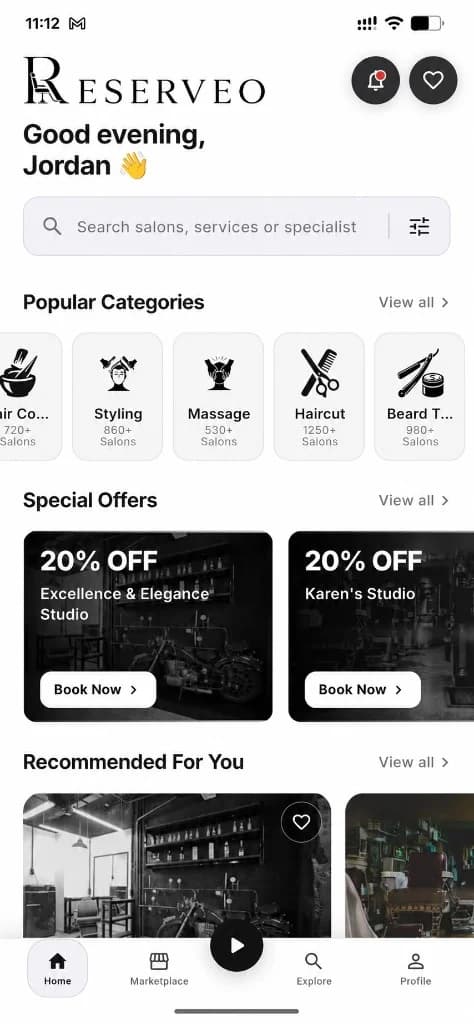
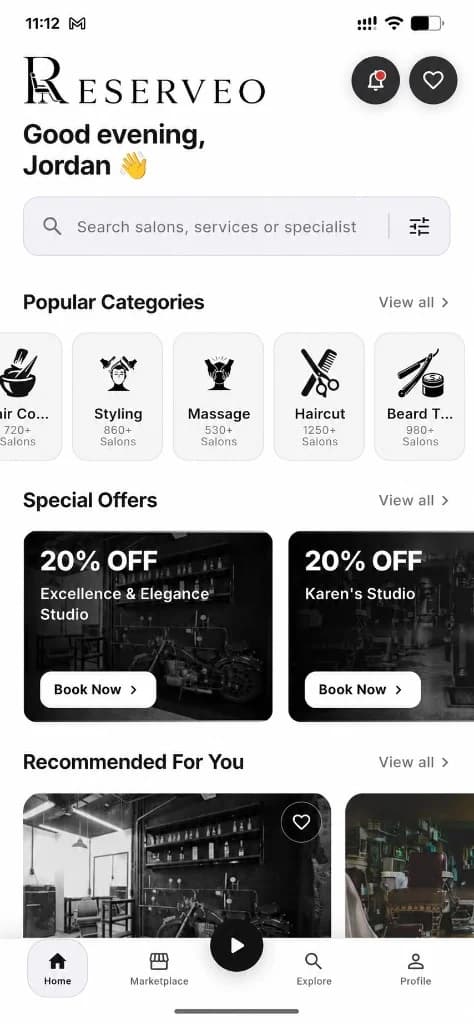
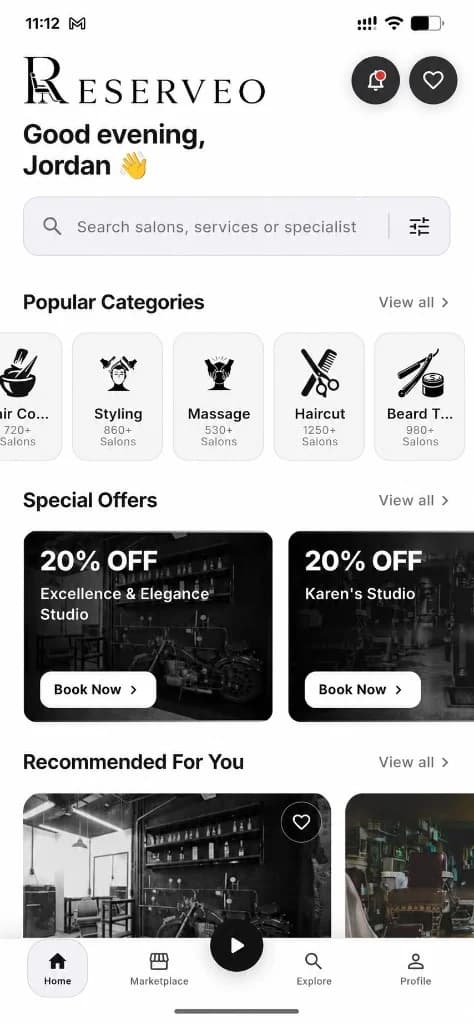
The customer home is the marketplace hub: categories, recommended salons, special offers, map preview, favorites, and country-aware pricing from GPS.
What you get
5 capabilities
Guided flow
5 clear steps
Built for
Customers
Walkthrough
How home, search & discovery works in Reserveo
Follow the real app flow — from the first tap to the result on the floor.
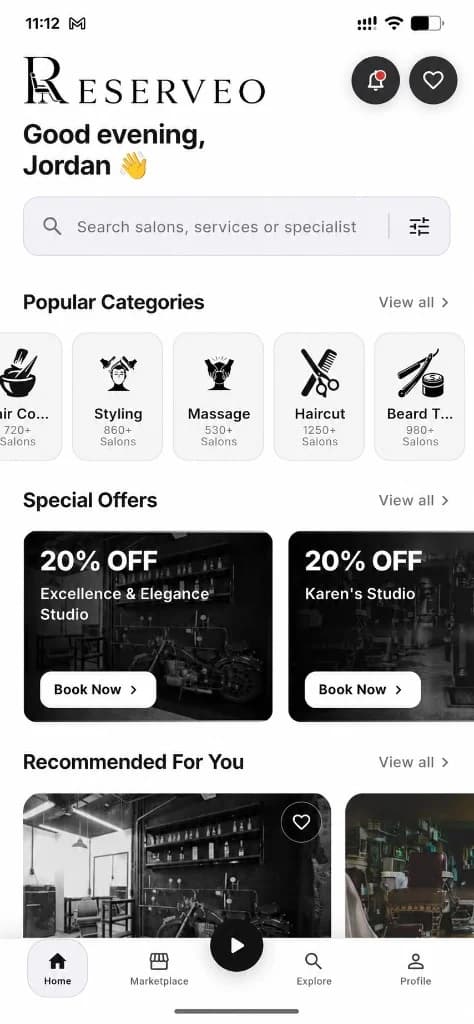
Categories, offers, and recommended shops.
Open Home
See brand header, nearby shops, categories, recommended salons, offers, and shortcuts.
Next step ↓
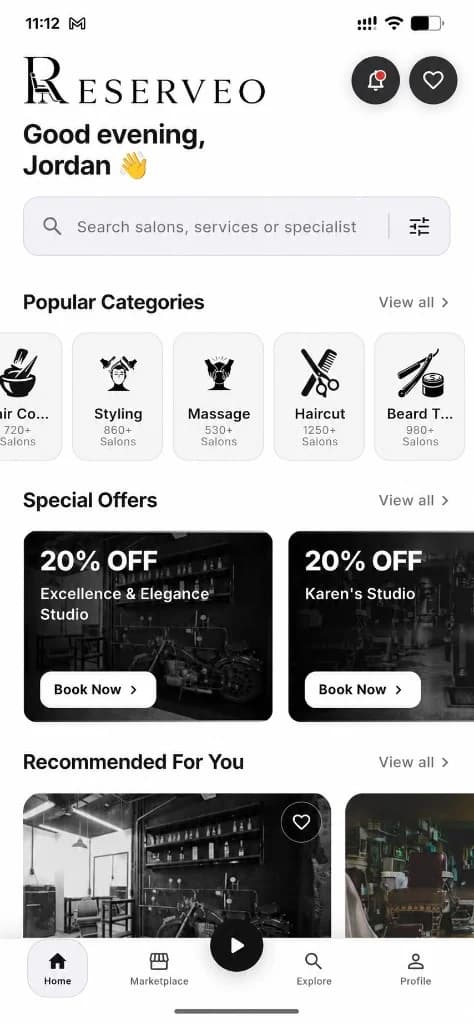
Browse nearby talent and salons.
Browse by category
Open Haircut, Beard Trim, Shaving, Fade, and more — or view the full categories list.
Next step ↓

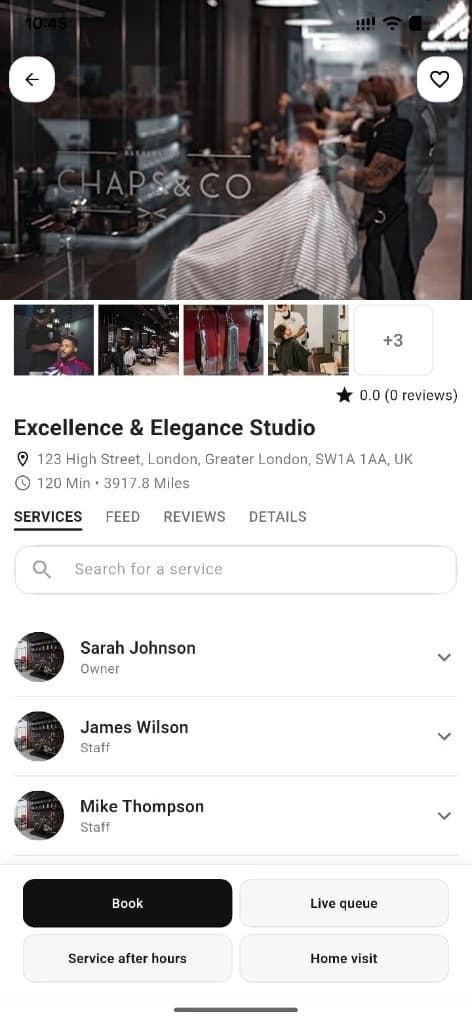
Real shop context for discovery.
Search & filter
Search shops and filter by category, distance, rating, and more from bottom sheets.
Next step ↓
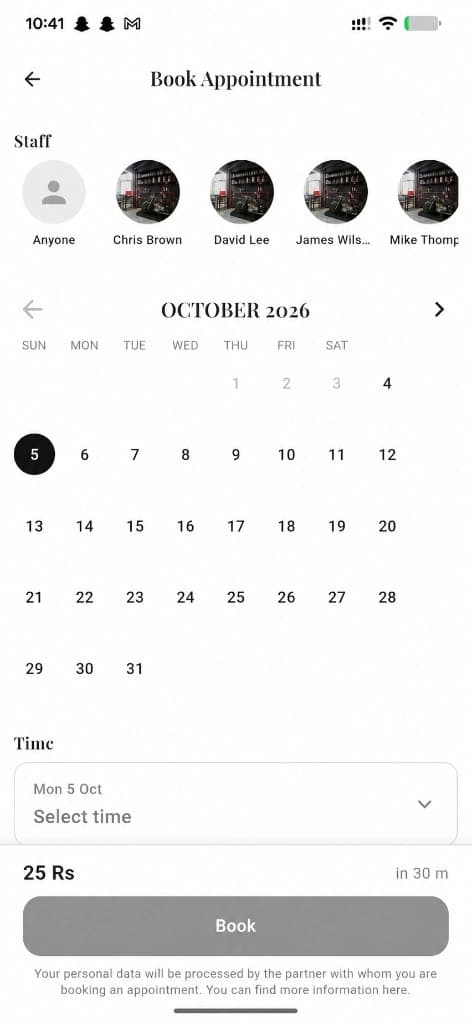
Real shop context for discovery.
Use the map
Open the nearby OpenStreetMap view with pins for distance, address, shop page, and directions.
Next step ↓
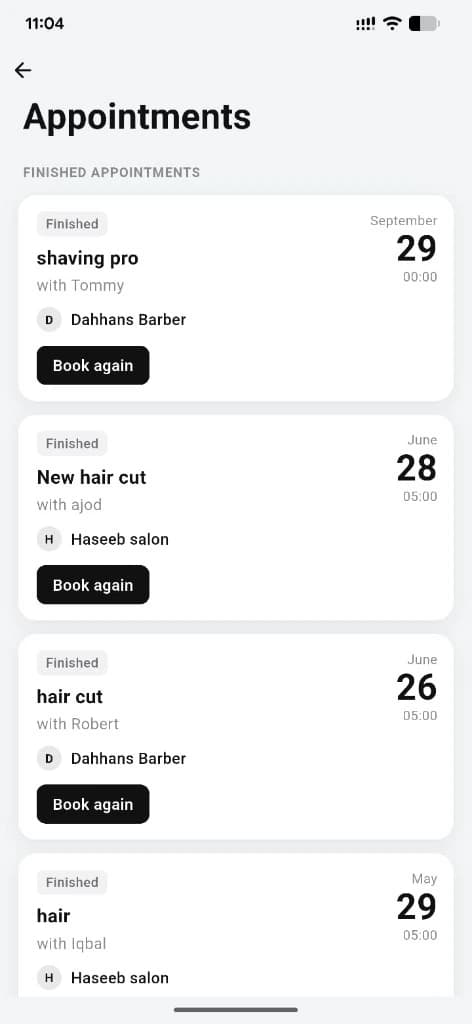
Real shop context for discovery.
Save favorites
Heart shops you love for one-tap return later.
Done — you’re live
In the app
Screens that make the feature feel real
Deep capabilities
Everything packed into this feature
Special offers
Featured and nearby promotions; sample cards may show when the API returns none.
Explore tab
Search, recent searches, and artist/salon discovery.
GPS country & currency
Country from device location drives discovery feeds and local currency (e.g. PK → Rs).
Dark / light theme
UI follows system or in-app theme preference.
News & notifications
Inbox for alerts plus News for Battle Arena, jobs, and city manager updates.
Audience
Who it’s for
Clients looking for a barber or beauty pro nearby — without calling around.
Pro tips
Use it like a pro
- 1
Allow location for accurate nearby shops and local prices.
- 2
Use Map View when you want the closest chair, not just a ranked list.
- 3
Favorites keep your regulars one tap away.
Keep exploring
Features that connect with home, search & discovery.
Put home, search & discovery to work in your shop
Free for barbers for the first 3 months. Apps coming soon — contact us for early access.