

Platform updates
News
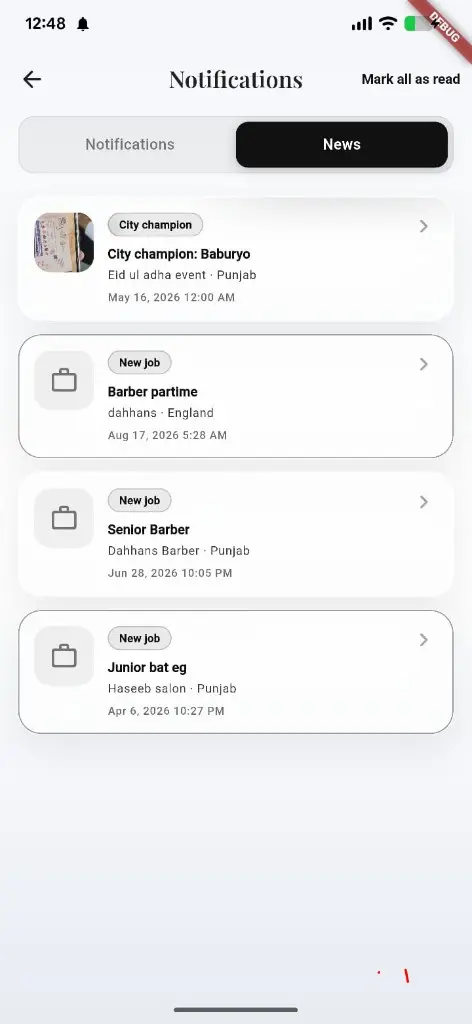
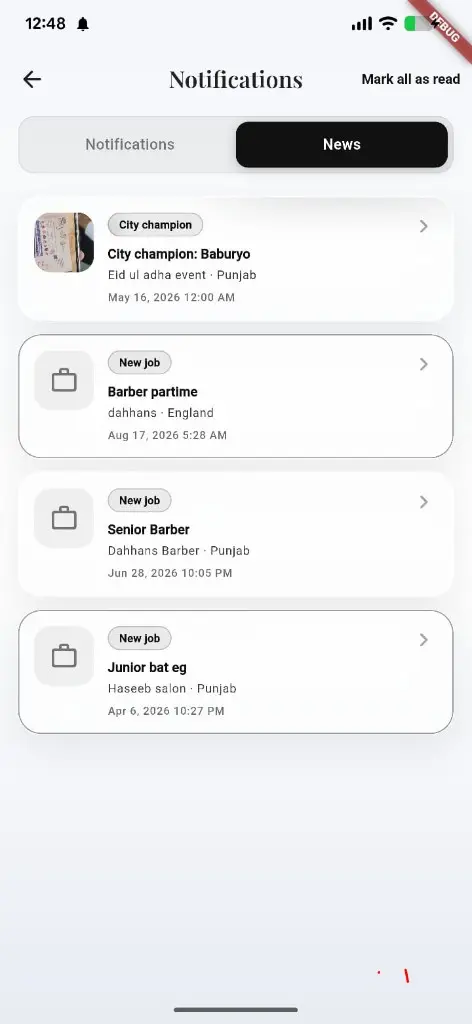
The News tab inside Notifications — Battle Arena city champions, new job posts, and local updates so customers and pros stay current.
What you get
3 capabilities
Guided flow
3 clear steps
Built for
Customers · Owners · Staff / barbers
Walkthrough
How news works in Reserveo
Follow the real app flow — from the first tap to the result on the floor.
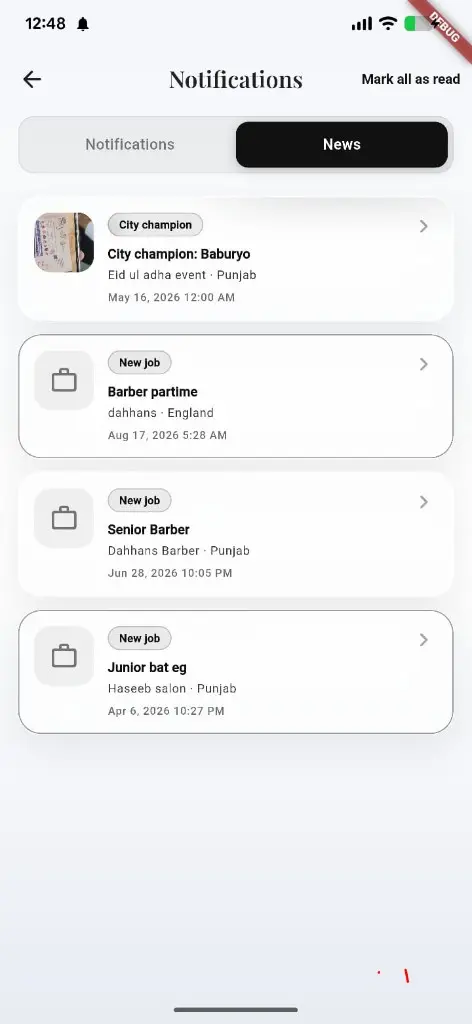
City champions, new jobs, and platform updates under the News tab.
Open Notifications
From the bell or inbox entry in the app.
Next step ↓
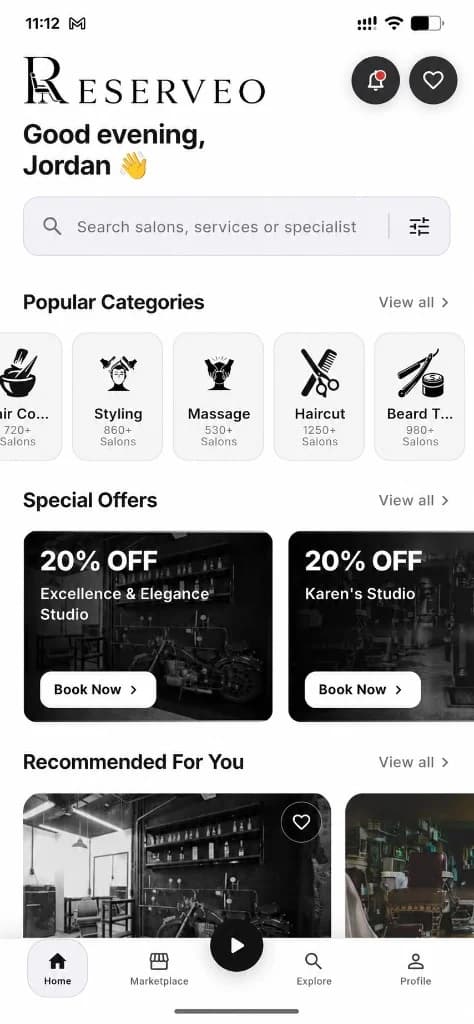
News lives beside the regular Notifications inbox.
Switch to News
See arena, jobs, and city updates in one feed.
Next step ↓
News lives beside the regular Notifications inbox.
Tap an item
Open the competition, job, or announcement detail.
Done — you’re live
In the app
Screens that make the feature feel real
Deep capabilities
Everything packed into this feature
Arena & city news
Champions, events, and city manager announcements.
New job posts
Fresh openings from shops on the jobs board.
Alongside alerts
Same hub as booking and queue notifications.
Audience
Who it’s for
Anyone who follows jobs, Battle Arena, or local shop updates.
Pro tips
Use it like a pro
- 1
Check News when you’re looking for work or arena events.
- 2
Use Mark all as read on Notifications when the inbox piles up.
Keep exploring
Features that connect with news.
Put news to work in your shop
Free for barbers for the first 3 months. Apps coming soon — contact us for early access.