

Extra shifts
Services after hours
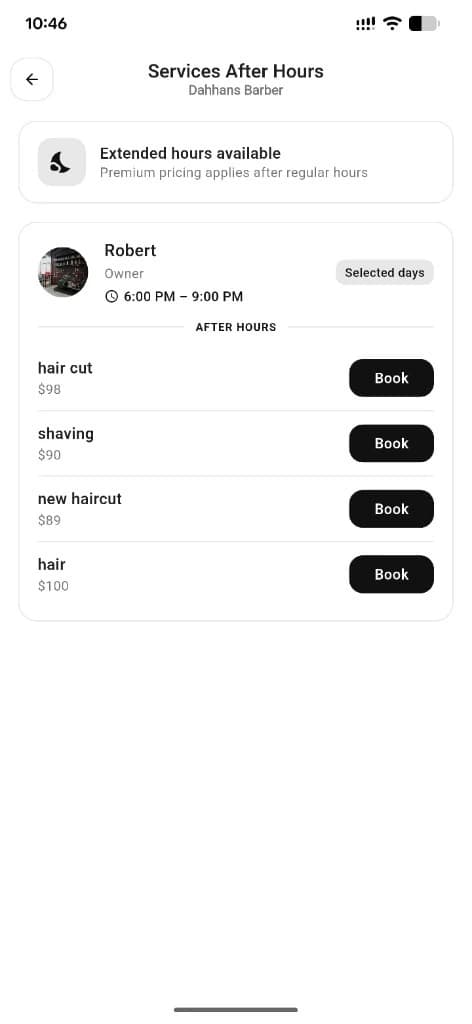
Staff can offer extended hours beyond the normal shop day. Customers open Services After Hours to book those extra shifts.
What you get
2 capabilities
Guided flow
3 clear steps
Built for
Customers · Staff / barbers · Owners
Walkthrough
How services after hours works in Reserveo
Follow the real app flow — from the first tap to the result on the floor.
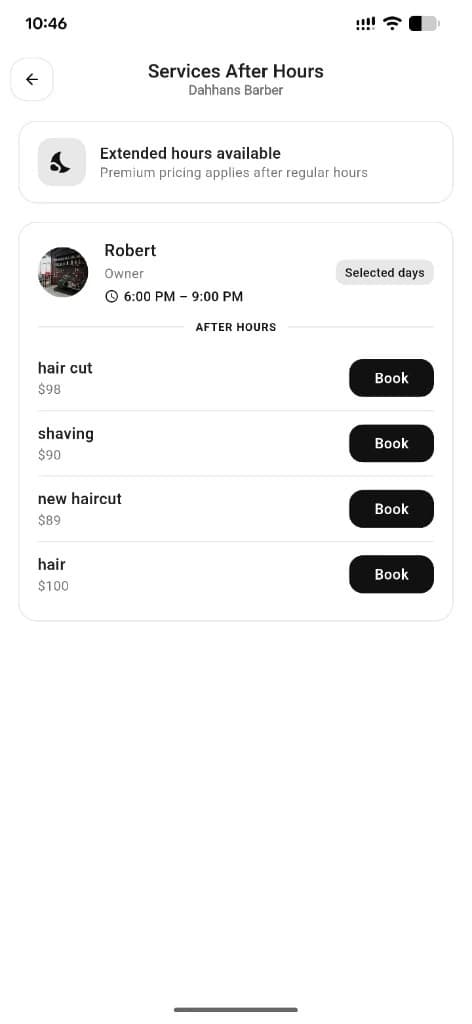
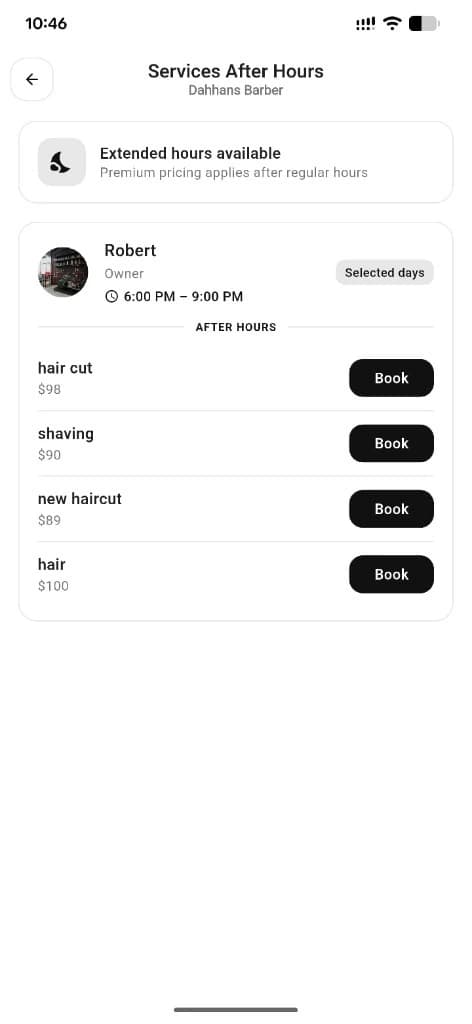
Extended hours list with staff, times, and Book actions.
Staff enable extra shifts
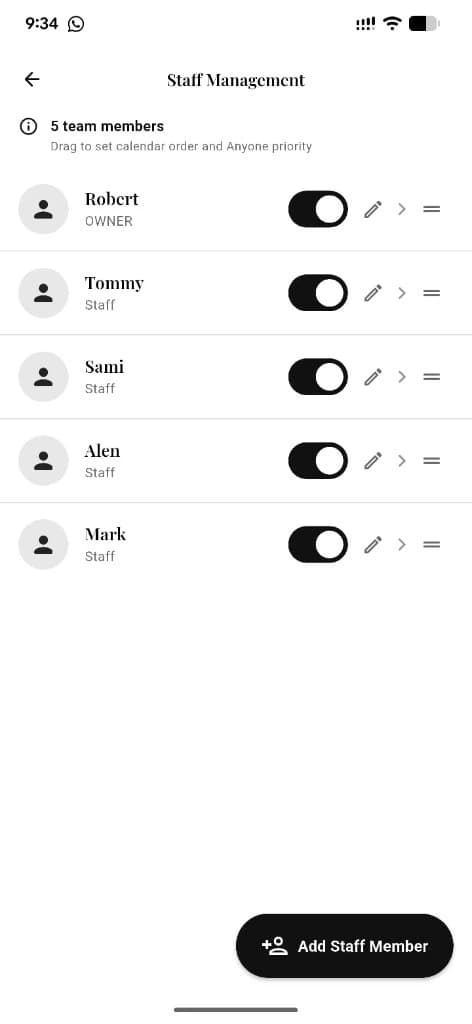
Barbers offer extended hours in their schedule tools.
Next step ↓
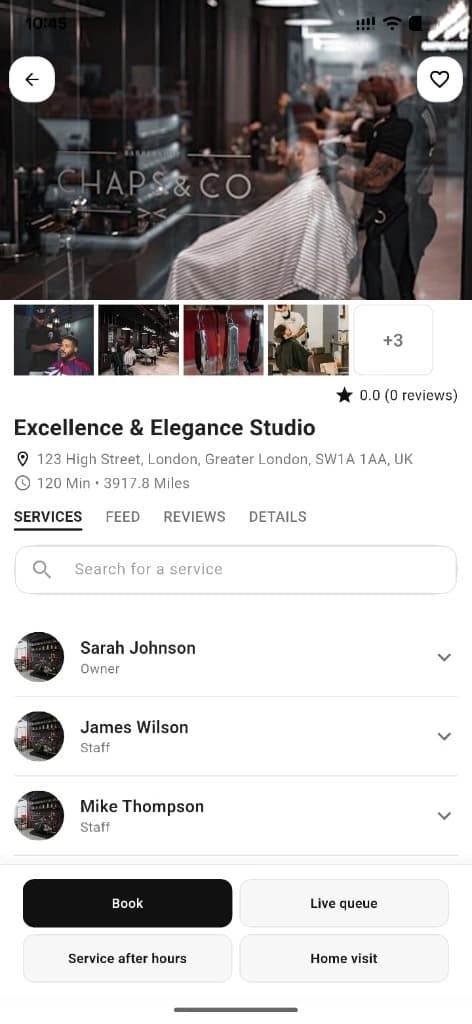
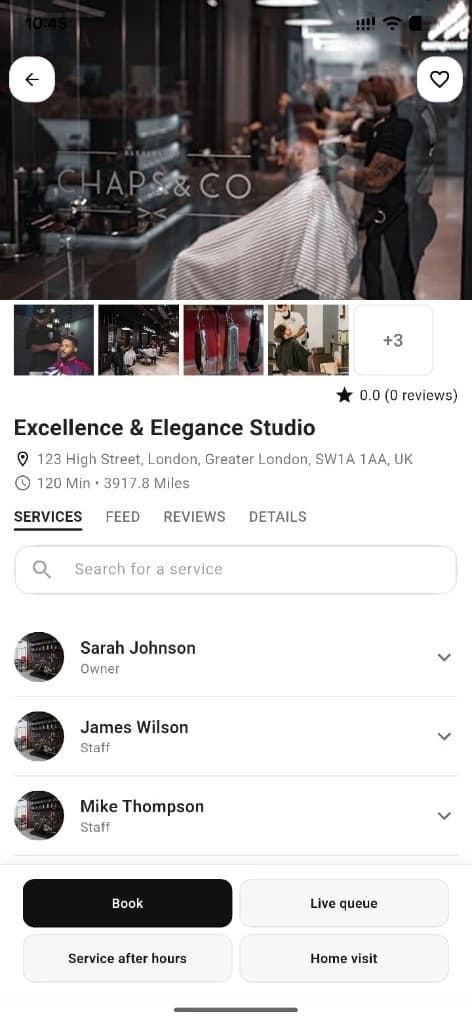
Entry from the shop detail page.
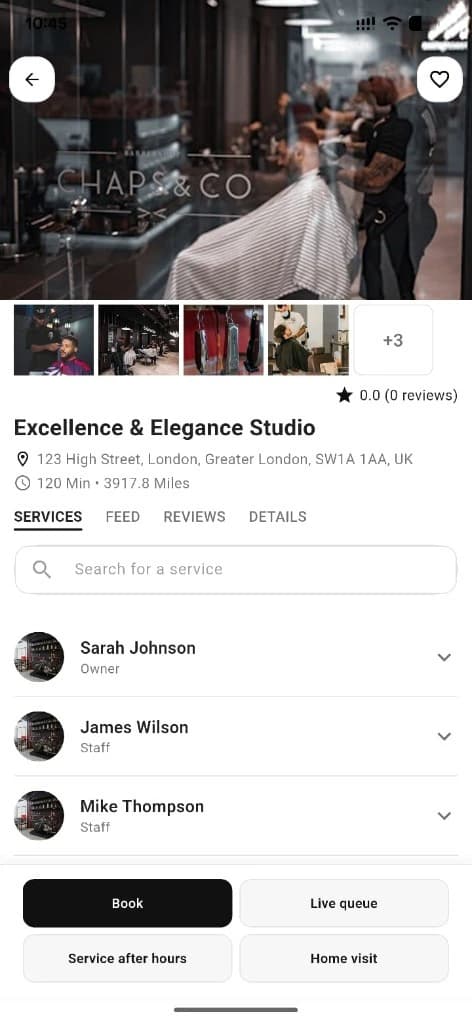
Customer opens After Hours
From business detail when the shop supports it.
Next step ↓
Entry from the shop detail page.
Pick staff & slot
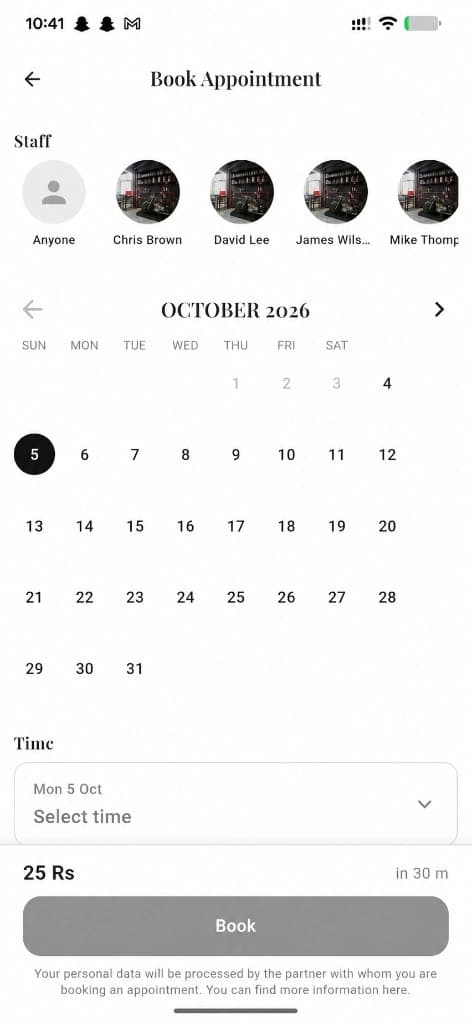
Only staff with extra shifts appear; book like a normal appointment.
Done — you’re live
In the app
Screens that make the feature feel real
Deep capabilities
Everything packed into this feature
Extended availability
Serve clients outside standard opening hours without changing the whole shop calendar.
Per-staff control
Each barber decides whether to offer after-hours work.
Audience
Who it’s for
Night-owl clients and barbers who want extra income outside core hours.
Pro tips
Use it like a pro
- 1
Owners: keep opening calendar clear so after-hours doesn’t confuse the team.
- 2
Customers: after-hours is perfect when daytime slots are gone.
Keep exploring
Features that connect with services after hours.
Put services after hours to work in your shop
Free for barbers for the first 3 months. Apps coming soon — contact us for early access.