

Storefront setup
Services & business profile
Build the public shop: services, categories, prices in local currency, business details, images, discounts, gift cards, charity links, and mindset prompts.
What you get
3 capabilities
Guided flow
5 clear steps
Built for
Owners
Walkthrough
How services & business profile works in Reserveo
Follow the real app flow — from the first tap to the result on the floor.
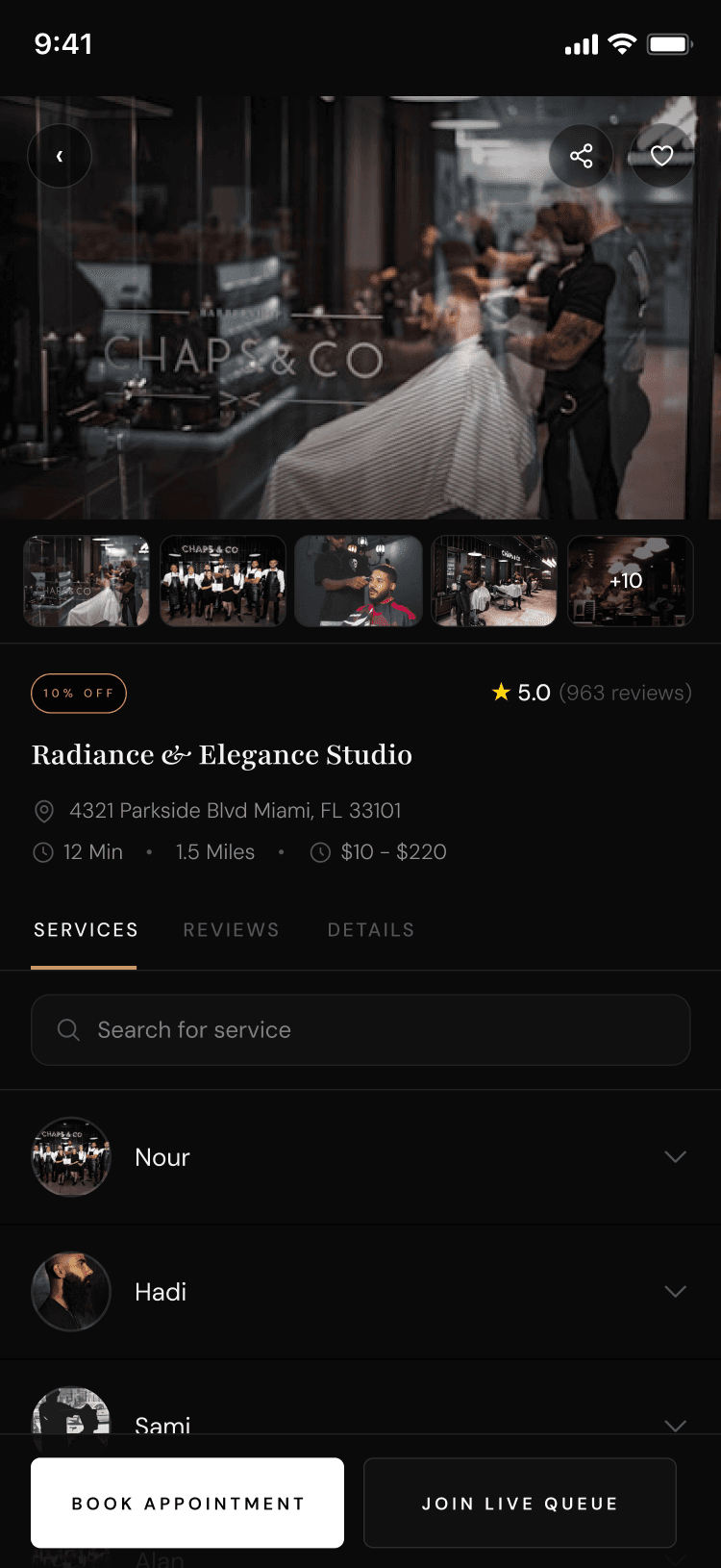
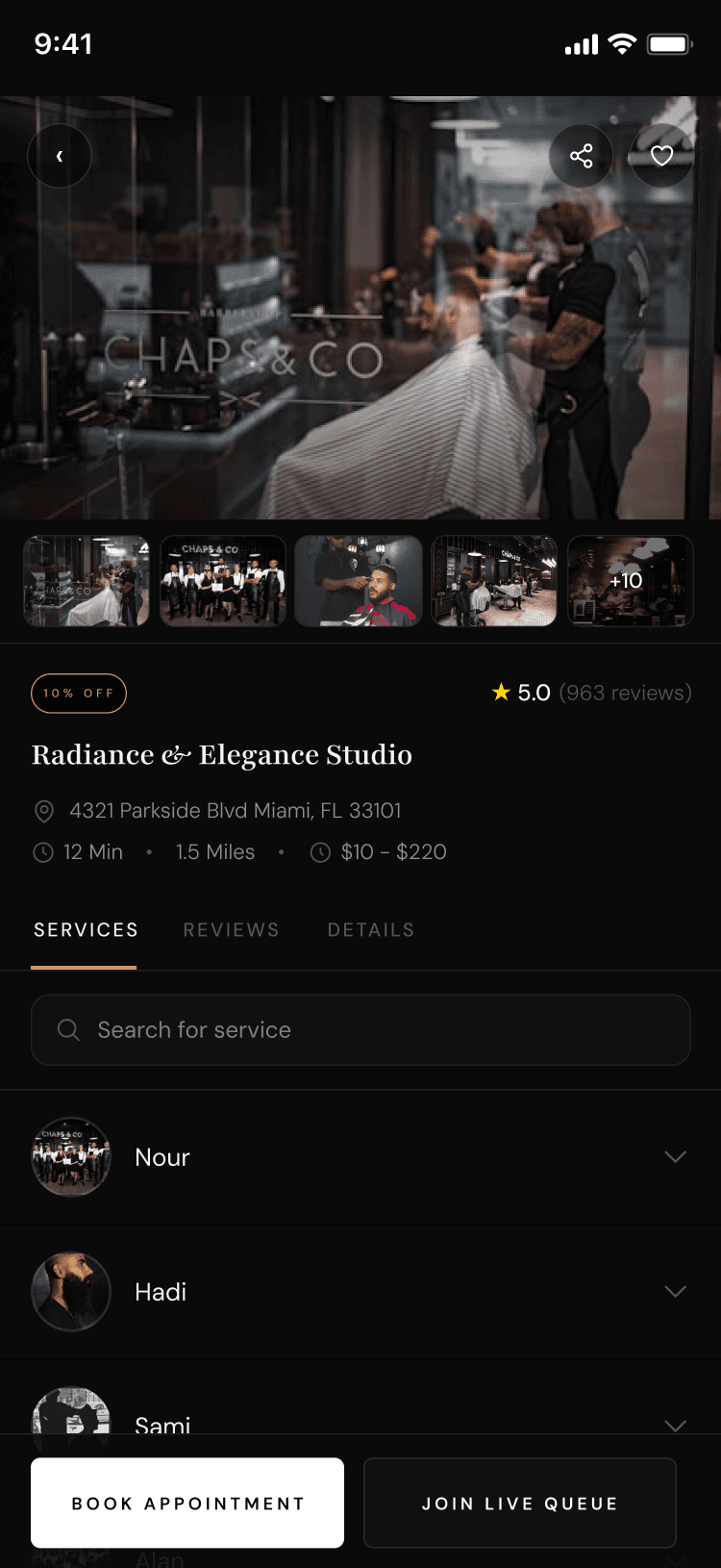
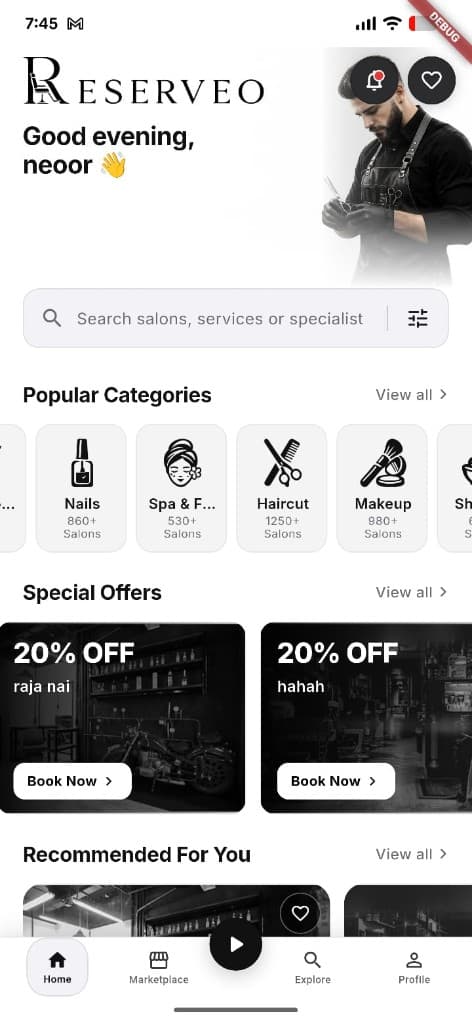
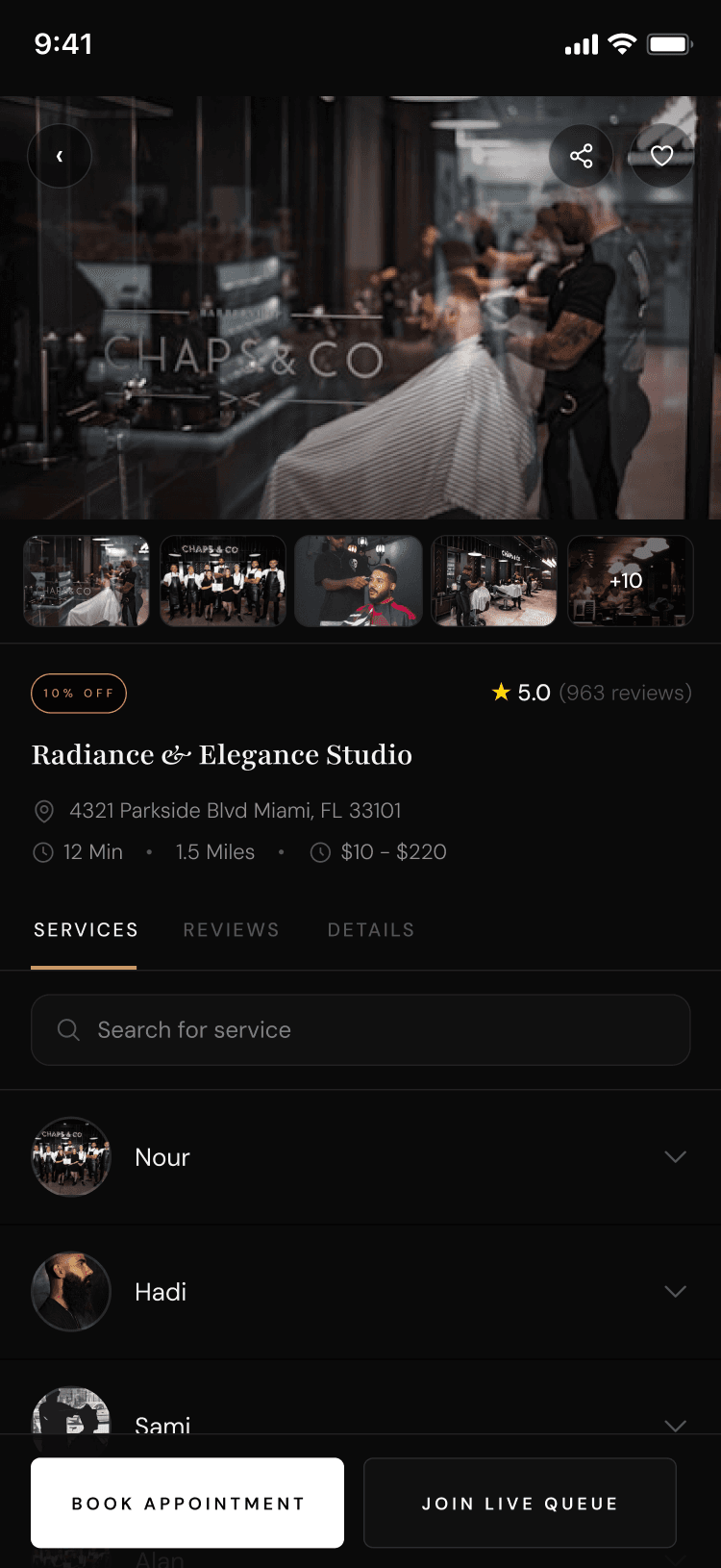
What customers see after you publish services.
Services setup
Create categories and services with duration, price, currency, and staff assignment.
Next step ↓
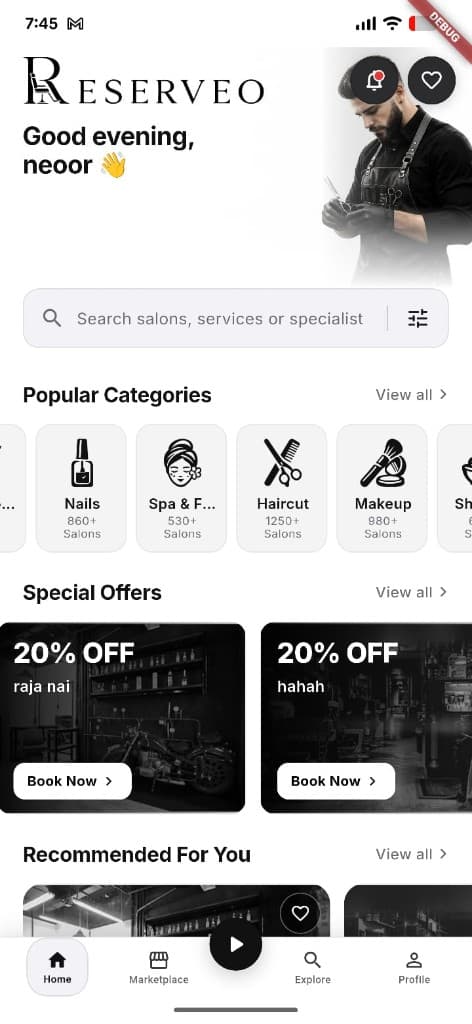
Profile images and offers feed discovery.
Business details
Address, contact, description, name, and metadata.
Next step ↓
Profile images and offers feed discovery.
Profile images
Logo, cover, and gallery for the public page.
Next step ↓
Profile images and offers feed discovery.
Promos & gifts
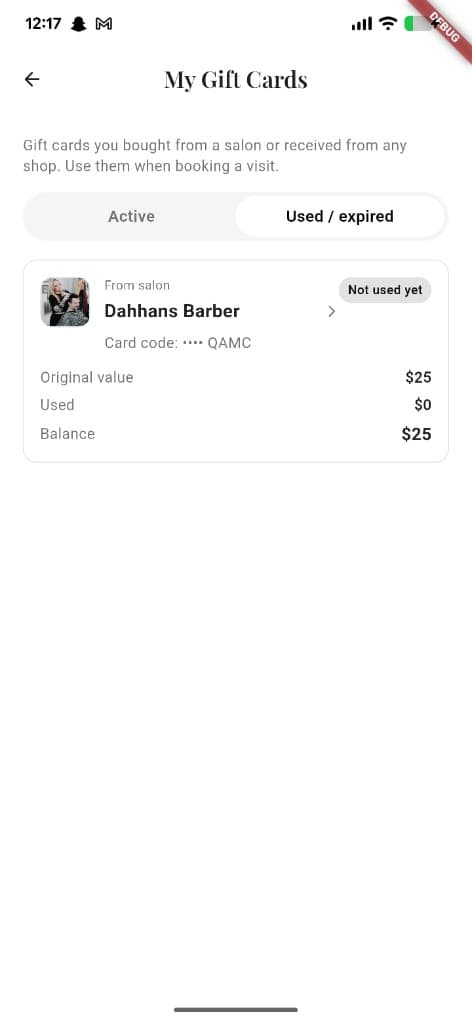
Discounts/promotions and owner gift card products.
Next step ↓
Profile images and offers feed discovery.
Charity & culture
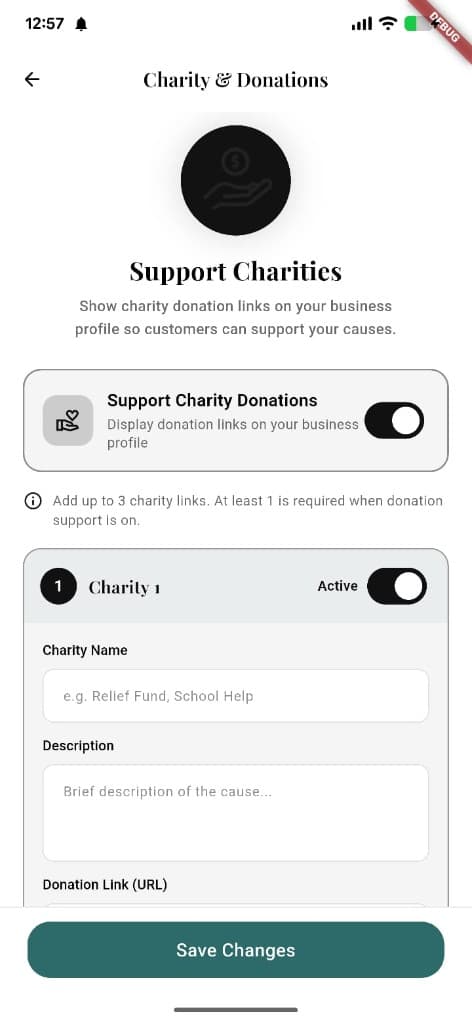
Optional donation links; mindset/motivation quotes for the team.
Done — you’re live
In the app
Screens that make the feature feel real
Deep capabilities
Everything packed into this feature
Marketing hub
Campaigns entry from settings (coming soon placeholder).
Public shop preview
Open the customer business-detail view before clients do.
Notes
Internal shop notes.
Audience
Who it’s for
Owners launching or refreshing how the shop looks and sells.
Pro tips
Use it like a pro
- 1
Currency follows the shop country — keep country correct.
- 2
Assign services to the right staff so booking calendars stay accurate.
- 3
Preview the public page after every major change.
Keep exploring
Features that connect with services & business profile.
Put services & business profile to work in your shop
Free for barbers for the first 3 months. Apps coming soon — contact us for early access.