
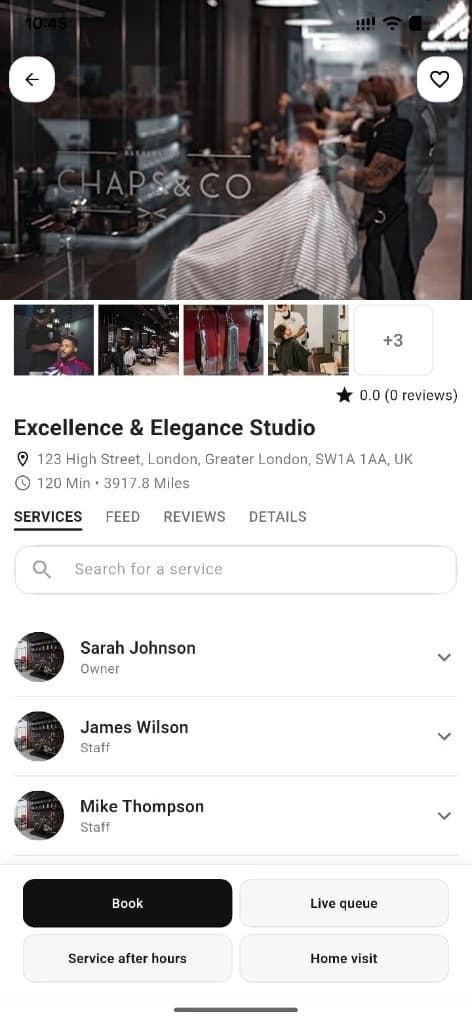

Shop page
Salon & business detail
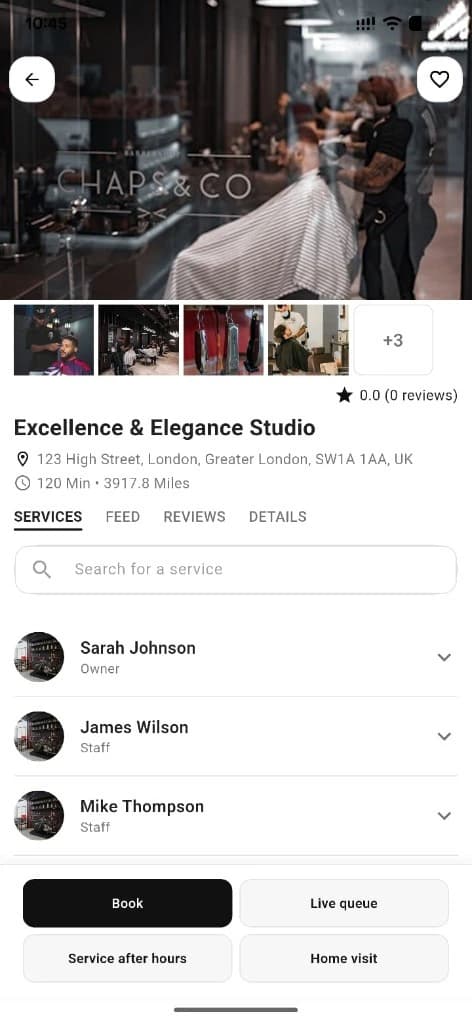
Every shop has a full profile: gallery, services, staff, social feed, reviews, charity links, and clear CTAs to book or join the live queue.
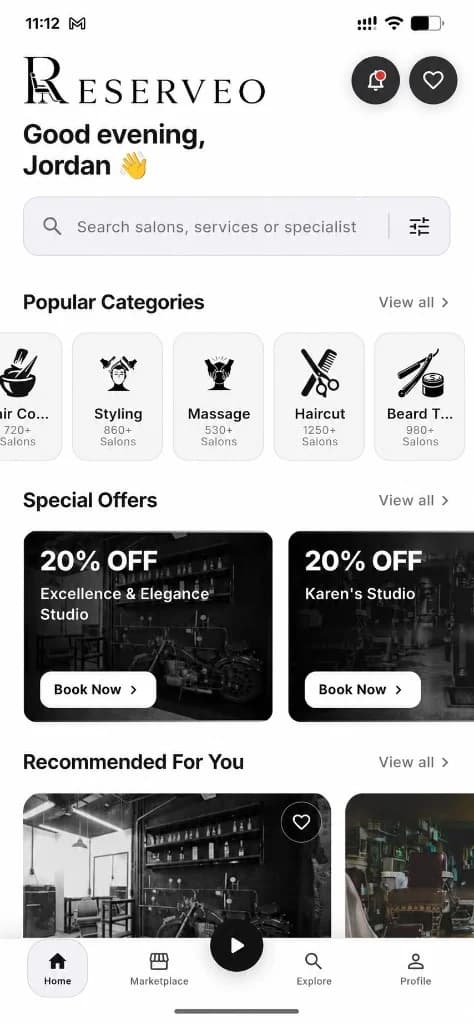
What you get
4 capabilities
Guided flow
5 clear steps
Built for
Customers · Owners
Walkthrough
How salon & business detail works in Reserveo
Follow the real app flow — from the first tap to the result on the floor.
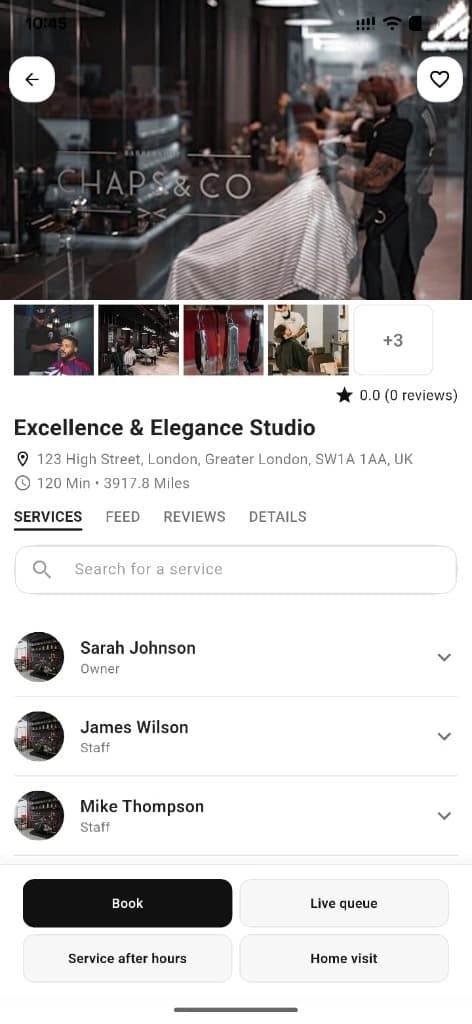
Gallery, staff, Book, Live queue, After hours, and Home visit.
Open a shop
From home, map, search, or social — land on gallery, services, staff, feed, reviews, and details.
Next step ↓
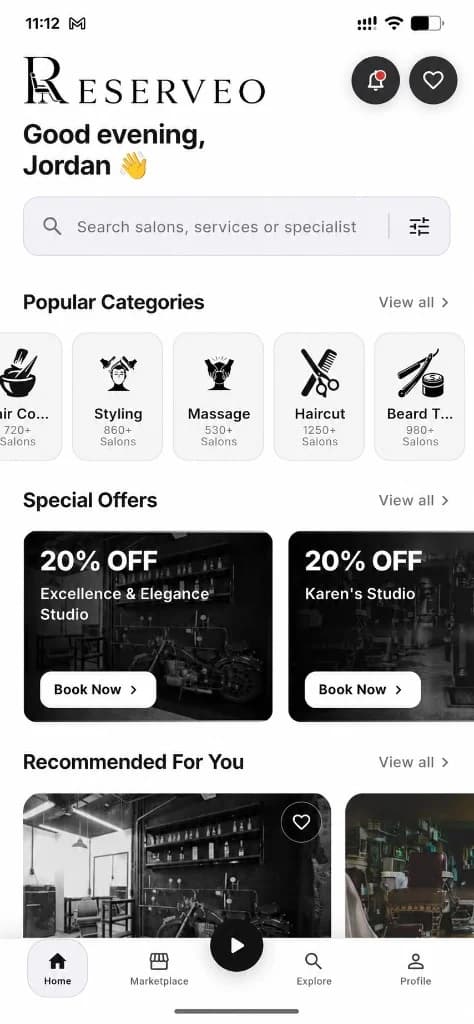
How shops appear before you open them.
Pick a barber
Review the staff list and choose who you want in the chair.
Next step ↓
How shops appear before you open them.
Read social proof
Check reviews, stories, and shop feed posts before you commit.
Next step ↓
How shops appear before you open them.
Choose how to visit
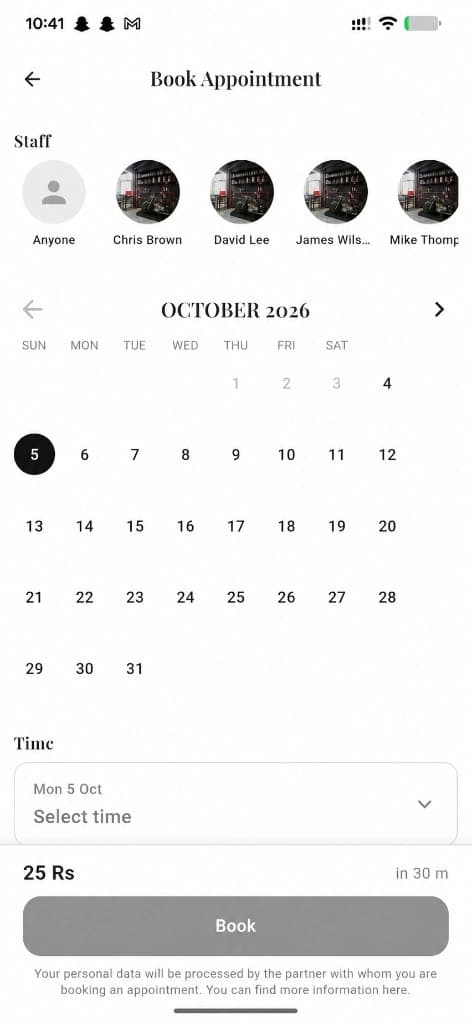
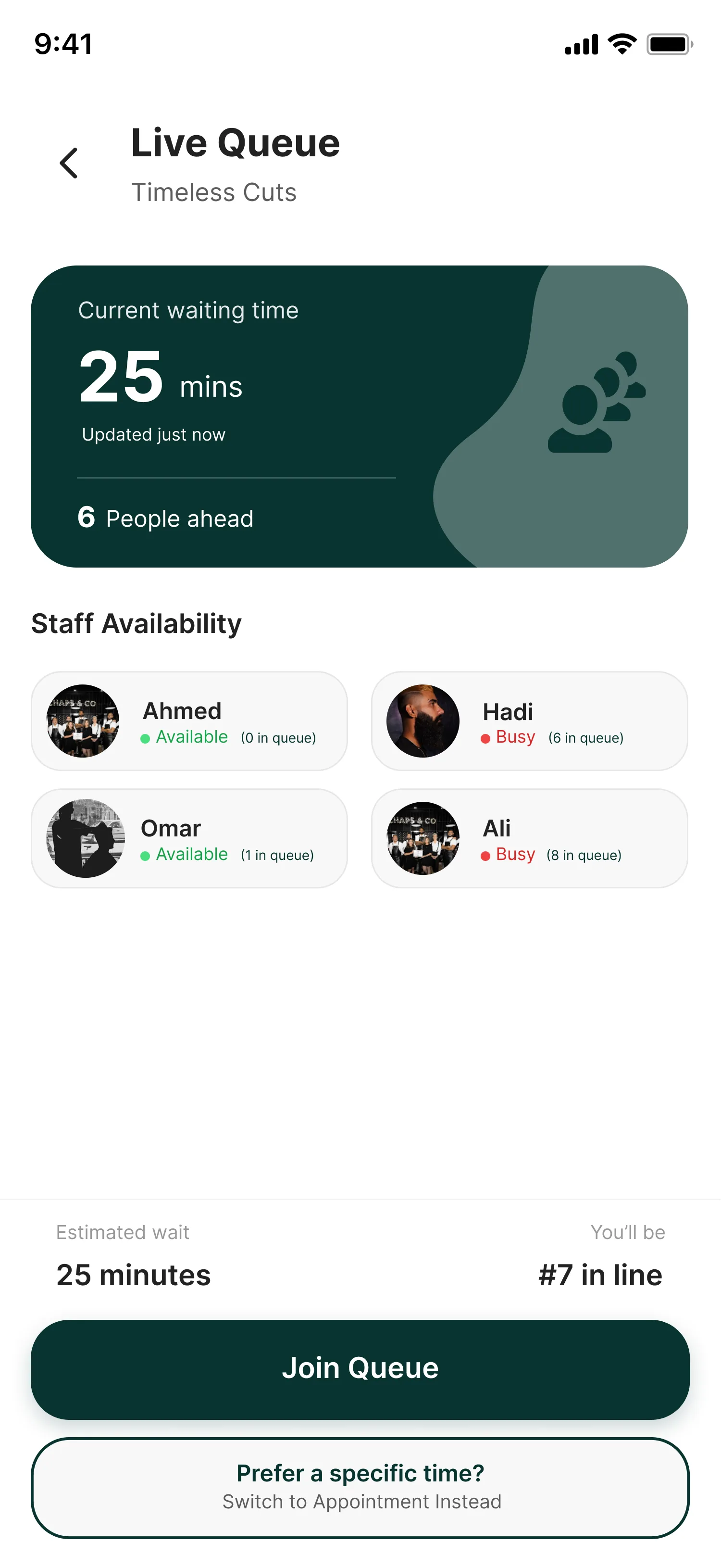
Book Appointment for a future slot, or Join Live Queue for same-day walk-in.
Next step ↓
How shops appear before you open them.
Extra options
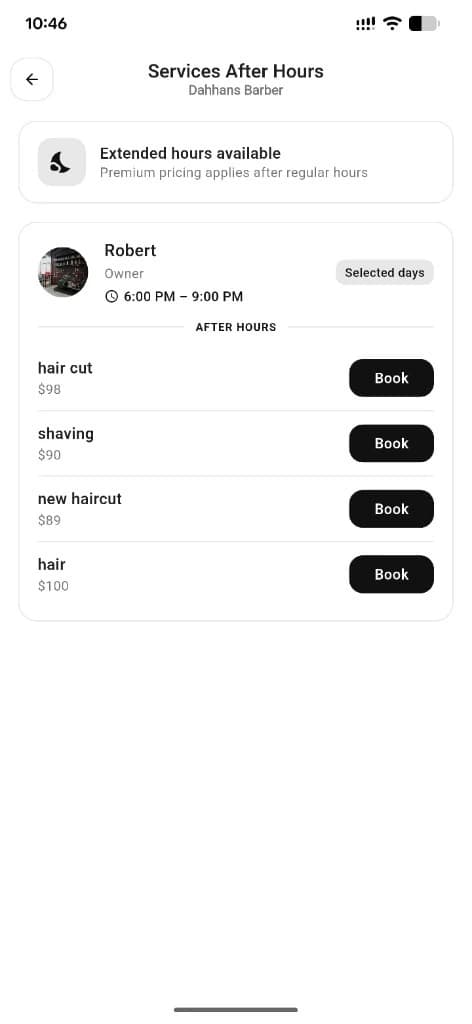
If offered: Services After Hours, Home Service, donate via charity links, share, or favorite.
Done — you’re live
In the app
Screens that make the feature feel real
Deep capabilities
Everything packed into this feature
Business gallery
Full-screen shop photos.
Services After Hours
Staff who offer extra shifts outside normal hours.
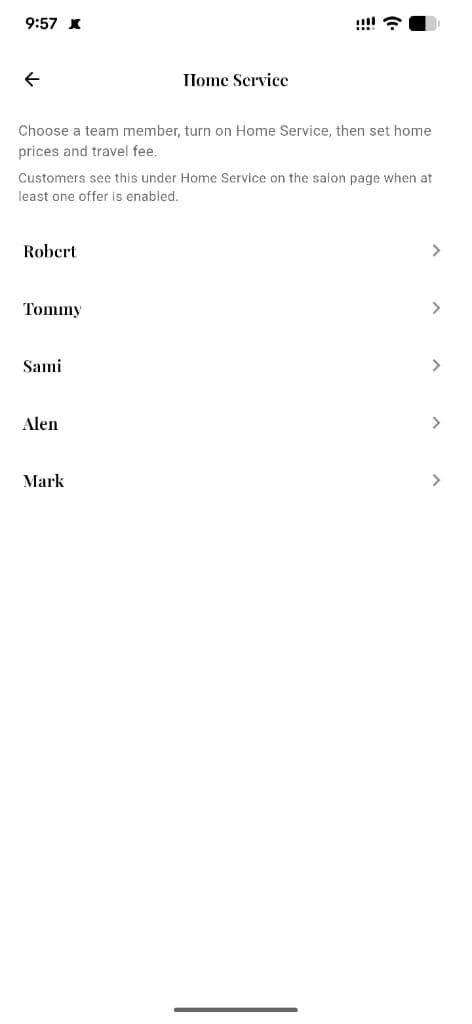
Home Service
At-home visits with home prices, travel charge, and customer address.
Owner preview
Owners can open the customer detail view in preview mode.
Audience
Who it’s for
Customers deciding where to book; owners checking how their shop looks publicly.
Pro tips
Use it like a pro
- 1
Owners: keep gallery and services fresh — this page is your storefront.
- 2
Use After Hours when you need a slot outside the normal day.
- 3
Home Service only appears when at least one barber enables it.
Keep exploring
Features that connect with salon & business detail.
Put salon & business detail to work in your shop
Free for barbers for the first 3 months. Apps coming soon — contact us for early access.