

Your visits
My Bookings
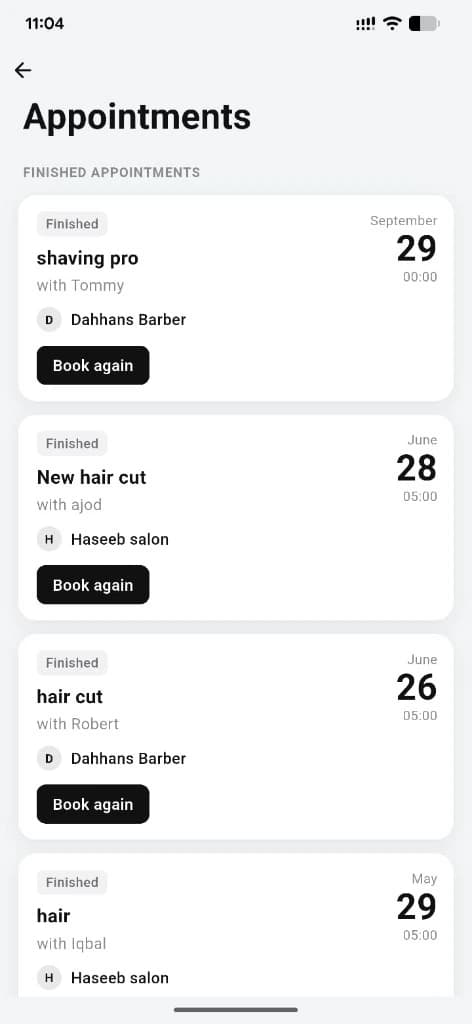
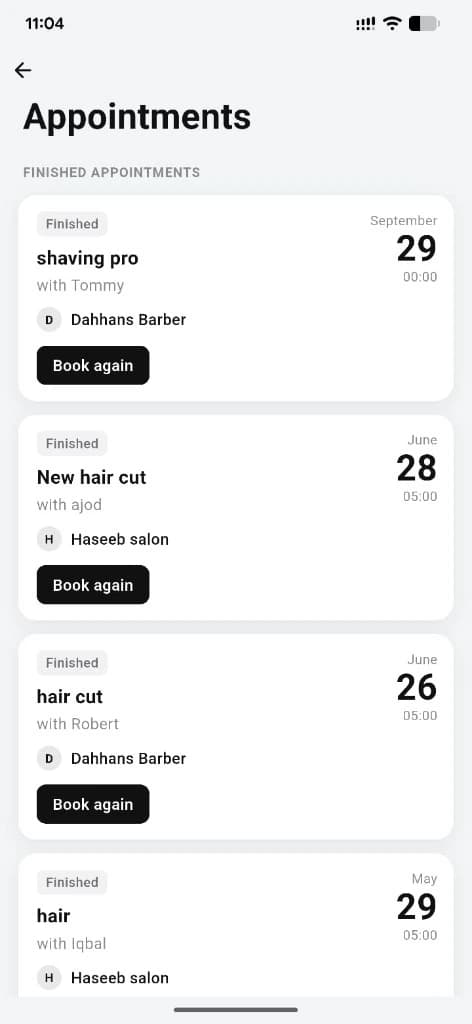
Finished and past appointments in one place — service, barber, salon, date, and Book again when you want the same visit.
What you get
3 capabilities
Guided flow
4 clear steps
Built for
Customers
Walkthrough
How my bookings works in Reserveo
Follow the real app flow — from the first tap to the result on the floor.
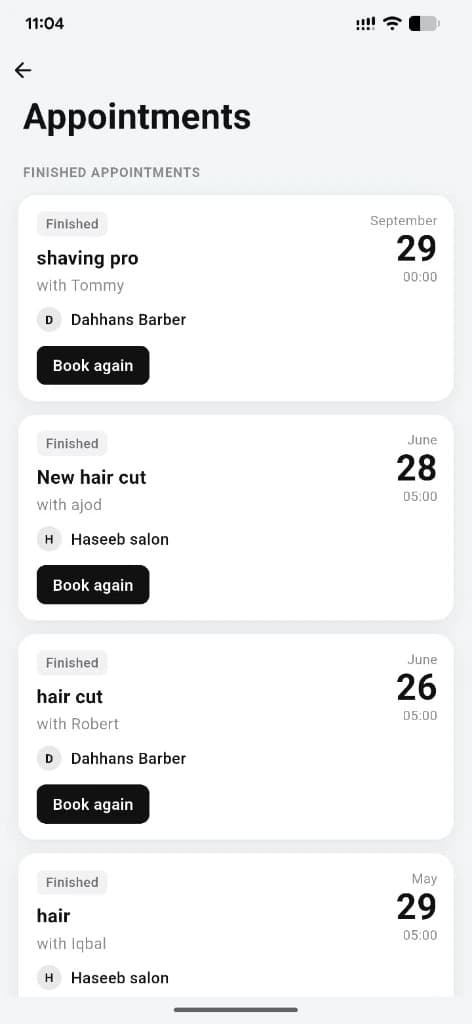
Finished appointments with Book again on each visit.
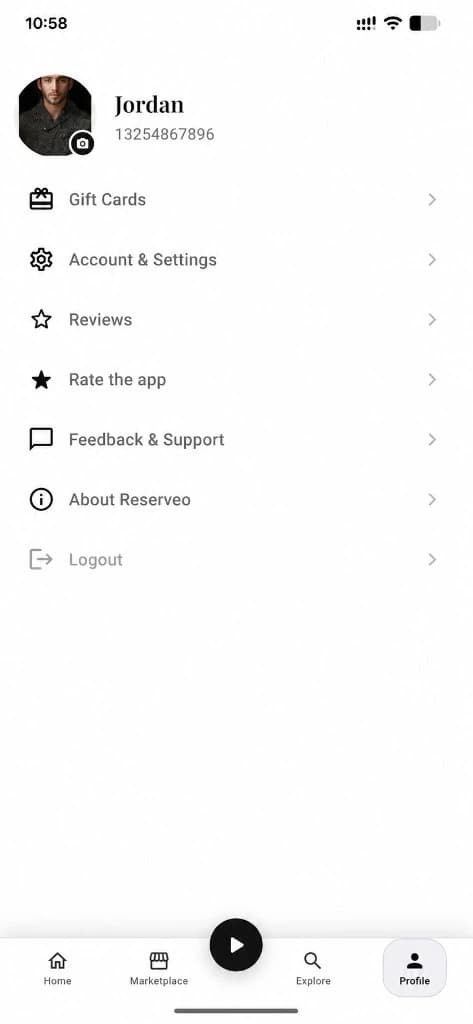
Open My Bookings
From the customer profile or home shortcuts.
Next step ↓
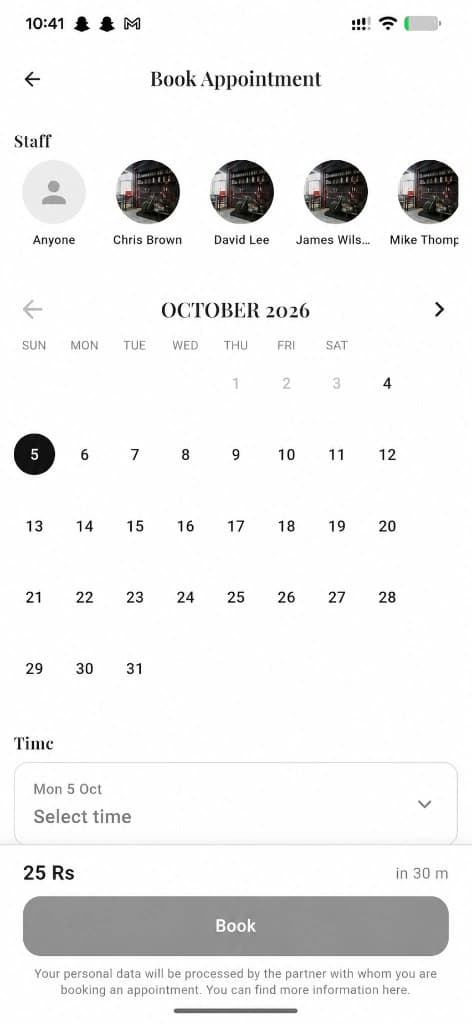
New bookings land here after you confirm.
Switch Upcoming / Past
See what’s next or review completed visits.
Next step ↓
New bookings land here after you confirm.
Tap a card
Open booking detail to rate, revisit the salon, or manage fees.
Next step ↓
New bookings land here after you confirm.
Clear no-show fees
If a banner appears, settle it before booking again.
Done — you’re live
In the app
Screens that make the feature feel real
Deep capabilities
Everything packed into this feature
Upcoming & past lists
Separate tabs so active visits stay easy to find.
No-show fee banner
Warns when an unpaid fee blocks the next appointment.
Visit details
Salon, service, staff, status, price, date, and time on each card.
Audience
Who it’s for
Customers who want every appointment — upcoming and history — in one list.
Pro tips
Use it like a pro
- 1
Check Upcoming before you leave so you don’t miss a visit.
- 2
Settle no-show fees from the banner before trying to book again.
Keep exploring
Features that connect with my bookings.
Put my bookings to work in your shop
Free for barbers for the first 3 months. Apps coming soon — contact us for early access.