

Your voice
Rating
Rate Reserveo with stars and an optional comment — helps improve booking for customers, barbers, and shops.
What you get
3 capabilities
Guided flow
4 clear steps
Built for
Everyone
Walkthrough
How rating works in Reserveo
Follow the real app flow — from the first tap to the result on the floor.
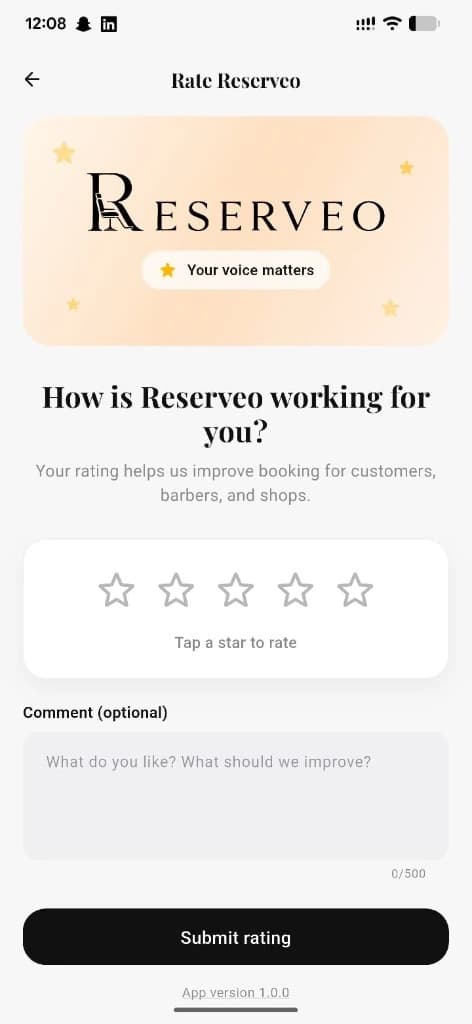
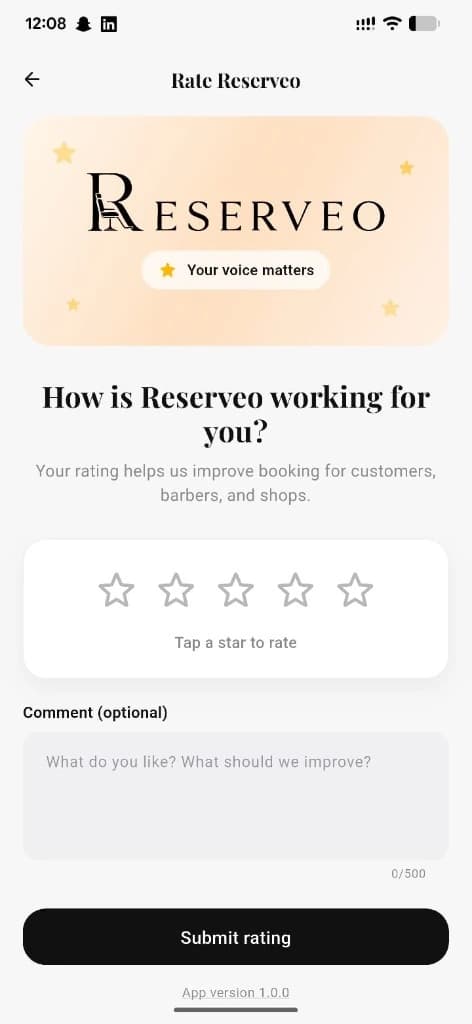
Stars, optional comment, and Submit rating — one screen.
Open Rate Reserveo
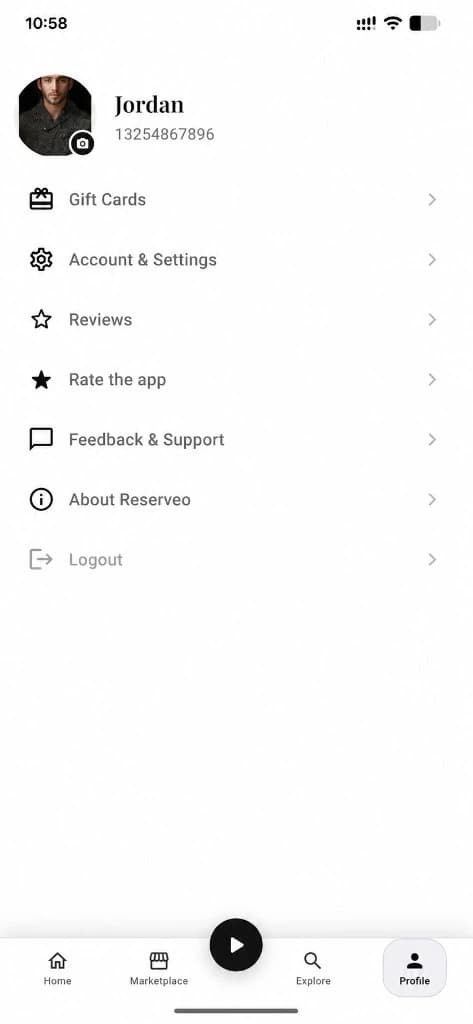
From Profile → Rate the app, or Feedback & Support.
Next step ↓
Stars, optional comment, and Submit rating — one screen.
Tap a star
Choose 1–5 stars for how Reserveo is working for you.
Next step ↓
Stars, optional comment, and Submit rating — one screen.
Add a comment (optional)
Tell us what you like or what we should improve — up to 500 characters.
Next step ↓
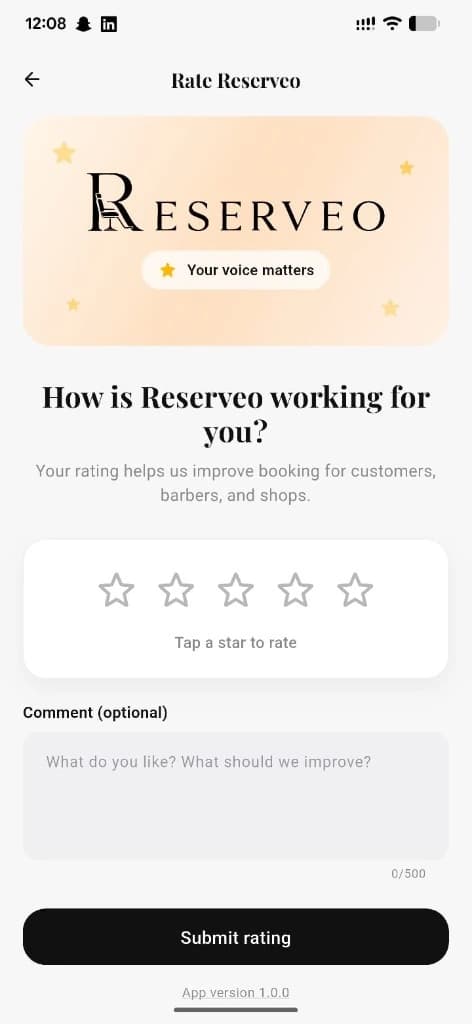
Stars, optional comment, and Submit rating — one screen.
Submit rating
Send your feedback so we can improve the product.
Done — you’re live
In the app
Screens that make the feature feel real
Deep capabilities
Everything packed into this feature
Star rating
Quick 1–5 star score.
Optional comment
Free-text feedback with a 500-character limit.
Everyone can rate
Customers, barbers, and owners share the same rating flow.
Audience
Who it’s for
Anyone who wants to leave feedback on Reserveo.
Pro tips
Use it like a pro
- 1
Rate after a great visit — short comments help us prioritize fixes.
- 2
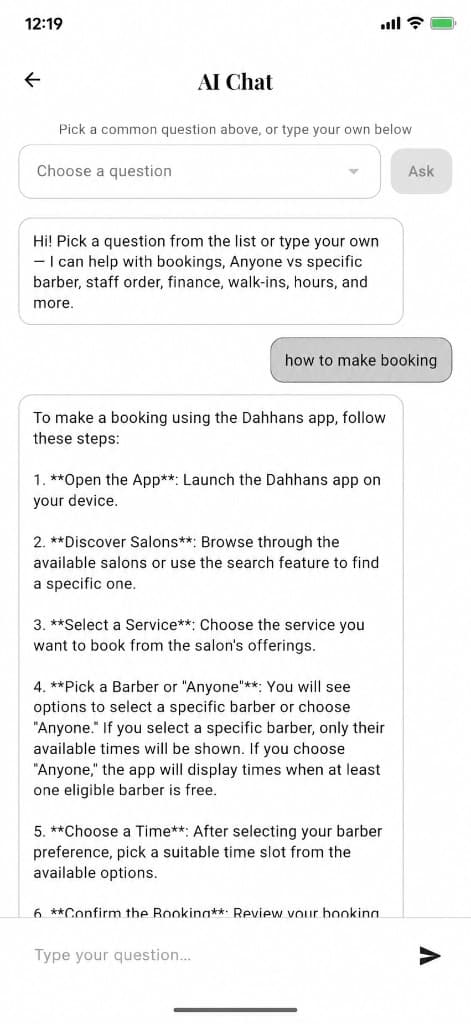
For tickets and AI help, use the Customer support guide.
Keep exploring
Features that connect with rating.
Put rating to work in your shop
Free for barbers for the first 3 months. Apps coming soon — contact us for early access.