

My space
Customer profile & account
Account hub for bookings, gift cards, family members, payments, language, privacy, reviews, feed preference, and support.
What you get
4 capabilities
Guided flow
5 clear steps
Built for
Customers
Walkthrough
How customer profile & account works in Reserveo
Follow the real app flow — from the first tap to the result on the floor.
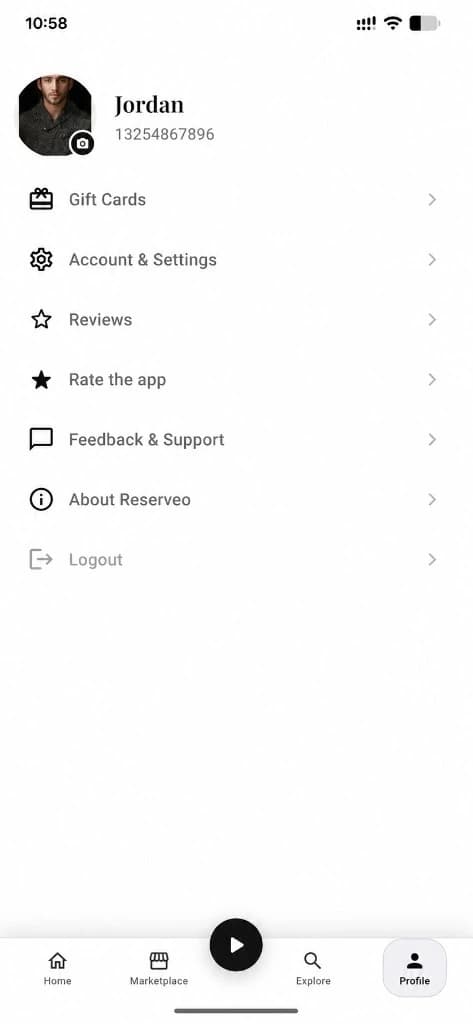
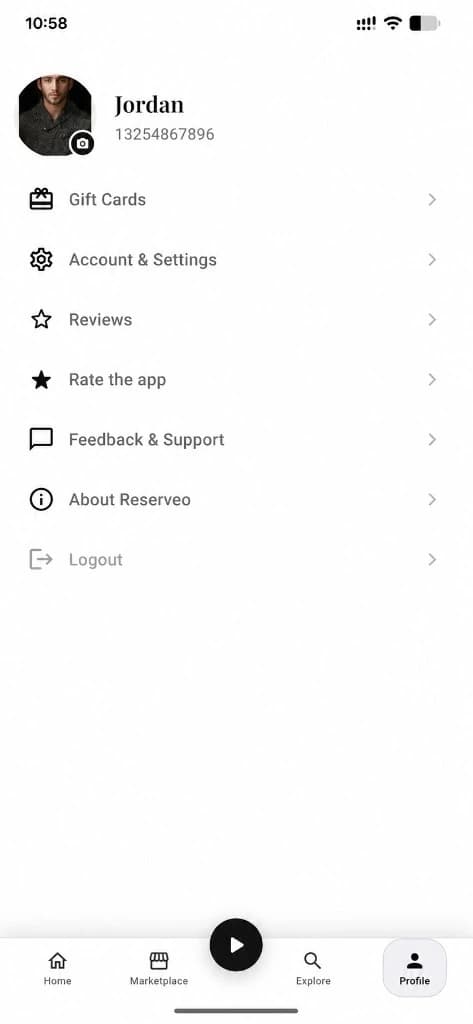
Gift cards, settings, reviews, support, and About Reserveo — one hub.
Open Profile
Access bookings, gifts, settings, social links, and support.
Next step ↓
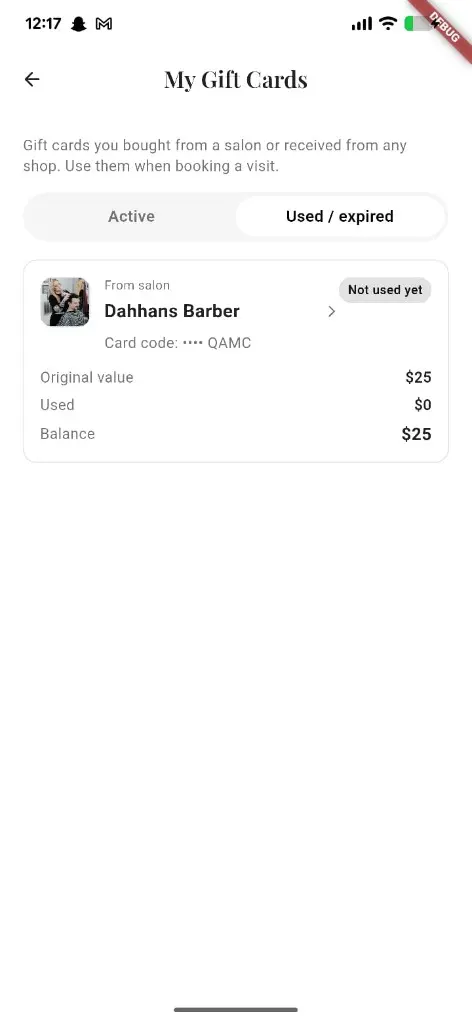
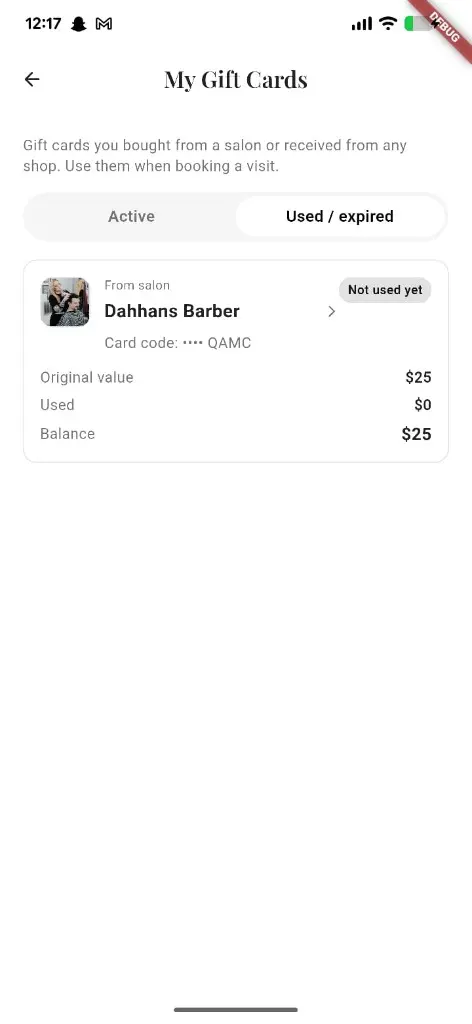
Jump into gift cards from Profile.
Manage bookings & gifts
Jump to My Bookings, gift cards, and outstanding charges.
Next step ↓
Jump into gift cards from Profile.
Add family / members
Save contacts and relations to book on their behalf.
Next step ↓
Jump into gift cards from Profile.
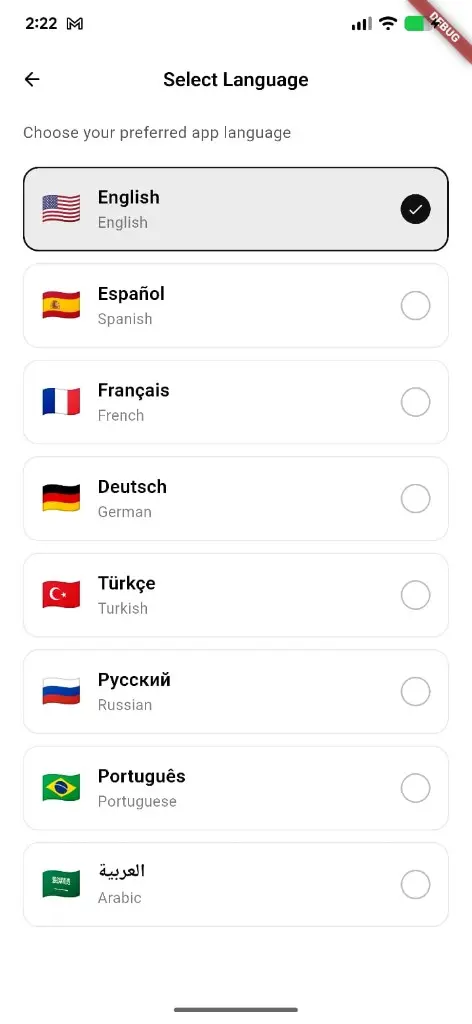
Tune preferences
Language, theme-related settings, notification toggles, feed preference (barbers / shops / both).
Next step ↓
Jump into gift cards from Profile.
Secure the account
Account details, change password, data & privacy.
Done — you’re live
In the app
Screens that make the feature feel real
Deep capabilities
Everything packed into this feature
Payments
Payment methods and history, including add card where implemented.
My reviews
Reviews you’ve written.
Your area
Shows GPS-detected country; tap to re-detect — not a free-form picker.
Custom forms
Placeholder for salon custom forms (thin / coming soon).
Audience
Who it’s for
Every customer who wants control over bookings, privacy, and preferences.
Pro tips
Use it like a pro
- 1
Set language early if you prefer Urdu or another locale pack.
- 2
Notification settings decide which booking/queue/social alerts you get.
- 3
Family members save time when you book for others often.
Keep exploring
Features that connect with customer profile & account.
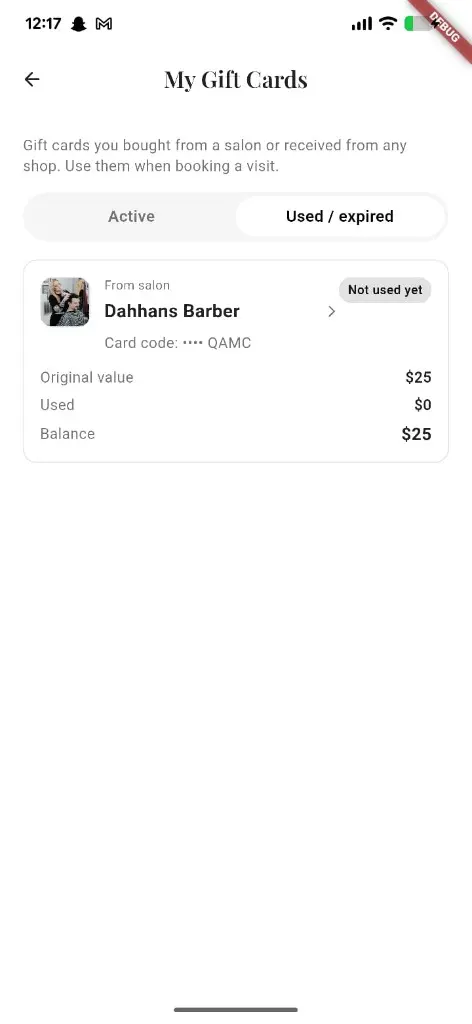
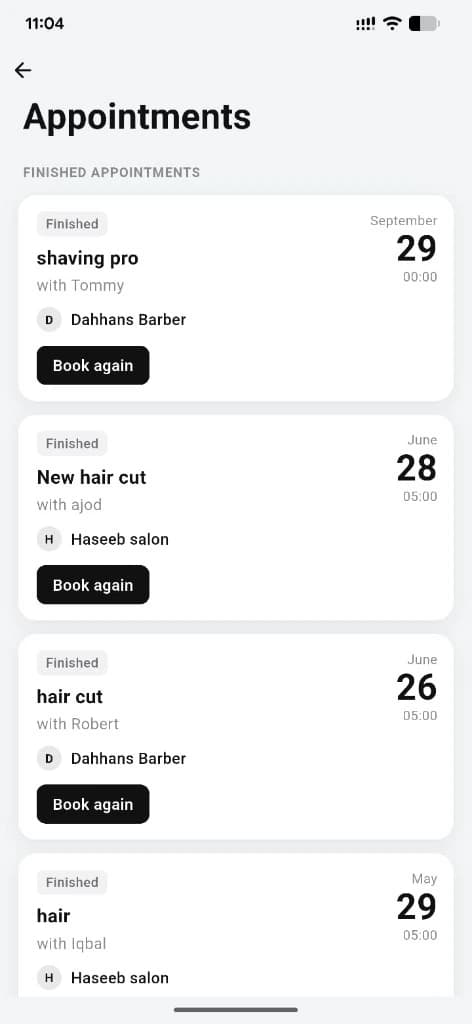
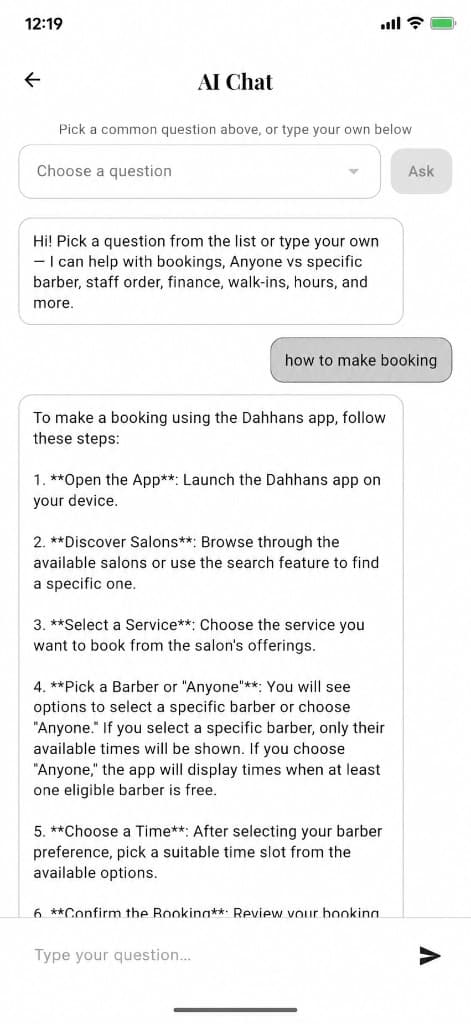
Put customer profile & account to work in your shop
Free for barbers for the first 3 months. Apps coming soon — contact us for early access.