

Global ready
Multi-language & local currency
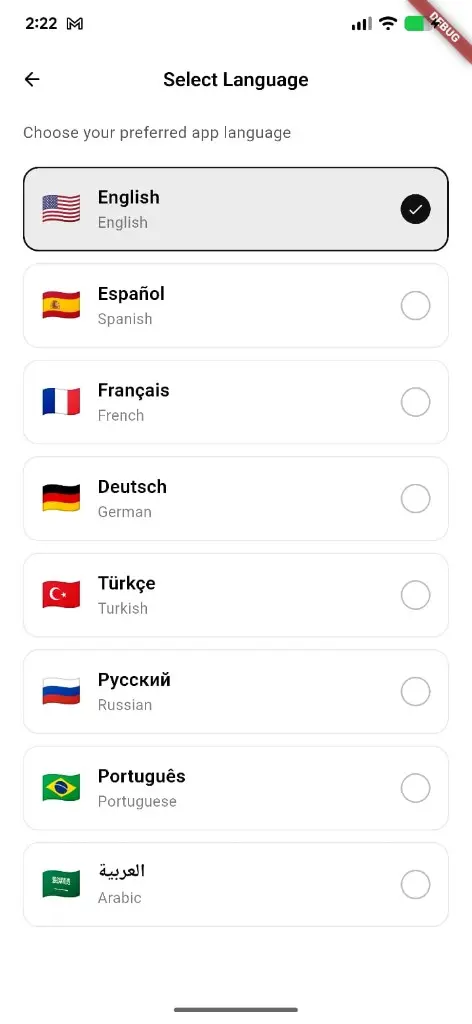
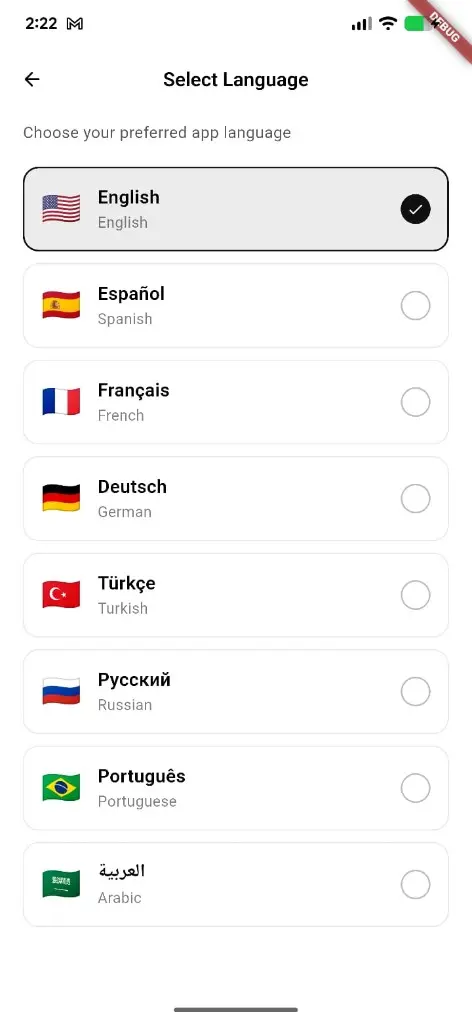
Select Language picks English, Español, Français, Deutsch, Türkçe, Русский, Português, العربية, and more — plus GPS country and shop currency for local prices.
What you get
3 capabilities
Guided flow
4 clear steps
Built for
Everyone
Walkthrough
How multi-language & local currency works in Reserveo
Follow the real app flow — from the first tap to the result on the floor.
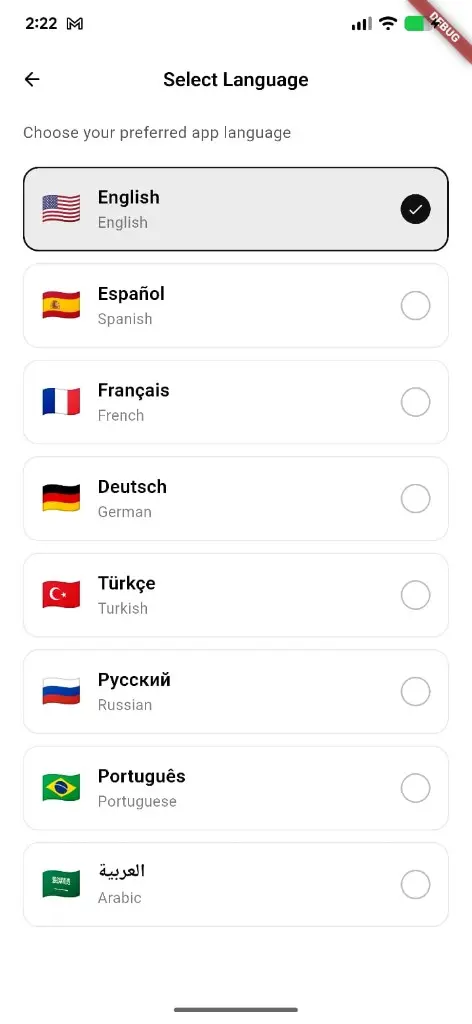
Choose your preferred app language — native name, English label, and flag.
Open Select Language
From settings, pick the language you want the app to use.
Next step ↓
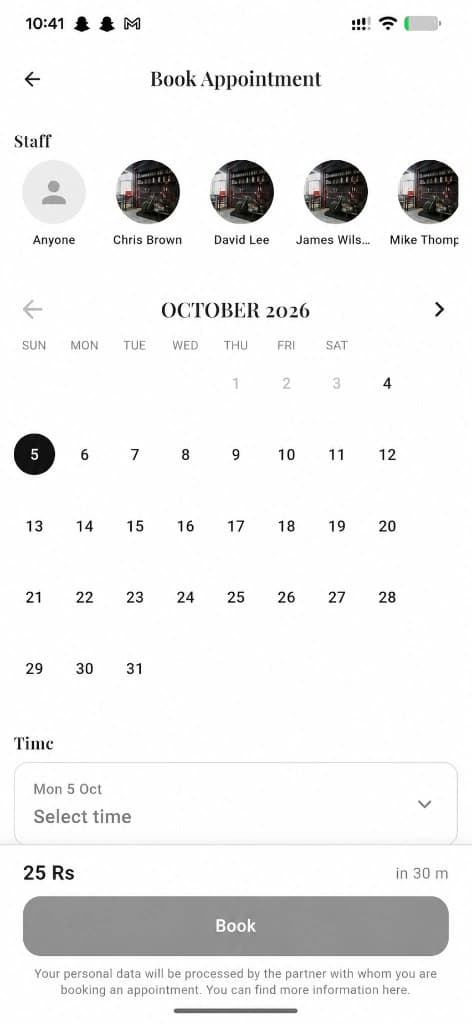
Booking totals show in shop/local currency.
Choose a locale
English, Spanish, French, German, Turkish, Russian, Portuguese, Arabic, and more.
Next step ↓
Booking totals show in shop/local currency.
Country from GPS
Device location drives nearby shops and local currency.
Next step ↓
Booking totals show in shop/local currency.
See local prices
Feeds and checkout follow that country; shops price in their currency.
Done — you’re live
In the app
Screens that make the feature feel real
Deep capabilities
Everything packed into this feature
In-app language picker
Flag + native name + English label with a clear selected state.
Website languages
Reserveo.org ships EN, UR, ES, FR, DE, PT, AR.
Shop currency
Owner country cache for services and gift cards.
Audience
Who it’s for
Multi-market shops and clients who expect the app to speak their language and currency.
Pro tips
Use it like a pro
- 1
Set language once in settings — it sticks across the app.
- 2
Owners: verify shop country before publishing prices.
Keep exploring
Features that connect with multi-language & local currency.
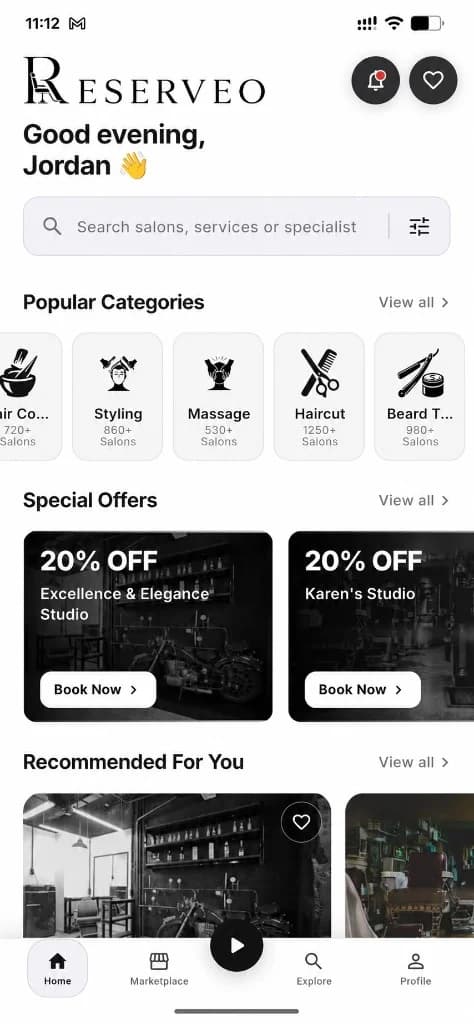
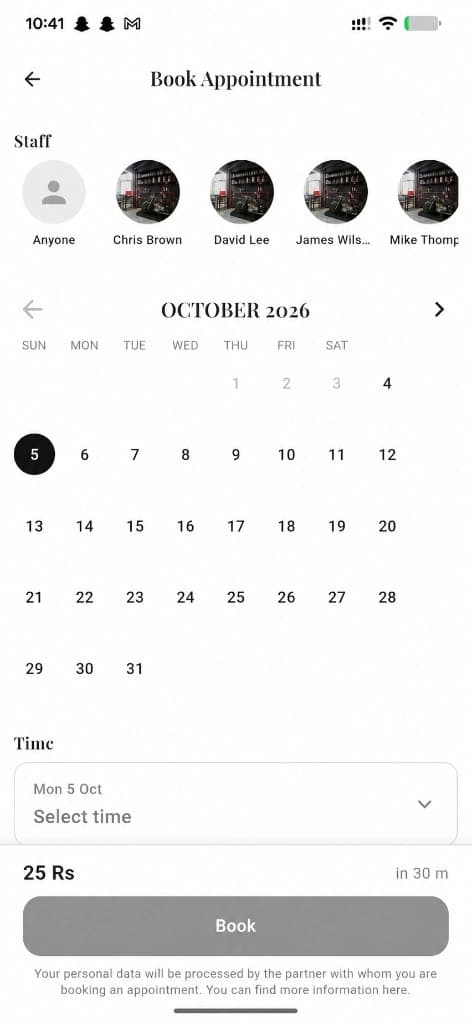
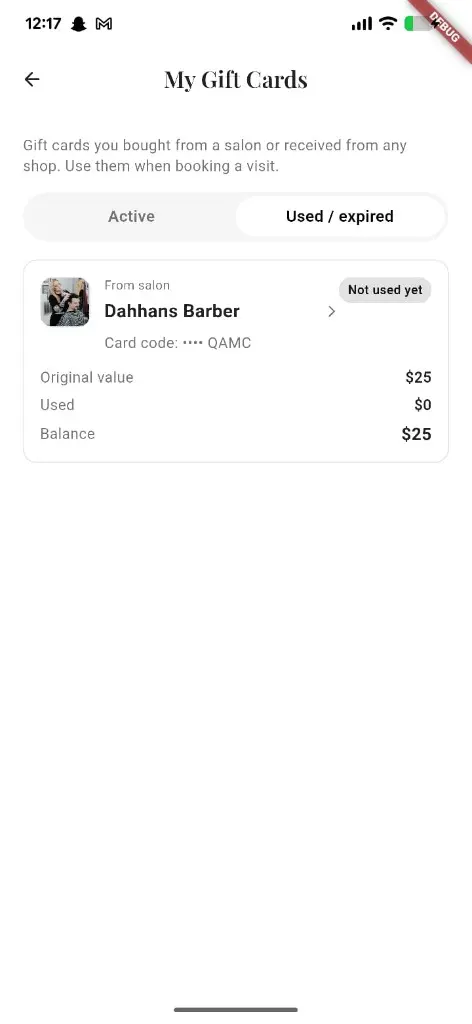
Put multi-language & local currency to work in your shop
Free for barbers for the first 3 months. Apps coming soon — contact us for early access.