

Chair talent
Staff & barber tools
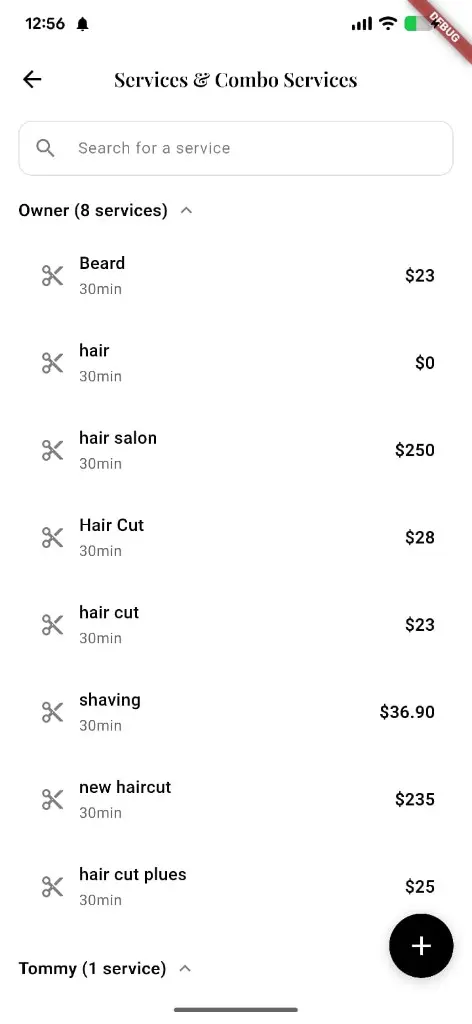
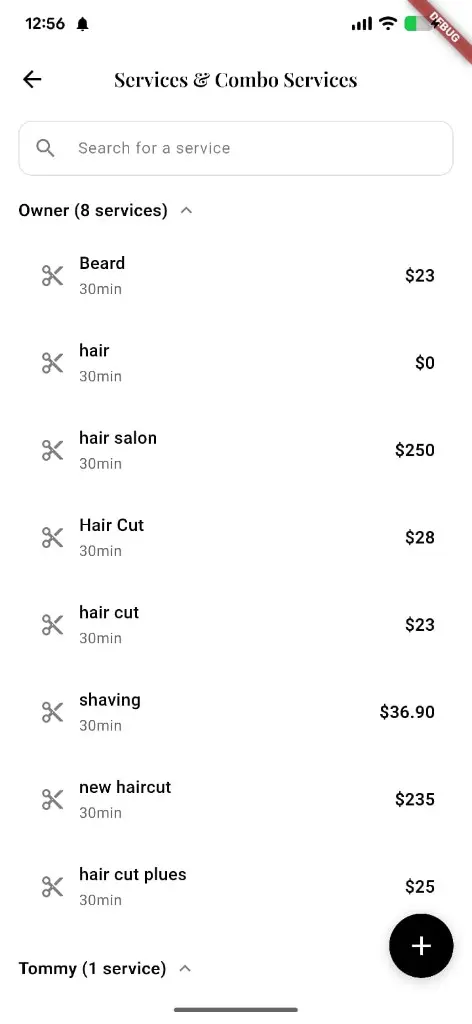
Manage services and combos by staff — search, expand each person, set duration and price — plus portfolio, hours, and book-from-profile tools for every chair.
What you get
4 capabilities
Guided flow
4 clear steps
Built for
Staff / barbers · Owners
Walkthrough
How staff & barber tools works in Reserveo
Follow the real app flow — from the first tap to the result on the floor.
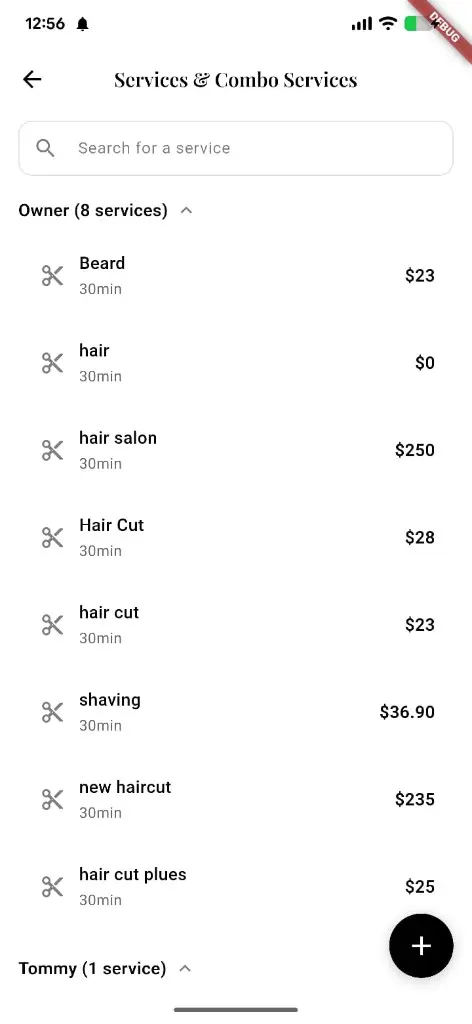
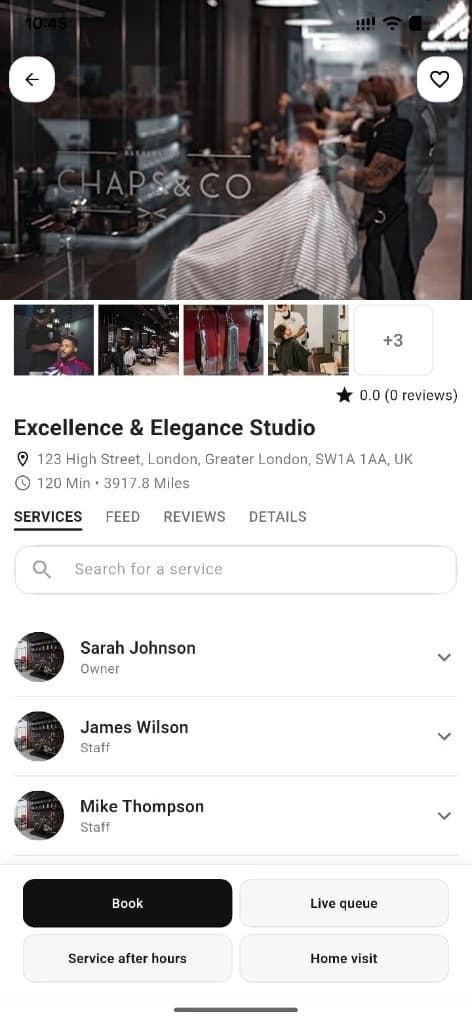
Services grouped by staff with search, prices, and a quick add button.
Open Services & Combo Services
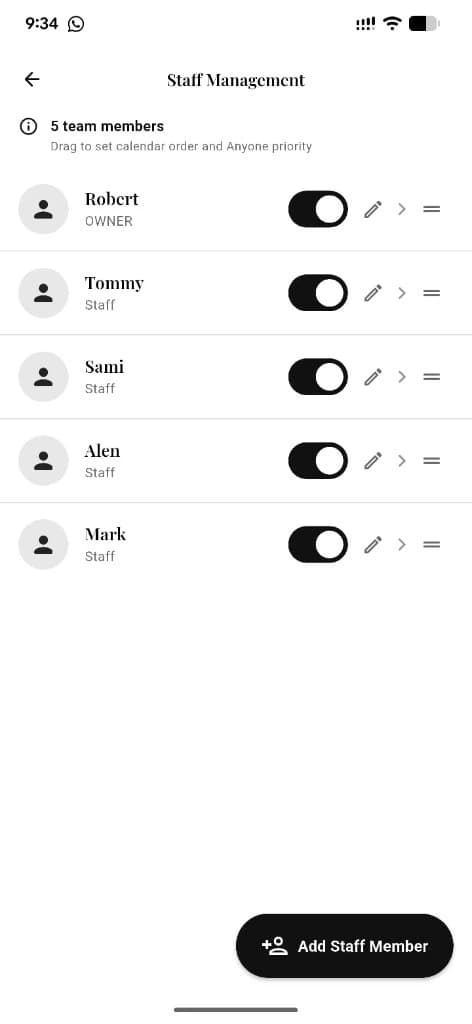
See every staff member’s menu — Owner, Tommy, and the rest.
Next step ↓
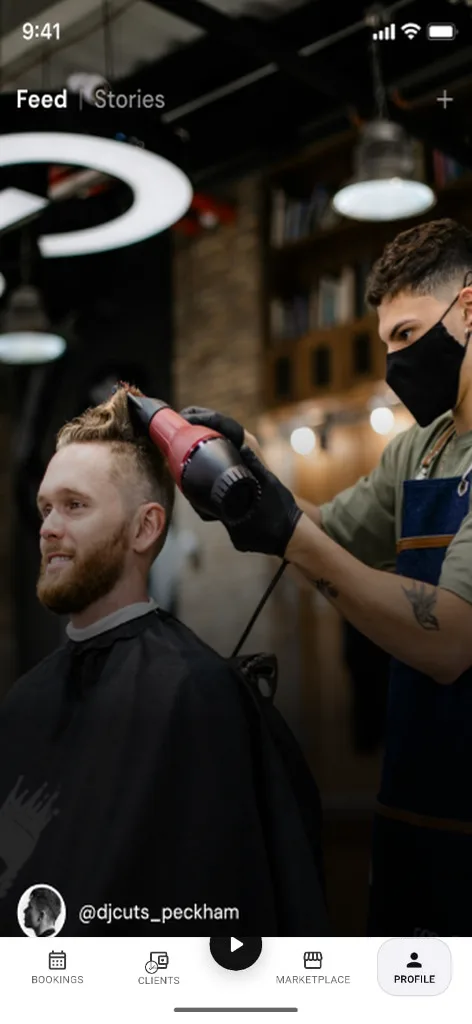
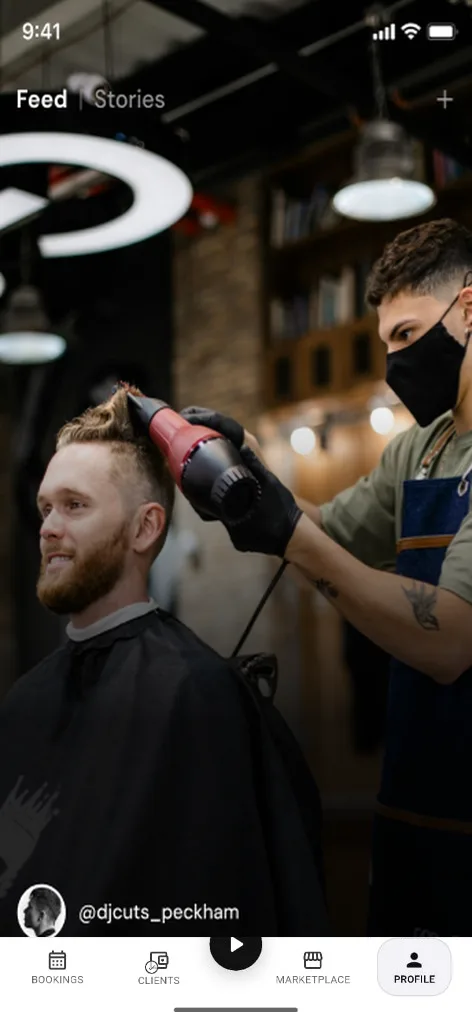
Staff content lands in the full-screen Feed / Stories experience.
Search or expand
Find a service fast, or open a person’s list to edit duration and price.
Next step ↓
Staff content lands in the full-screen Feed / Stories experience.
Add with +
Create a new service or combo from the floating add button.
Next step ↓
Staff content lands in the full-screen Feed / Stories experience.
Build your profile
Portfolio, hours, and book-from-profile CTAs keep clients converting.
Done — you’re live
In the app
Screens that make the feature feel real
Deep capabilities
Everything packed into this feature
Per-staff service lists
Services and combos organized under each team member.
Search
Find a service across the shop without scrolling forever.
Staff directory & profile
Public profiles, follow stats, and book CTAs.
Role-aware calendar
Appointments, time off, and home service per permissions.
Audience
Who it’s for
Individual barbers building a personal brand inside a shop or as independents.
Pro tips
Use it like a pro
- 1
Keep service names and prices clear — this list is what clients book from.
- 2
Turn on book-from-profile so fans convert without hunting the shop page.
Keep exploring
Features that connect with staff & barber tools.
Put staff & barber tools to work in your shop
Free for barbers for the first 3 months. Apps coming soon — contact us for early access.