

Accounts
Auth & onboarding
From splash to a finished profile — Reserveo routes each person into the right experience: customer booking or owner/staff shop ops.
What you get
4 capabilities
Guided flow
5 clear steps
Built for
Everyone
Walkthrough
How auth & onboarding works in Reserveo
Follow the real app flow — from the first tap to the result on the floor.
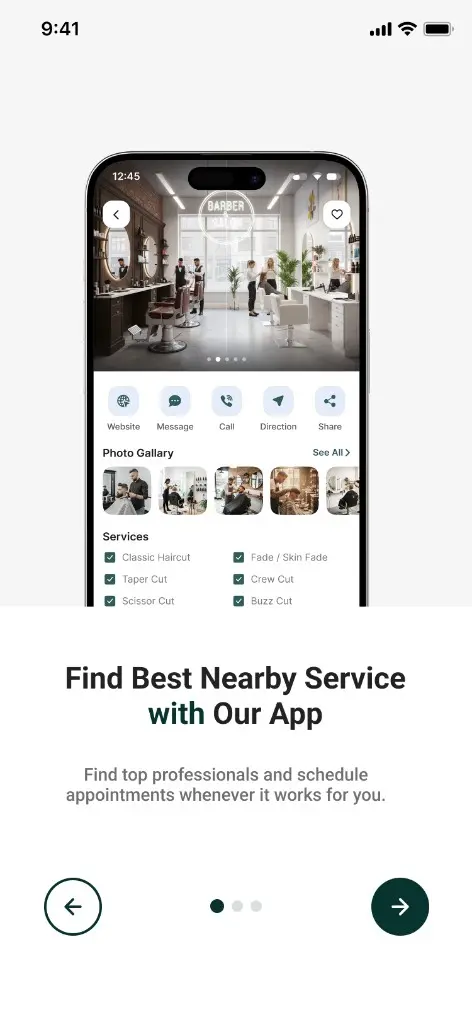
First-time intro — find nearby services and book when it suits you.
Splash & route
The app boots, checks tokens, and sends the user to login, customer home, or owner home.
Next step ↓
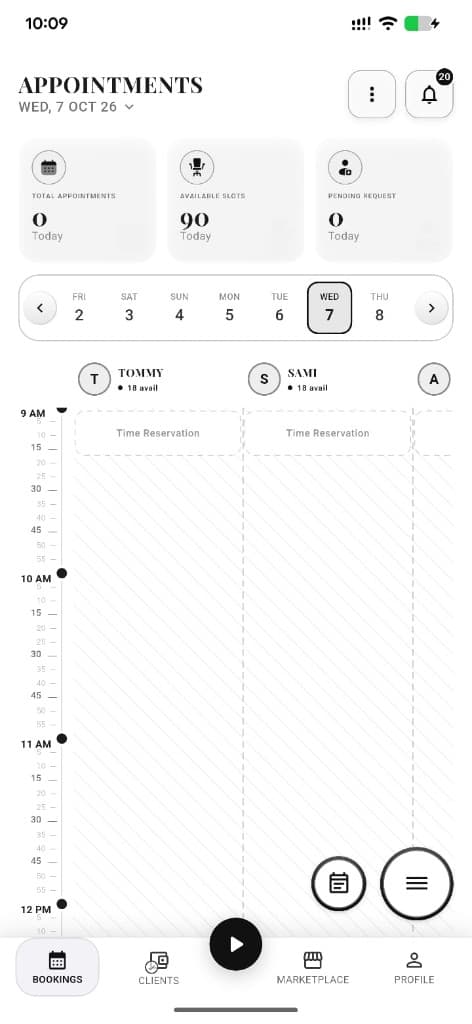
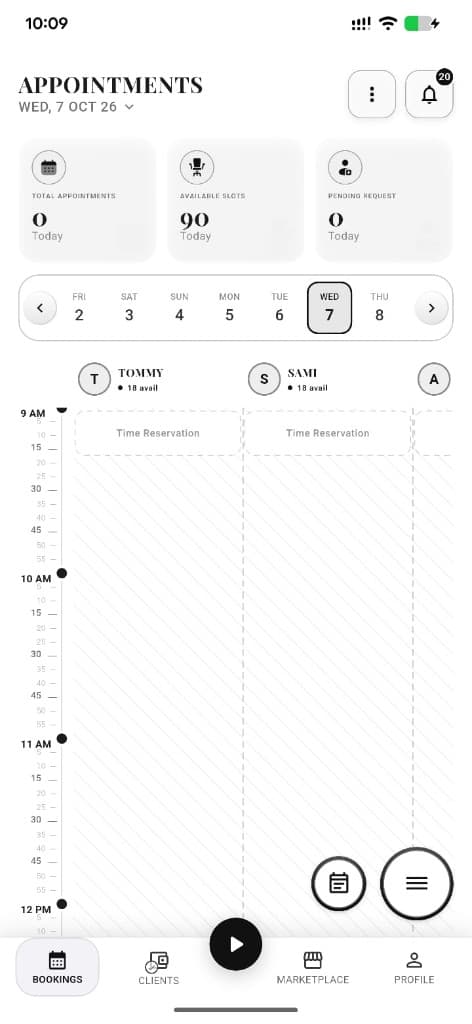
Owners land in the shop calendar after setup.
Onboarding slides
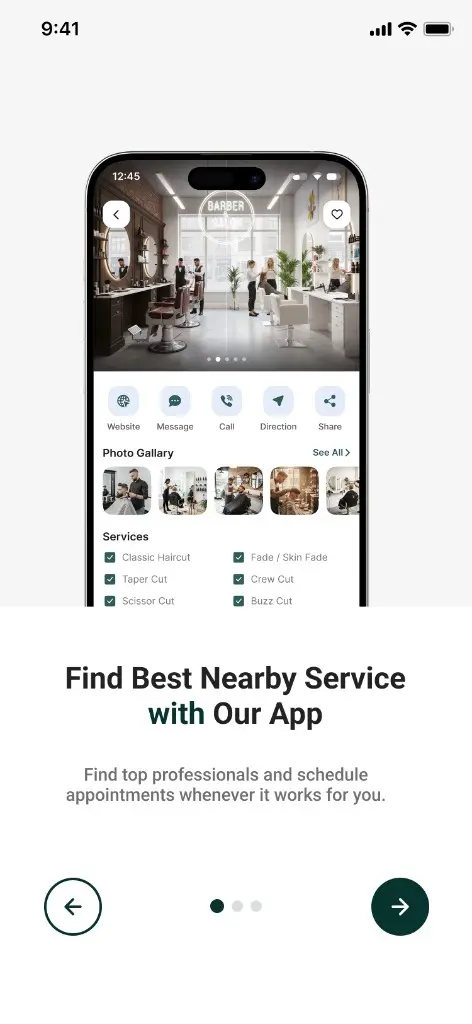
First-time users see intro slides that explain booking, queue, and social before signup.
Next step ↓
Owners land in the shop calendar after setup.
Choose role
Pick Customer or Owner / Barber so the shell, nav, and permissions match the job.
Next step ↓
Owners land in the shop calendar after setup.
Register & verify
Create an account with email/password, then verify with OTP for email or password reset.
Next step ↓
Owners land in the shop calendar after setup.
Complete profile
Customers finish name/photo preferences. Owners run multi-step shop setup: logo, hours, services, optional charity.
Done — you’re live
In the app
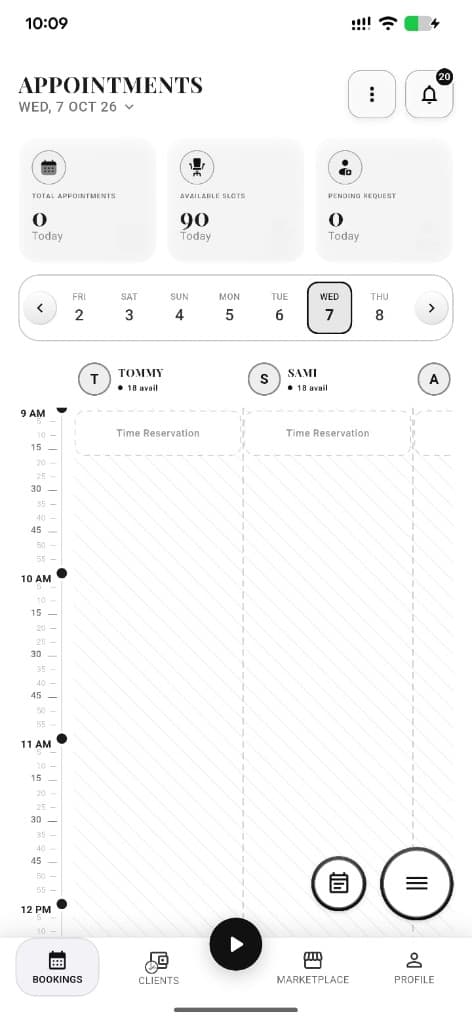
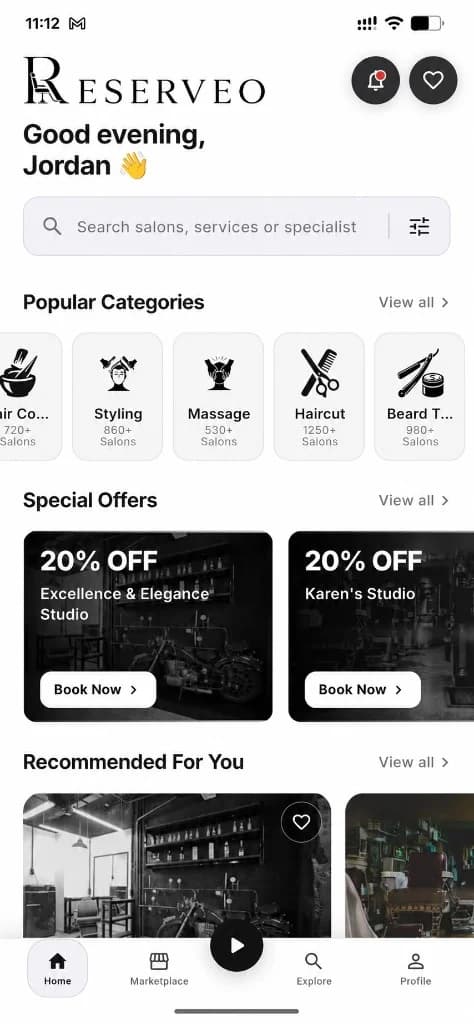
Screens that make the feature feel real
Deep capabilities
Everything packed into this feature
Login & forgot password
Sign in, request a reset code, set a new password after OTP.
Verify email / OTP
One-time codes for verification and secure password changes.
Owner shop setup
Guided shop create with donation settings available during onboarding.
Customer profile setup
Guided fields so discovery and booking feel personal from day one.
Audience
Who it’s for
Anyone joining Reserveo — clients booking chairs and barbers opening a shop.
Pro tips
Use it like a pro
- 1
Choose the correct role first — it controls the entire app shell.
- 2
Owners should finish services and hours before sharing a booking link.
- 3
OTP emails are required before password reset completes.
Keep exploring
Features that connect with auth & onboarding.
Put auth & onboarding to work in your shop
Free for barbers for the first 3 months. Apps coming soon — contact us for early access.