

Stay in sync
Notifications & realtime
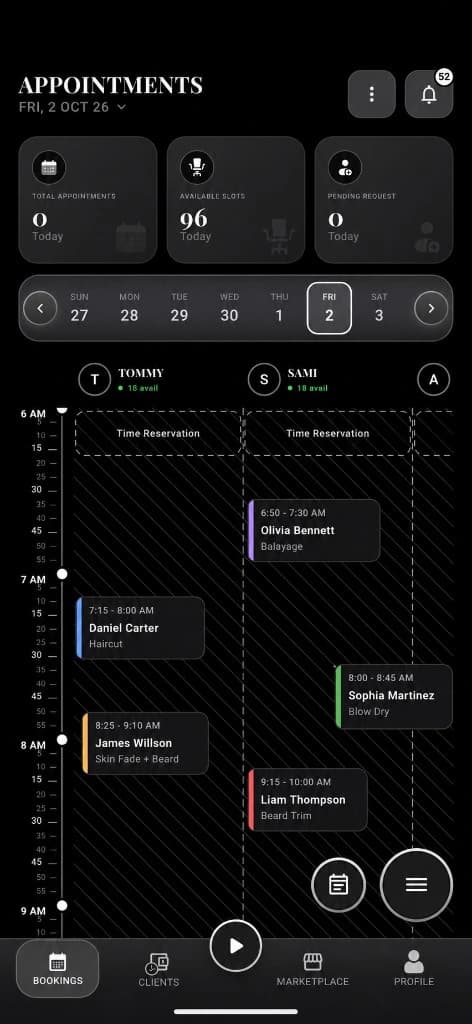
FCM push, local notifications, deep links, unread badges, notification settings, and sockets for bookings, queue, social, and arena events.
What you get
3 capabilities
Guided flow
4 clear steps
Built for
Everyone
Walkthrough
How notifications & realtime works in Reserveo
Follow the real app flow — from the first tap to the result on the floor.
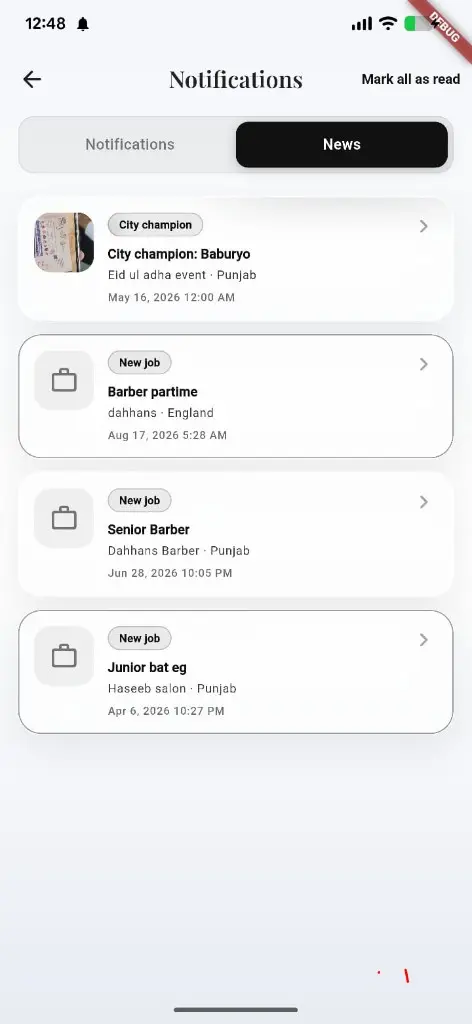
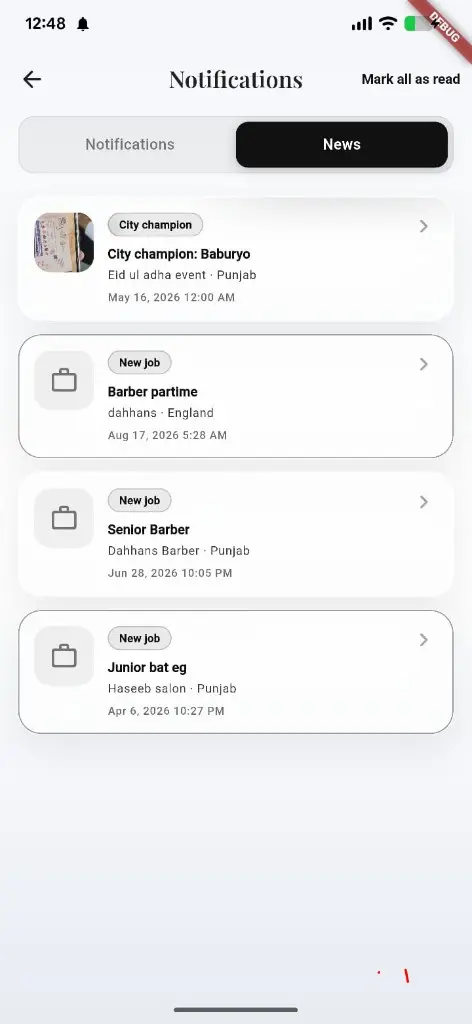
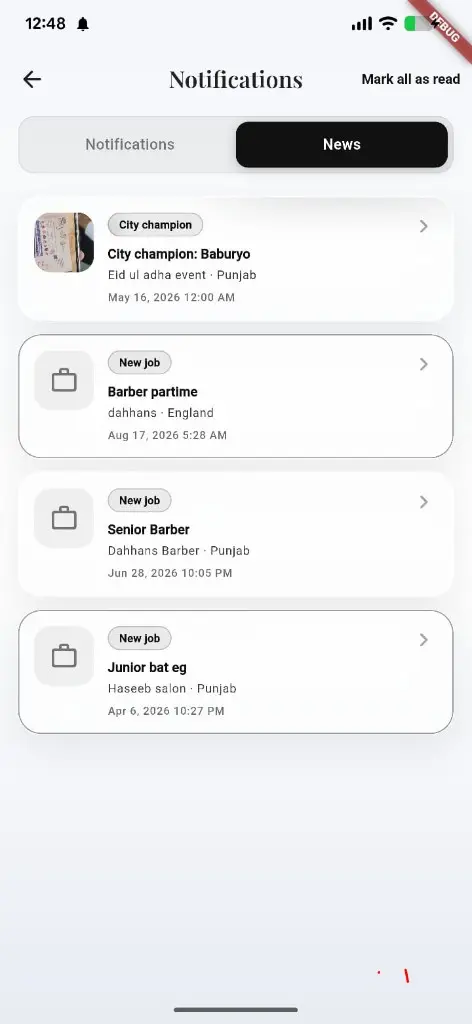
News tab for arena, jobs, and city updates beside the inbox.
Receive alerts
Booking, queue, social, arena, and platform events arrive via FCM.
Next step ↓
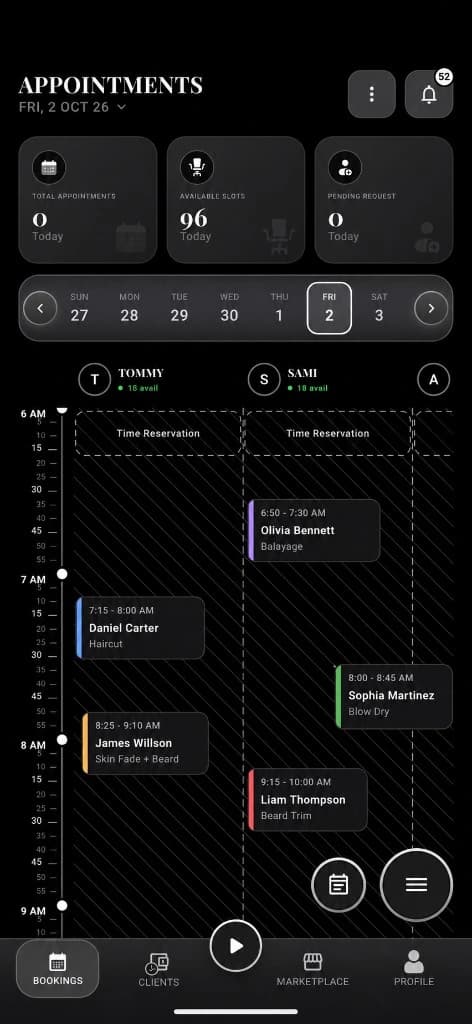
Owners get walk-in and booking prompts.
Open the inbox
Customer or owner notifications list with unread badge.
Next step ↓
Owners get walk-in and booking prompts.
Tap to deep link
Payload routing opens the right screen (booking, chat, follow request, walk-in, invite).
Next step ↓
Owners get walk-in and booking prompts.
Tune settings
Toggle which notification types you want.
Done — you’re live
In the app
Screens that make the feature feel real
Deep capabilities
Everything packed into this feature
Sockets
Realtime prompts for booking/queue/inbox where implemented.
News + celebration
Platform news feed; winner celebration overlays on shells.
Timezone-aware ops
Client timezone headers keep booking/queue/hours correct.
Audience
Who it’s for
Anyone who needs the chair, queue, or social graph to update without refreshing forever.
Pro tips
Use it like a pro
- 1
Allow system notification permission on first launch.
- 2
Owners: keep walk-in handlers enabled during busy hours.
- 3
Use notification settings to reduce noise without missing bookings.
Keep exploring
Features that connect with notifications & realtime.
Put notifications & realtime to work in your shop
Free for barbers for the first 3 months. Apps coming soon — contact us for early access.