

Give back
Charity & Donations
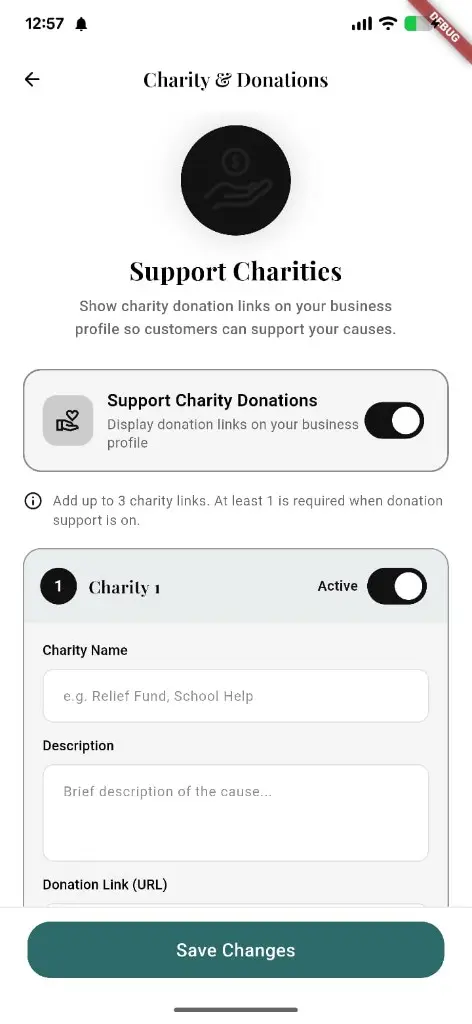
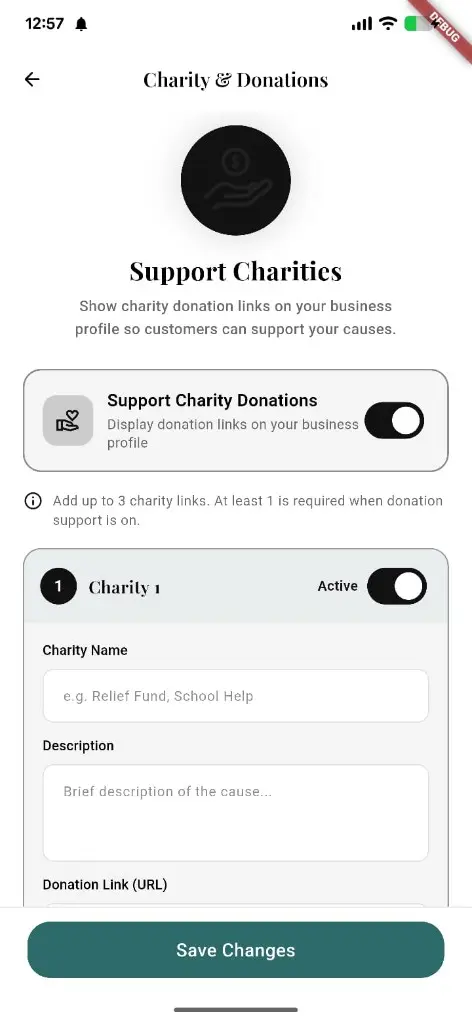
Turn on Support Charity Donations, add up to three charity links with name, description, and URL — customers see them on your shop profile.
What you get
3 capabilities
Guided flow
3 clear steps
Built for
Owners · Customers
Walkthrough
How charity & donations works in Reserveo
Follow the real app flow — from the first tap to the result on the floor.
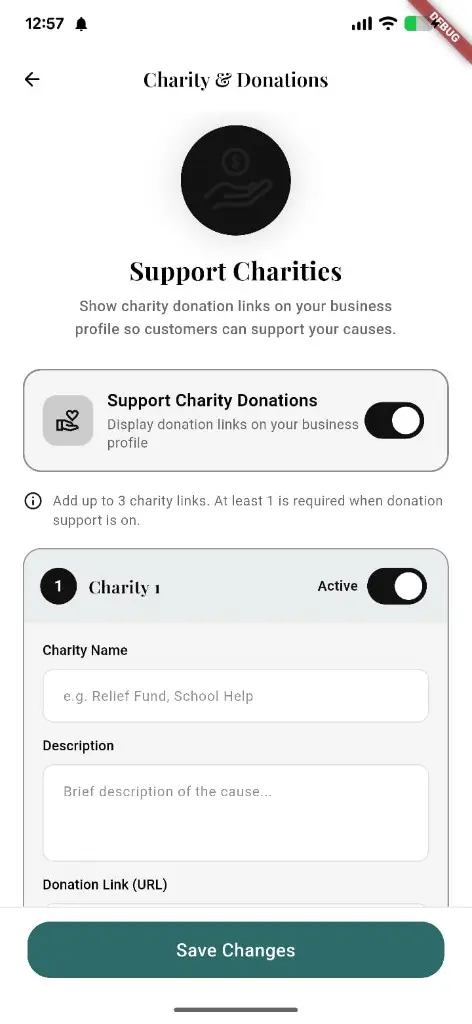
Enable donations, add charity links, and save from owner settings.
Open Charity & Donations
From owner settings, turn on Support Charity Donations.
Next step ↓
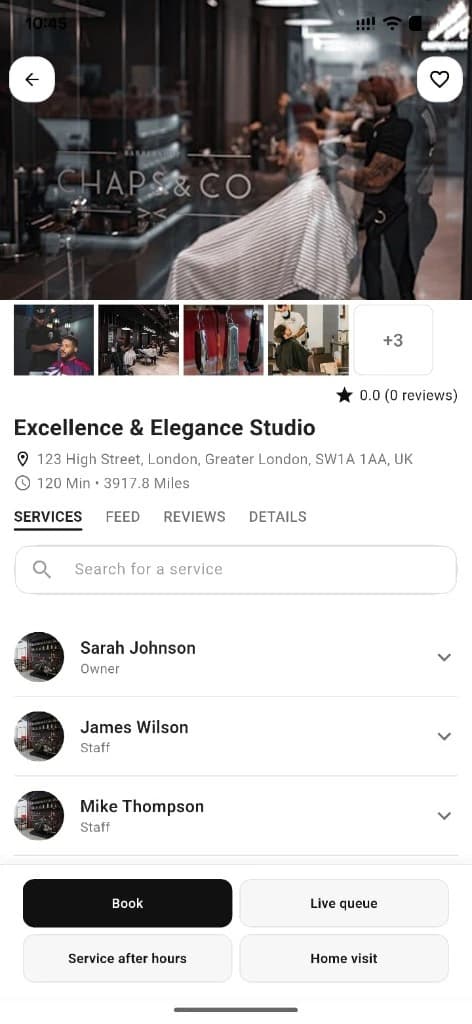
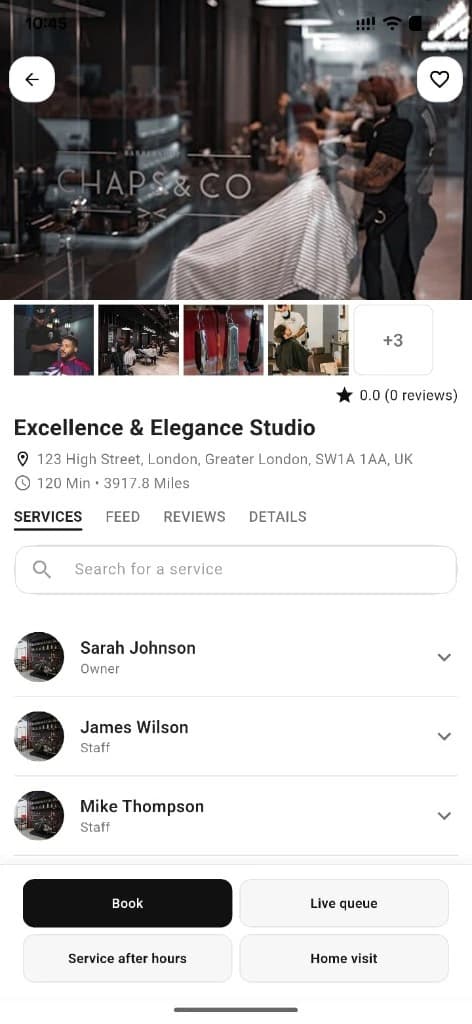
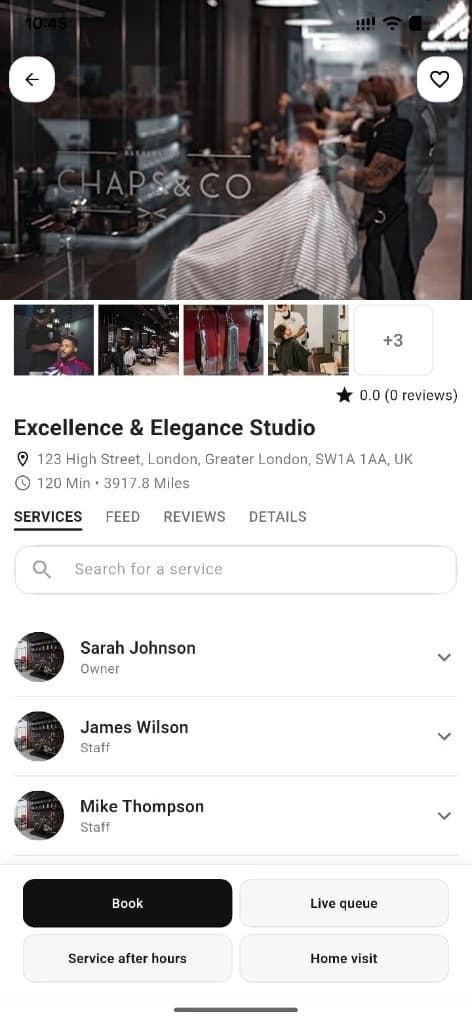
Donation links can appear on the public shop page.
Add charity links
Name, description, and donation URL — up to three active links.
Next step ↓
Donation links can appear on the public shop page.
Save changes
Links show on the public shop page so customers can give.
Done — you’re live
In the app
Screens that make the feature feel real
Deep capabilities
Everything packed into this feature
Master toggle
Show or hide donation support on the business profile.
Up to 3 charities
Each with name, description, URL, and active state.
Public shop links
Visible on the customer-facing business detail.
Audience
Who it’s for
Shops that want community impact without leaving the booking profile.
Pro tips
Use it like a pro
- 1
Pick one clear charity so the CTA isn’t confusing.
- 2
Mention it in stories or posts when you run a giving week.
Keep exploring
Features that connect with charity & donations.
Put charity & donations to work in your shop
Free for barbers for the first 3 months. Apps coming soon — contact us for early access.