

Find chairs nearby
Nearby map
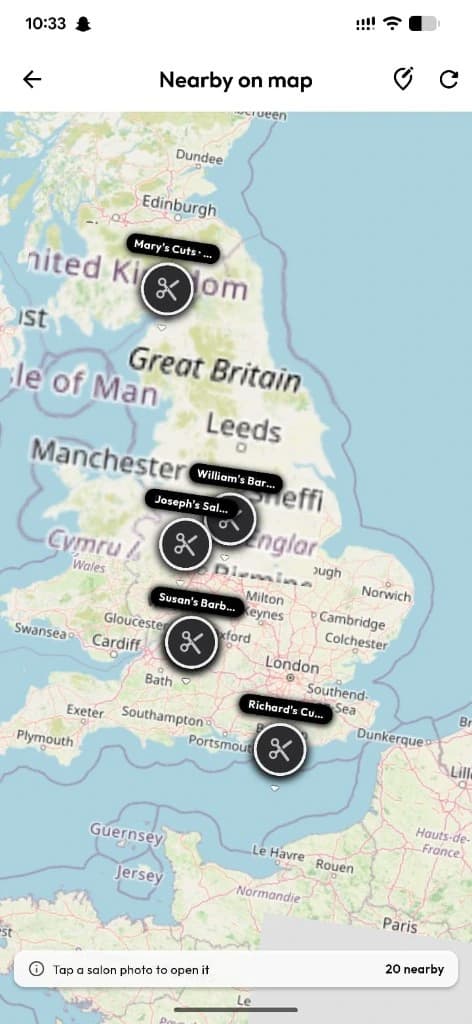
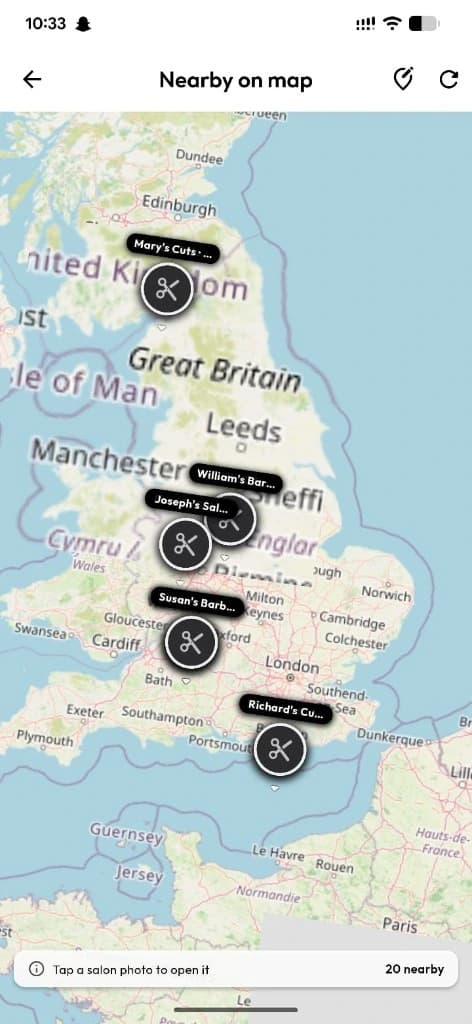
OpenStreetMap of nearby shops with labeled pins — tap for distance, address, shop page, and directions using GPS.
What you get
3 capabilities
Guided flow
4 clear steps
Built for
Customers
Walkthrough
How nearby map works in Reserveo
Follow the real app flow — from the first tap to the result on the floor.
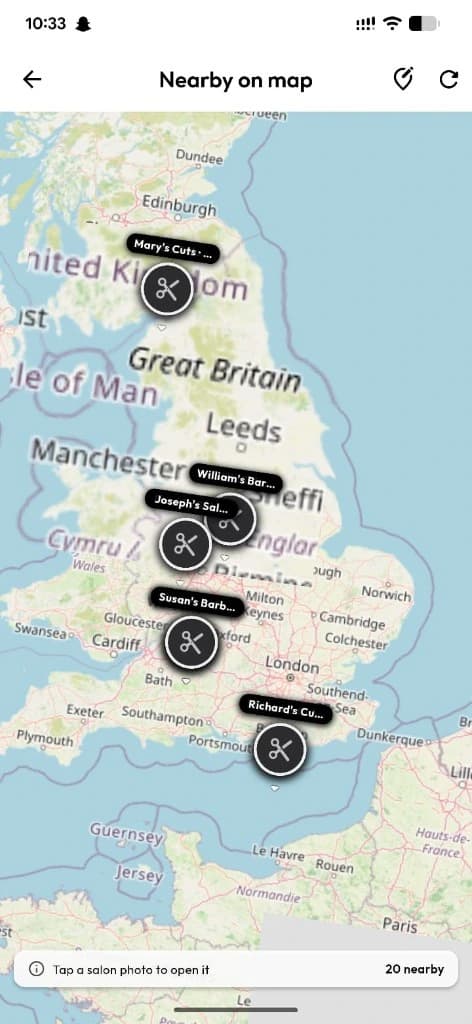
OpenStreetMap with labeled salon pins — tap for shop page and directions.
Allow location
GPS powers nearby pins and distance.
Next step ↓
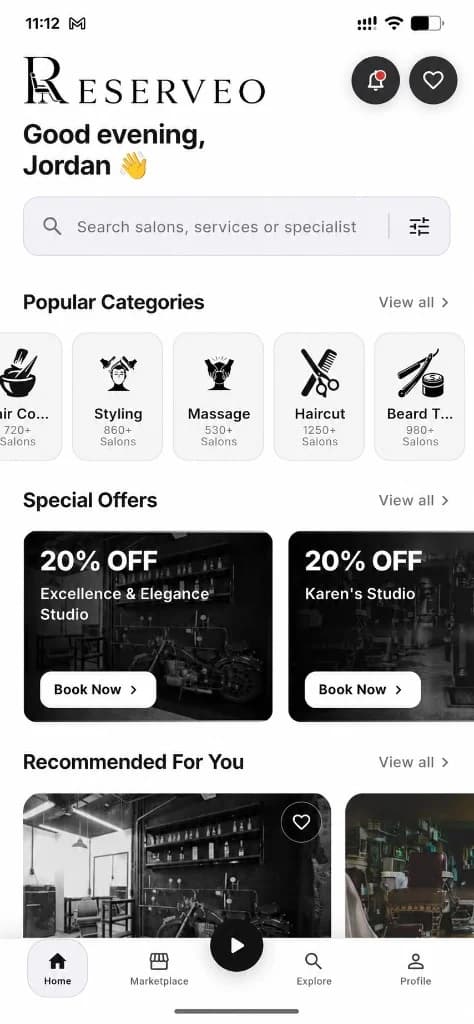
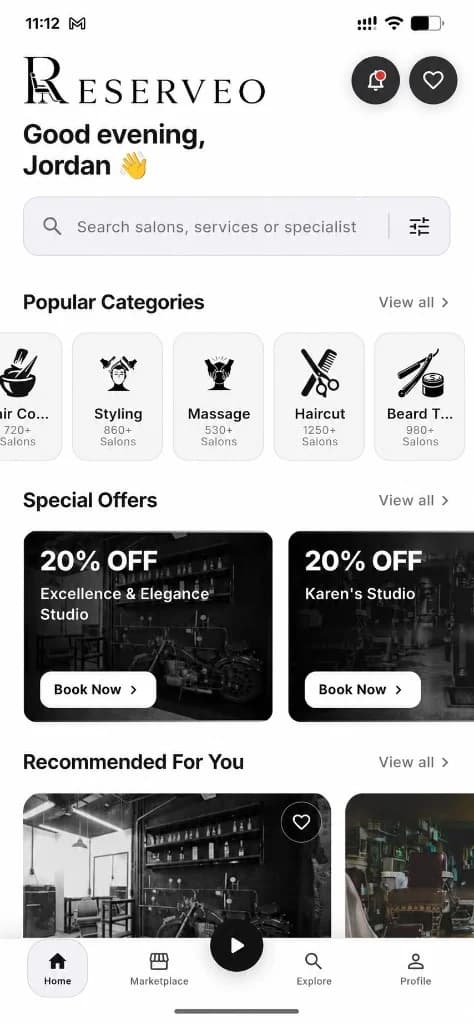
Jump to map from the customer home hub.
Open Map View
See labeled pins for shops around you on OpenStreetMap.
Next step ↓
Jump to map from the customer home hub.
Tap a pin
Preview distance, address, open the shop, or get directions.
Next step ↓
Jump to map from the customer home hub.
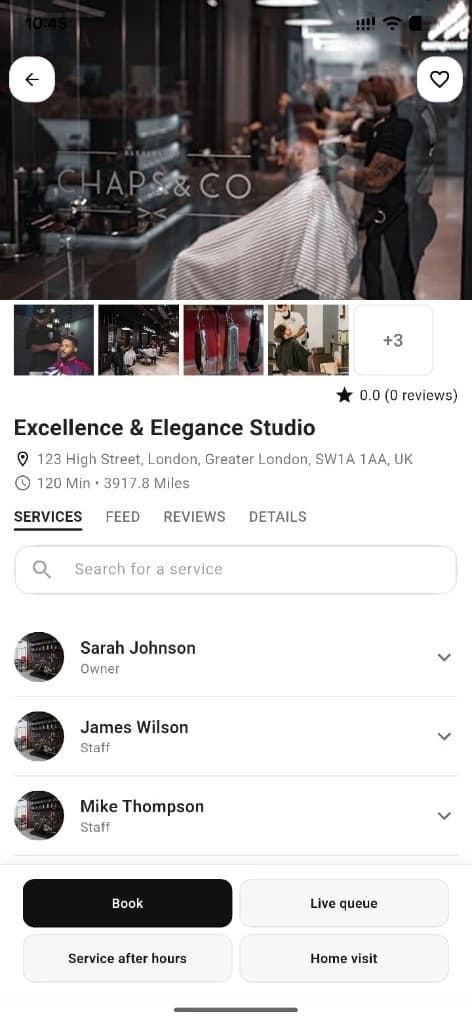
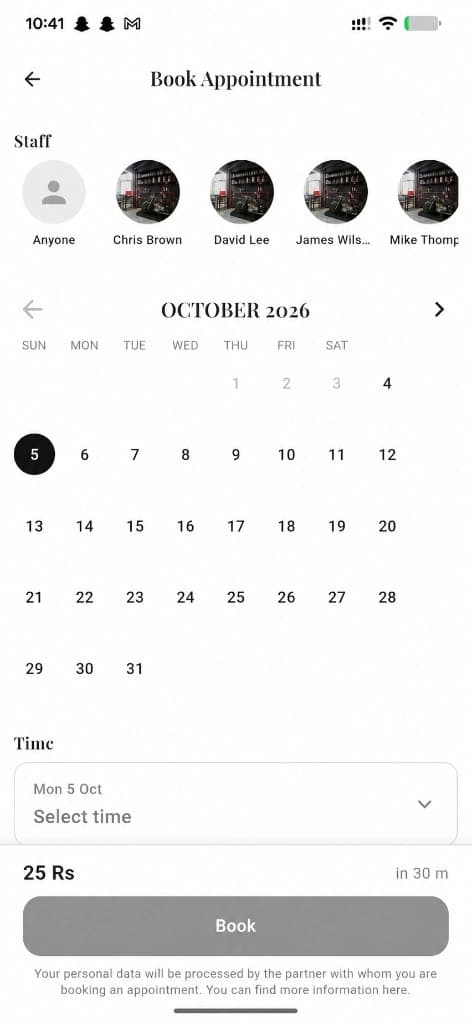
Book or queue
Continue into business detail for appointment or walk-in.
Done — you’re live
In the app
Screens that make the feature feel real
Deep capabilities
Everything packed into this feature
Labeled pins
Shop markers with quick actions.
Directions
Hand off to maps for navigation.
List ↔ map
Switch between ranked lists and geographic discovery.
Audience
Who it’s for
Clients who want the closest chair, not only a ranked feed.
Pro tips
Use it like a pro
- 1
Use map when you’re already downtown and ready to walk in.
- 2
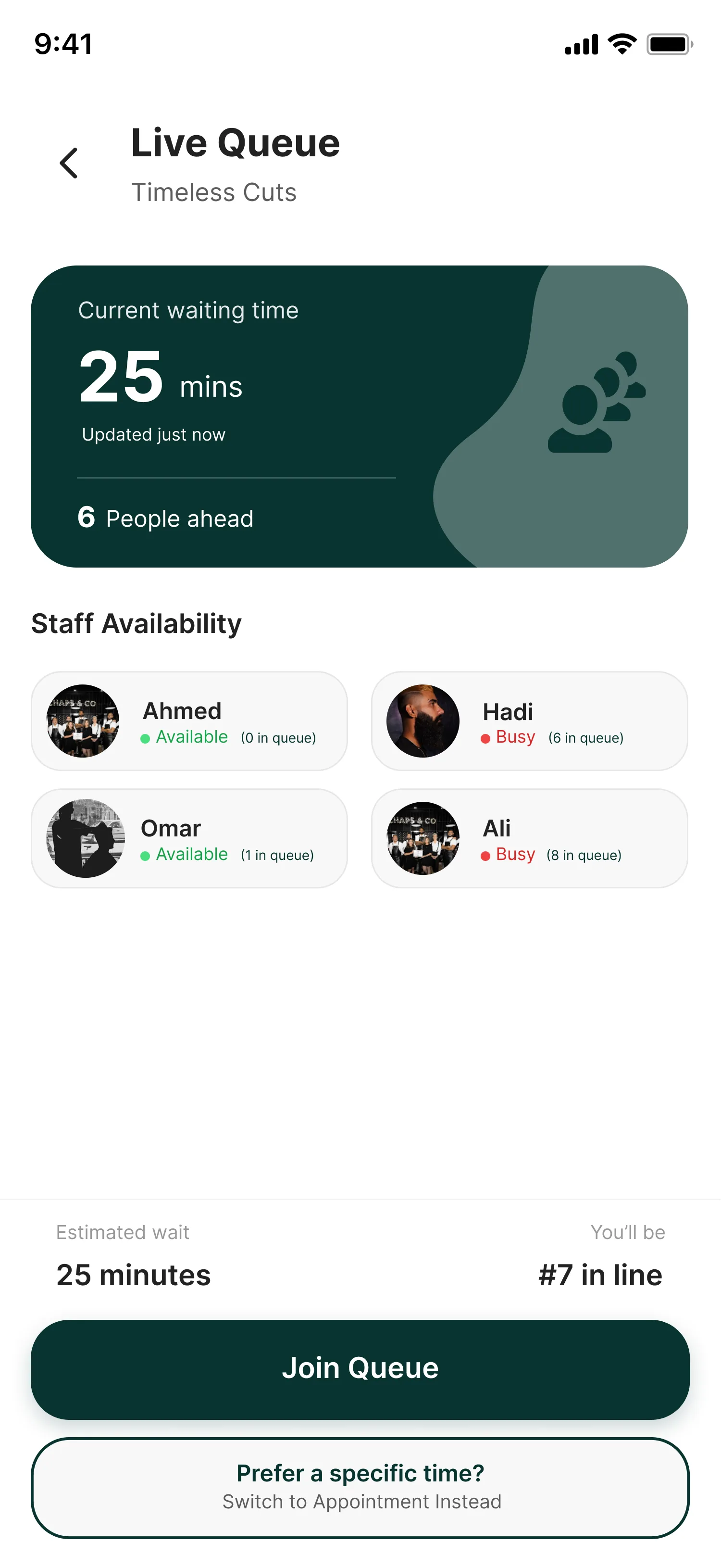
Combine with live queue to see who’s free nearby.
Keep exploring
Features that connect with nearby map.
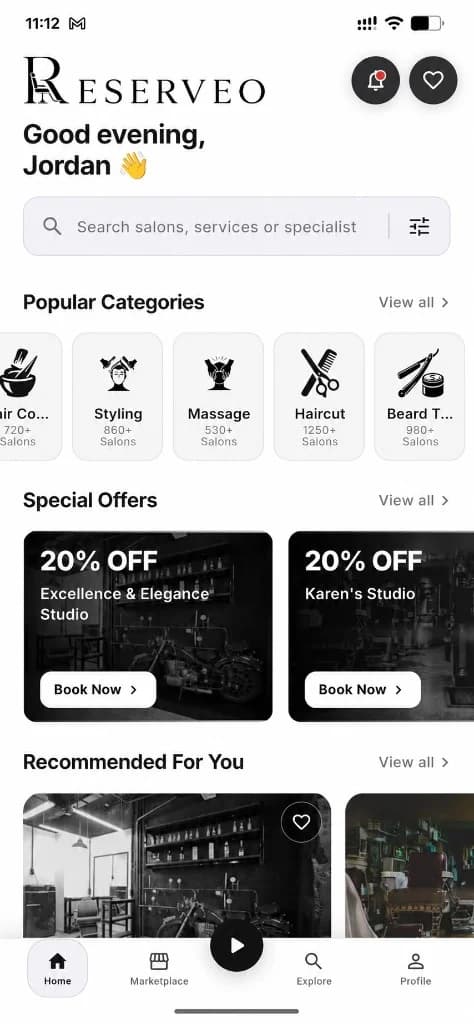
Put nearby map to work in your shop
Free for barbers for the first 3 months. Apps coming soon — contact us for early access.