

Flagship pillar · Jobs
Jobs board
Browse and post beauty-industry jobs: full-time, part-time, chair rental, apprentice, and more — with applications and owner applicant views.
What you get
2 capabilities
Guided flow
5 clear steps
Built for
Staff / barbers · Owners · Everyone
Explore the other flagship pillars
Walkthrough
How jobs board works in Reserveo
Follow the real app flow — from the first tap to the result on the floor.
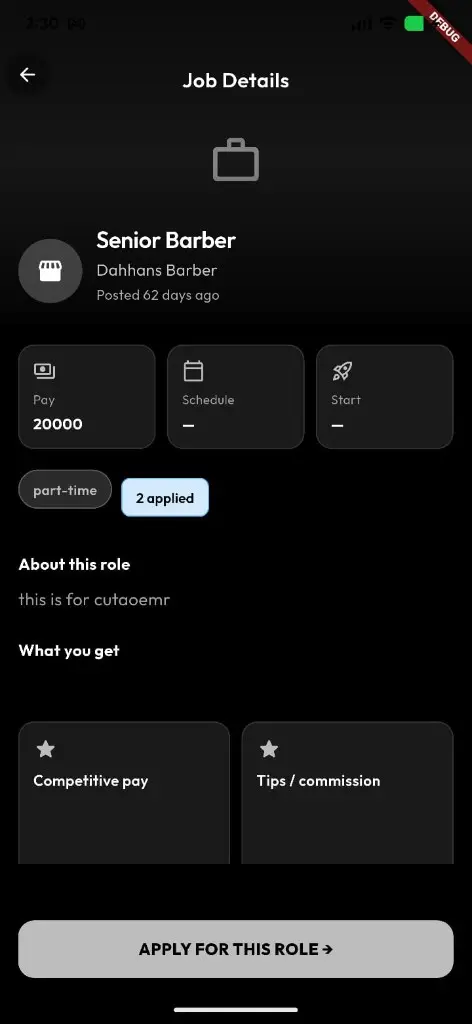
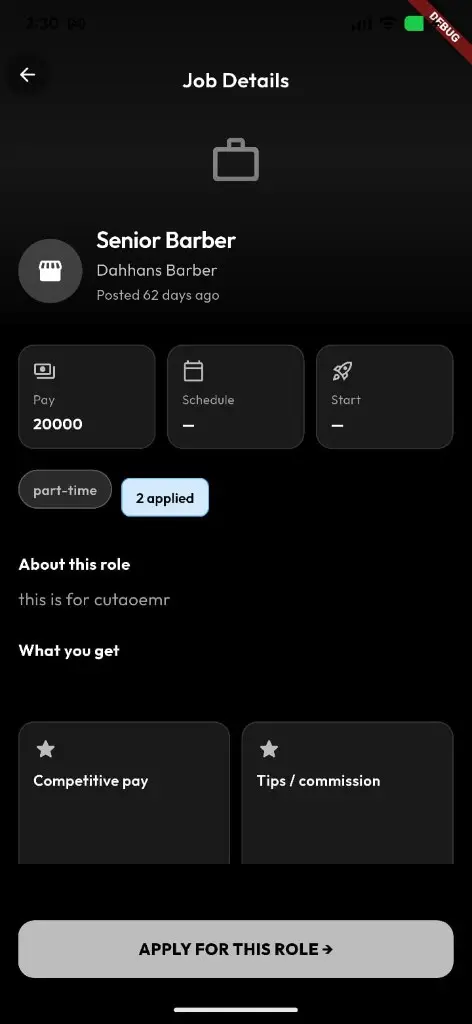
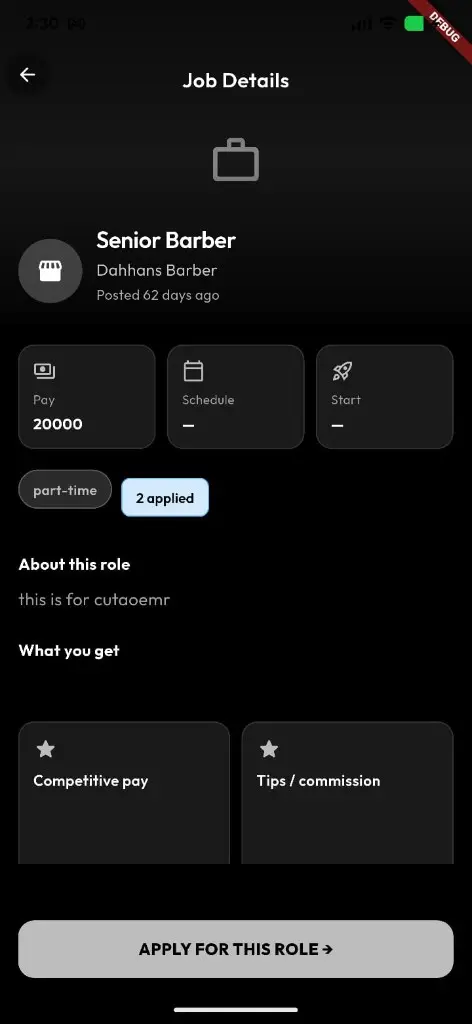
Pay, schedule, start date, perks, and Apply for this role.
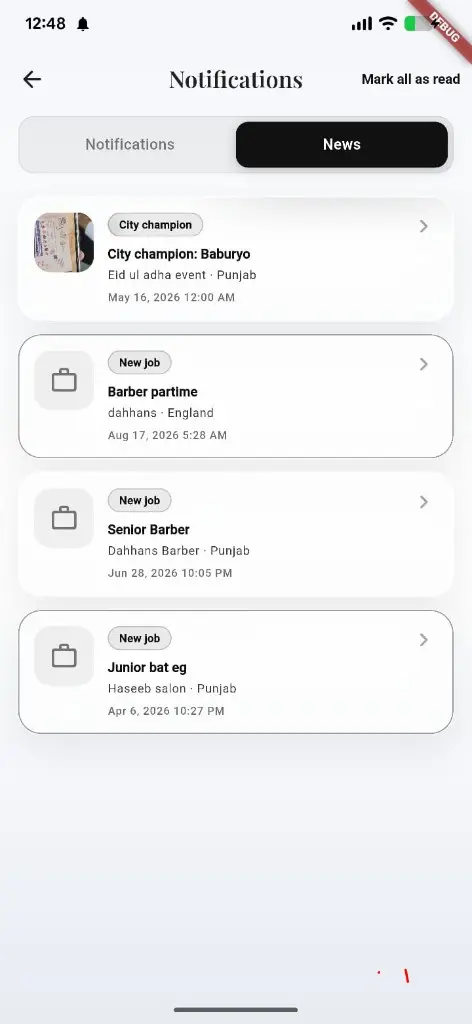
Browse jobs
Filter by role type (full-time, part-time, chair rental, apprentice, etc.).
Next step ↓
About this role and what you get — then apply in one tap.
Open job detail
Read pay, perks, and apply CTA; owners see applicants.
Next step ↓
About this role and what you get — then apply in one tap.
Apply
Submit cover letter / résumé-style application → success screen.
Next step ↓
About this role and what you get — then apply in one tap.
Track My applications
Follow status of what you’ve submitted.
Next step ↓
About this role and what you get — then apply in one tap.
Post a job
Owners create a listing, review/preview, then publish.
Done — you’re live
In the app
Screens that make the feature feel real
Deep capabilities
Everything packed into this feature
Review before publish
Preview the post before it goes live.
Owner applicant view
See who applied from the job detail.
Audience
Who it’s for
Shops hiring chairs and talent; barbers looking for their next seat.
Pro tips
Use it like a pro
- 1
Be specific on chair rental vs employment — it saves mismatched applies.
- 2
Candidates: keep My applications open after you apply.
Keep exploring
Features that connect with jobs board.
Put jobs board to work in your shop
Free for barbers for the first 3 months. Apps coming soon — contact us for early access.